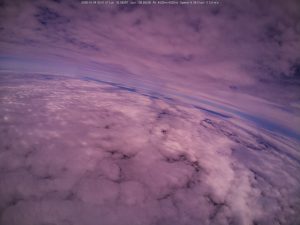
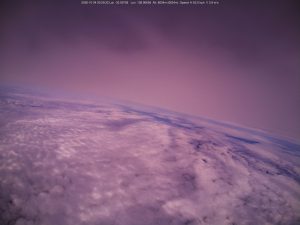
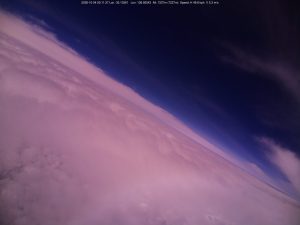
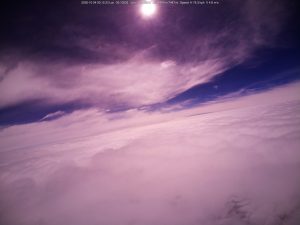
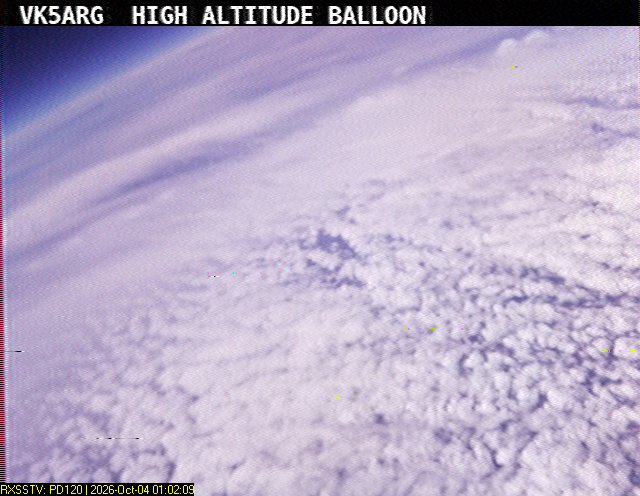
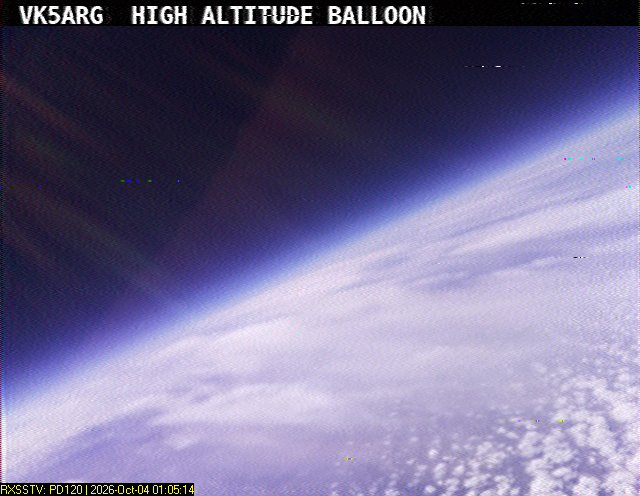
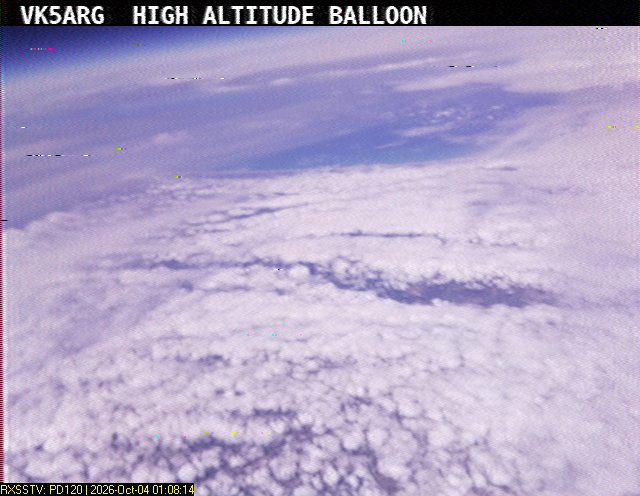
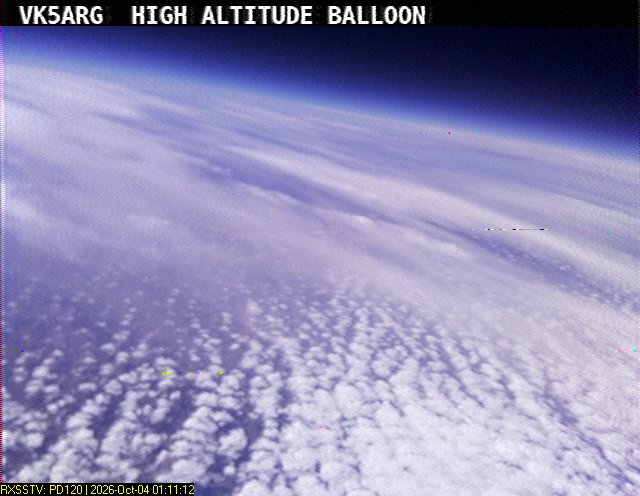
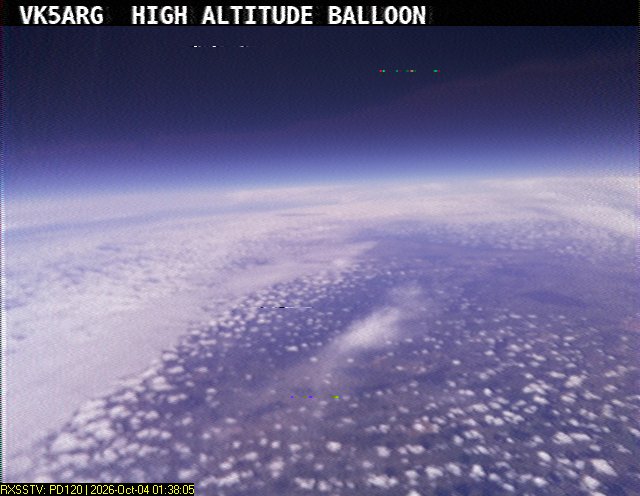
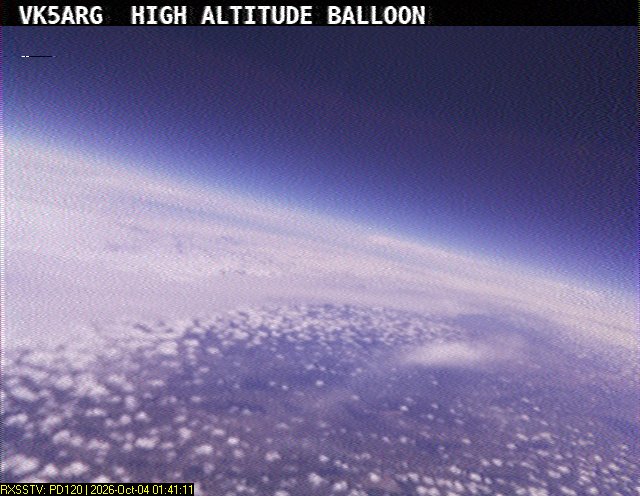
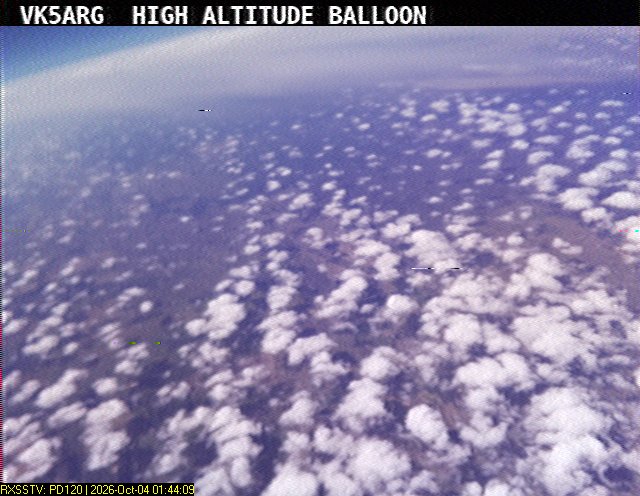
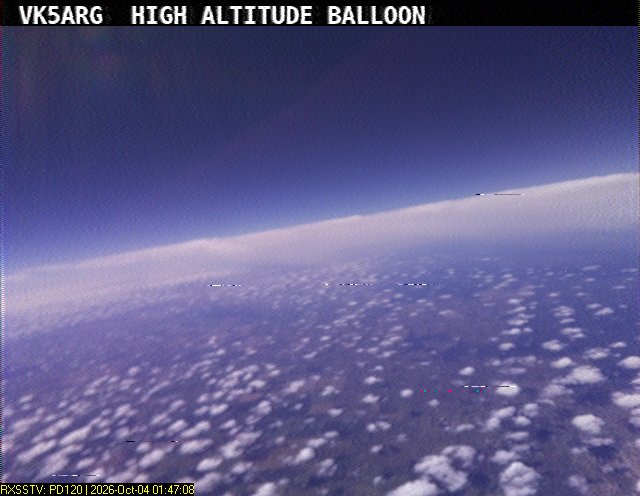
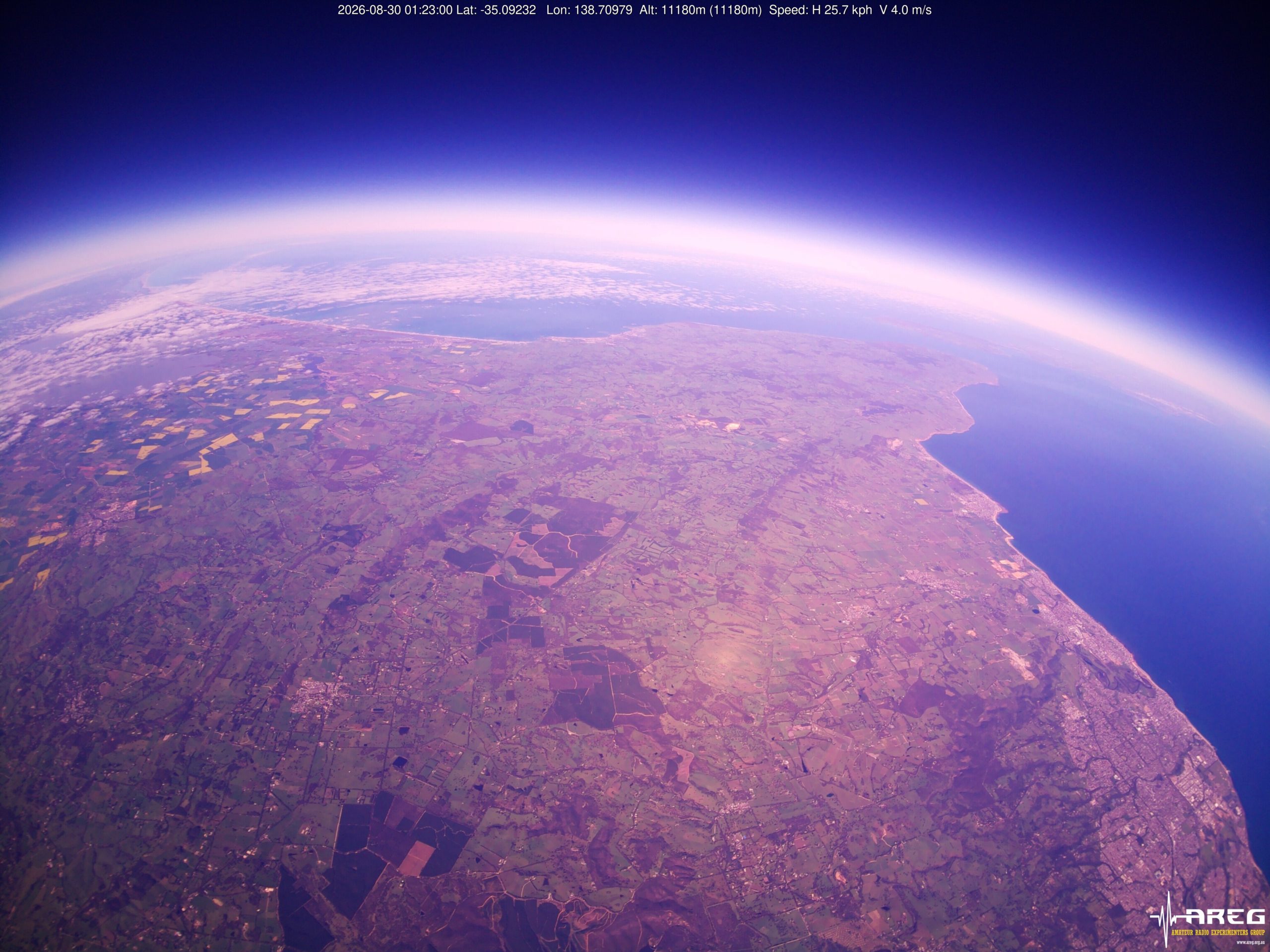
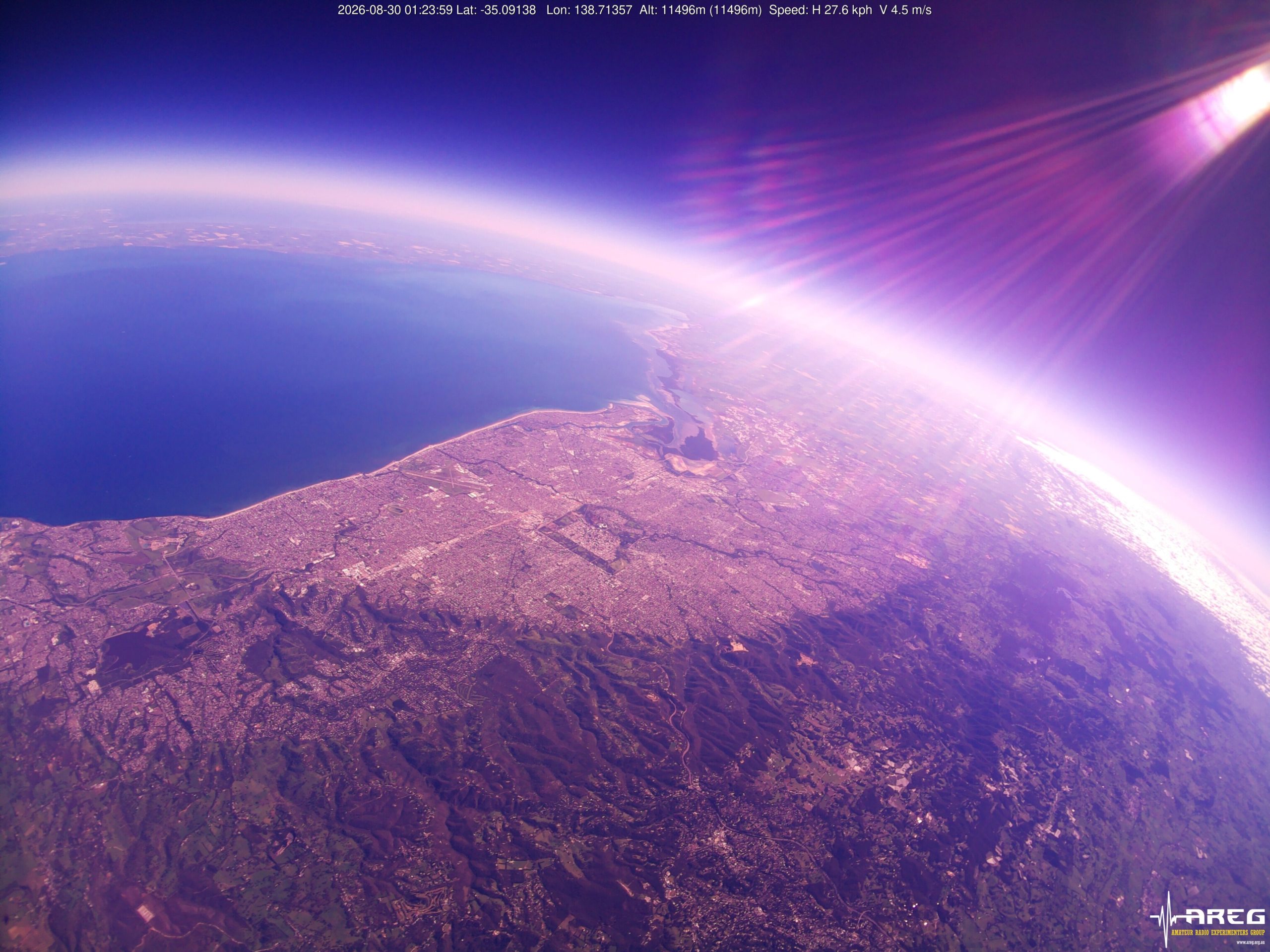
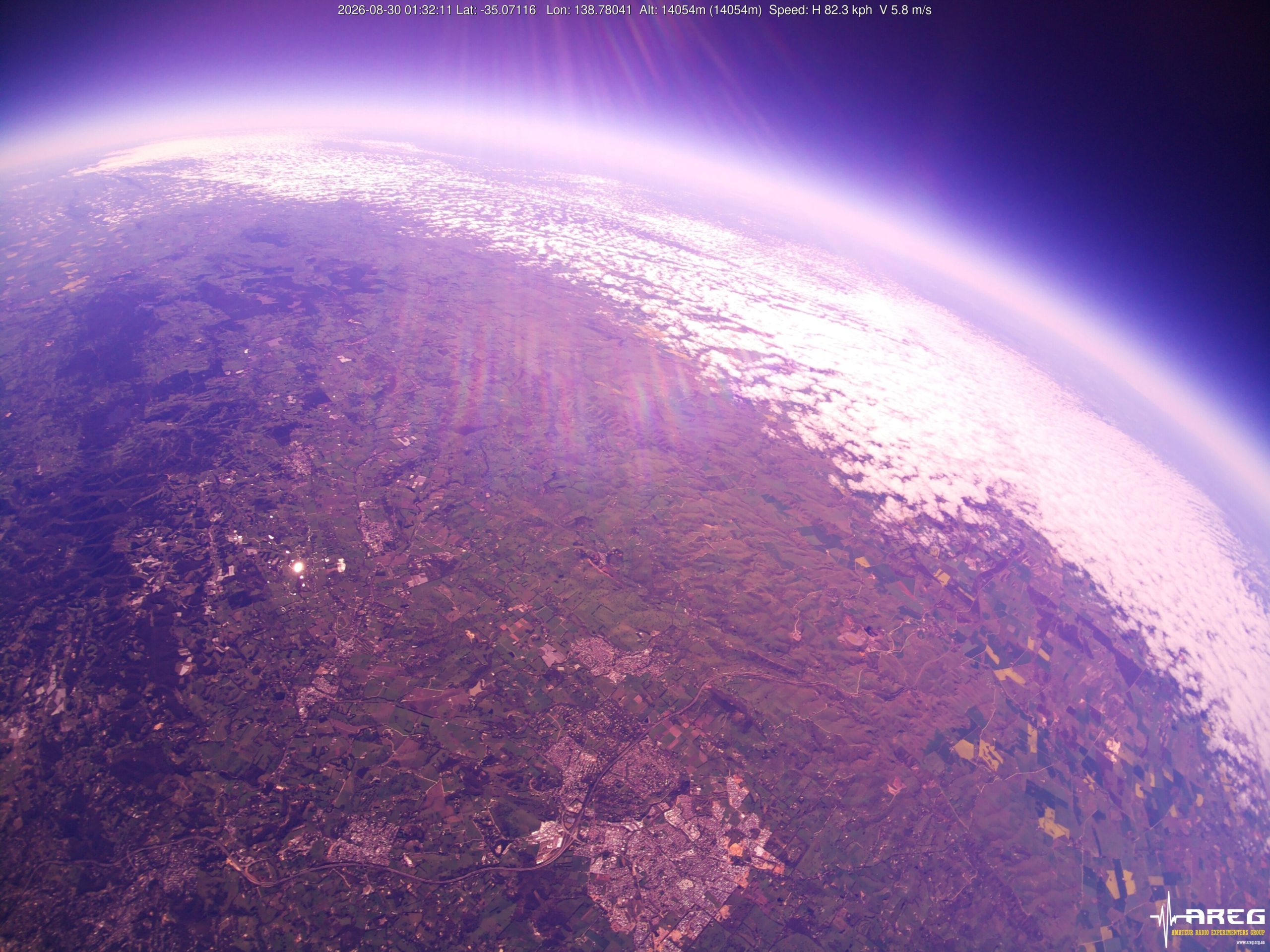
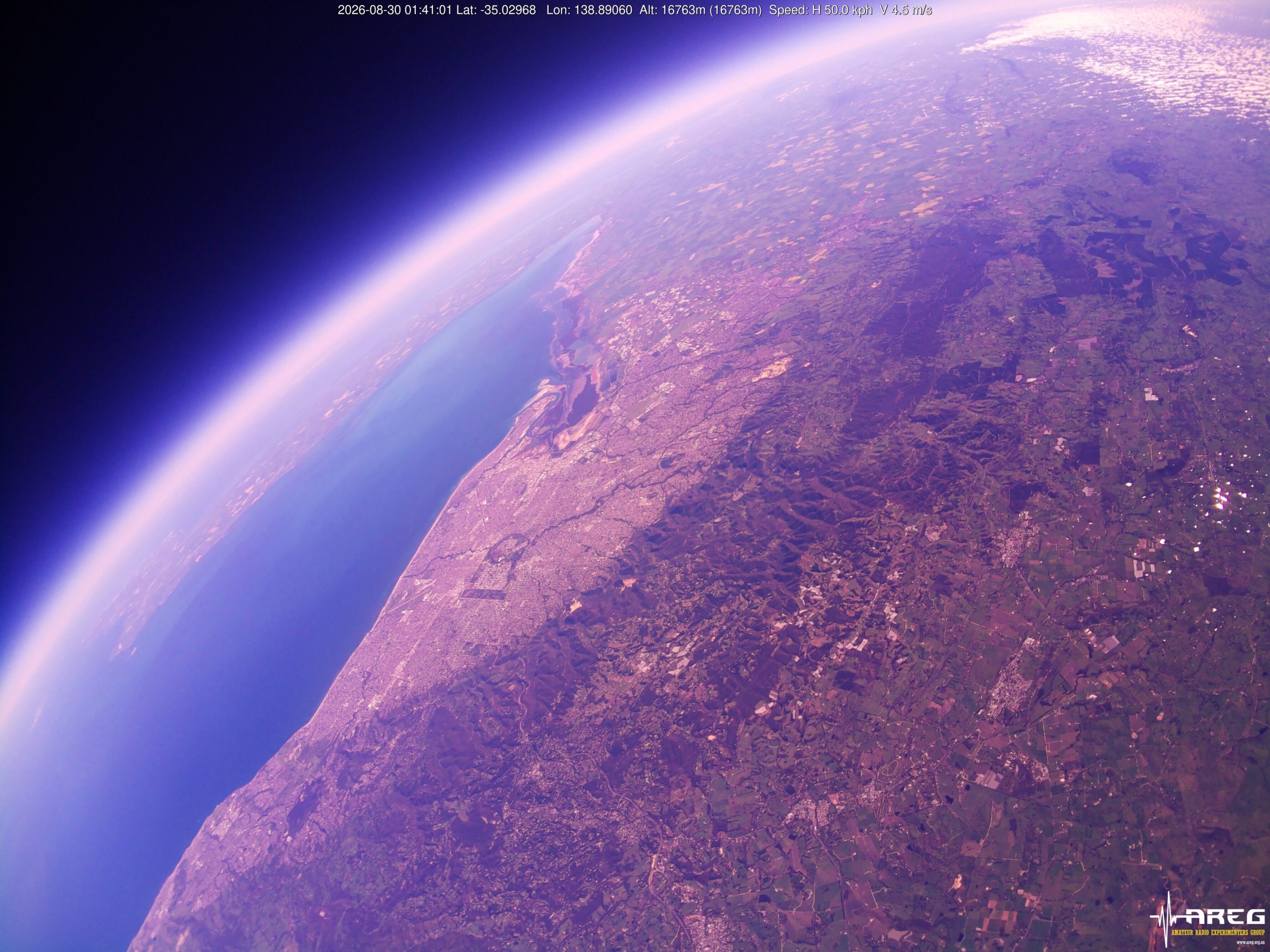
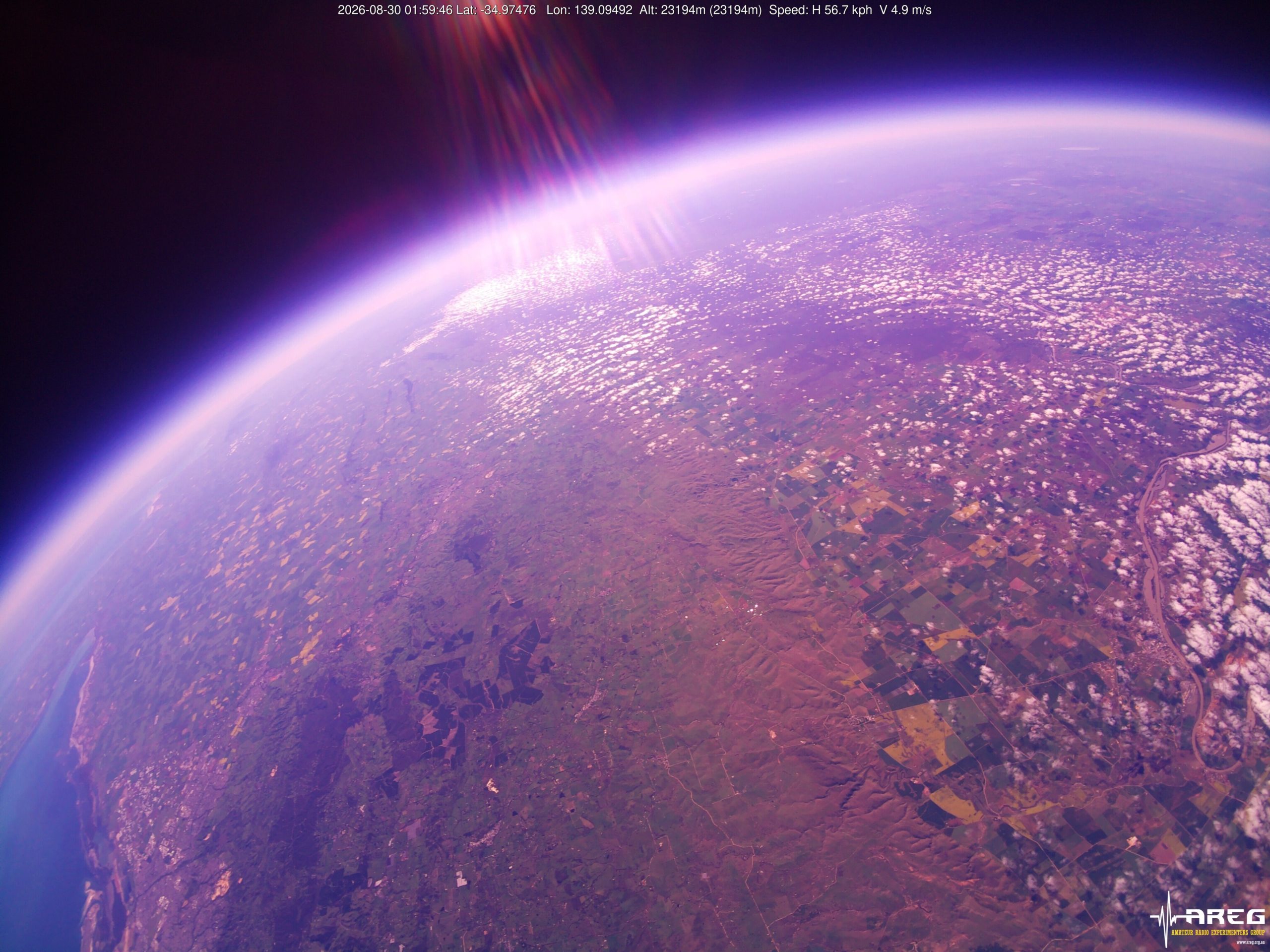
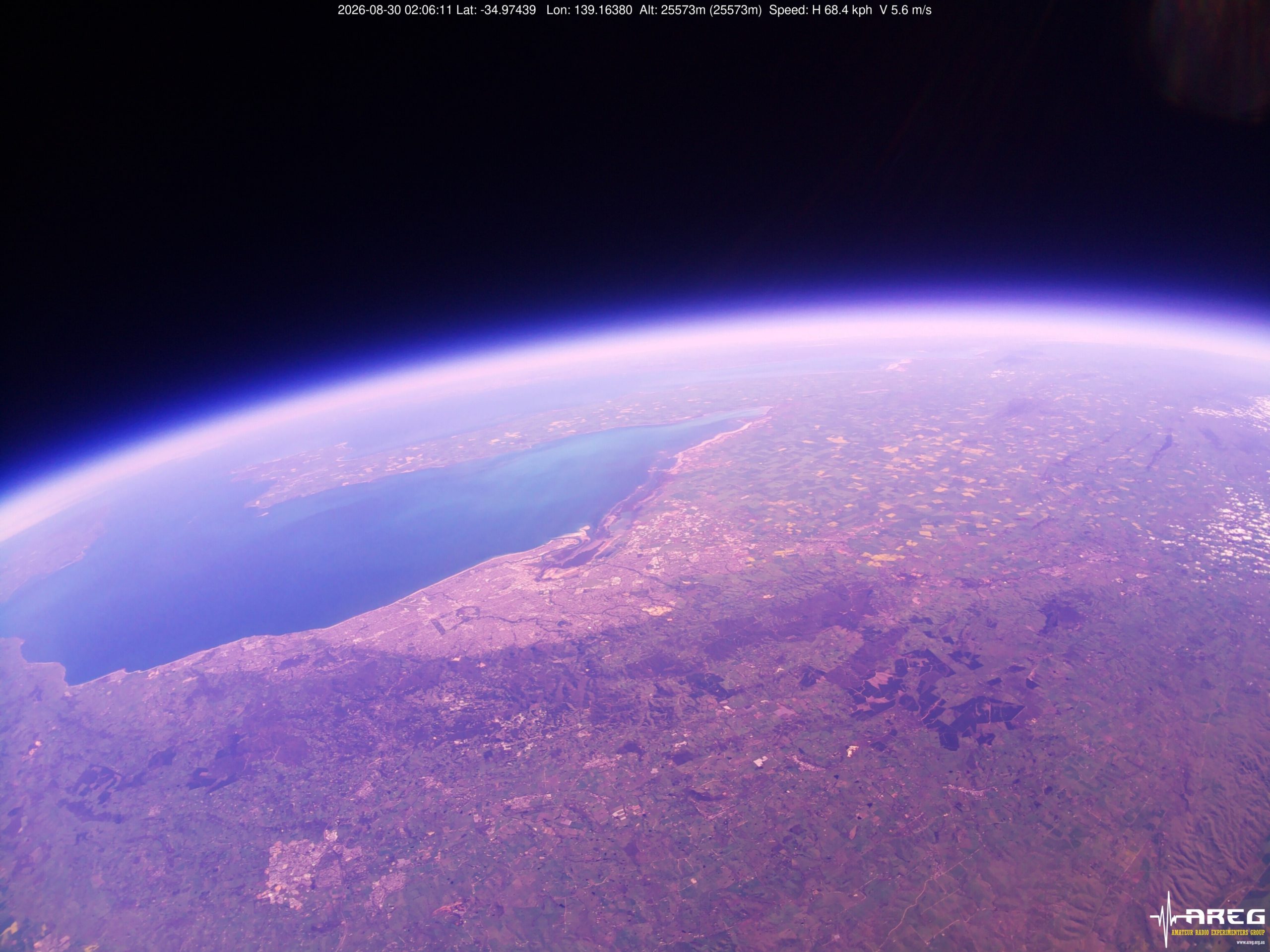
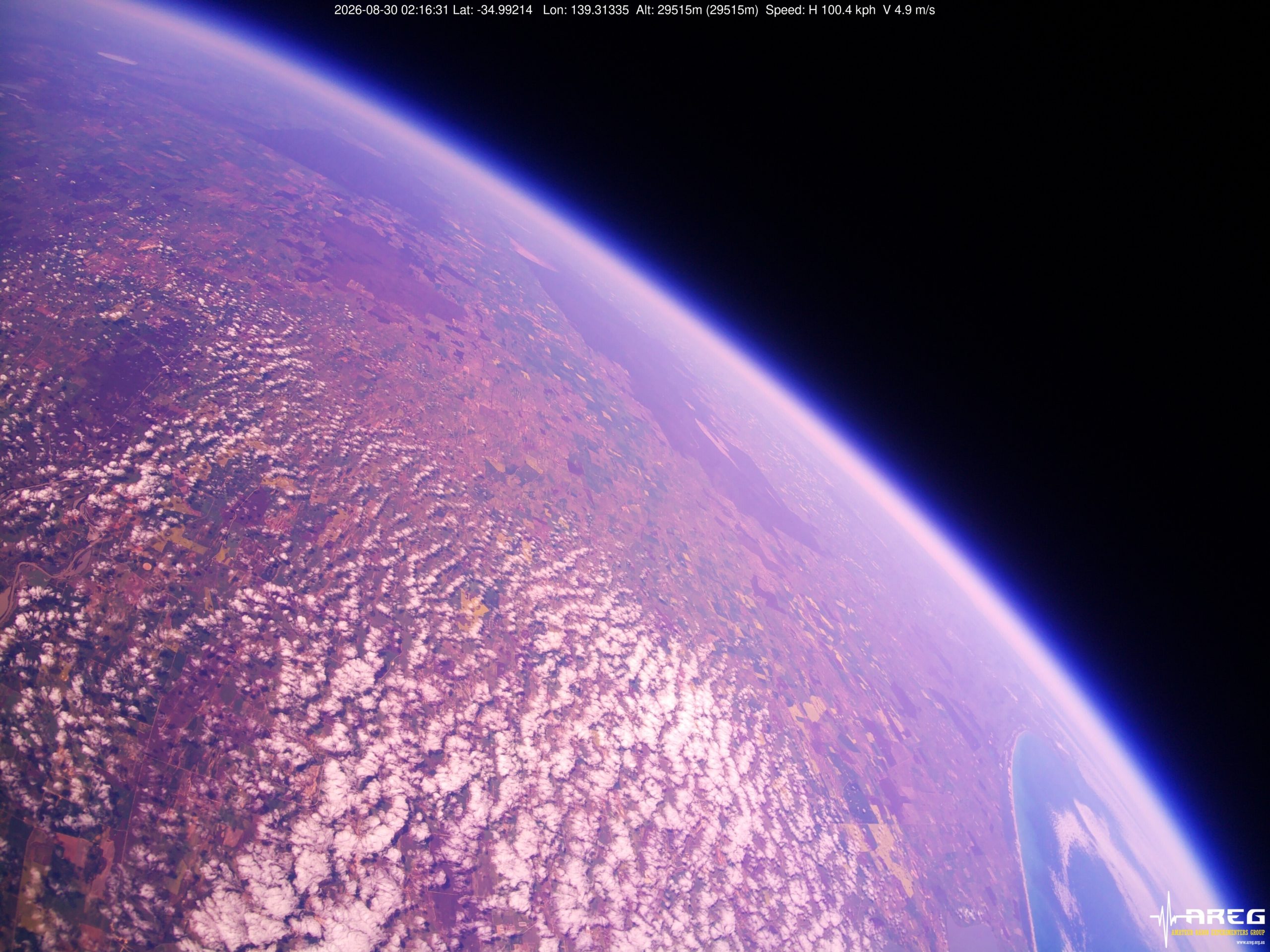
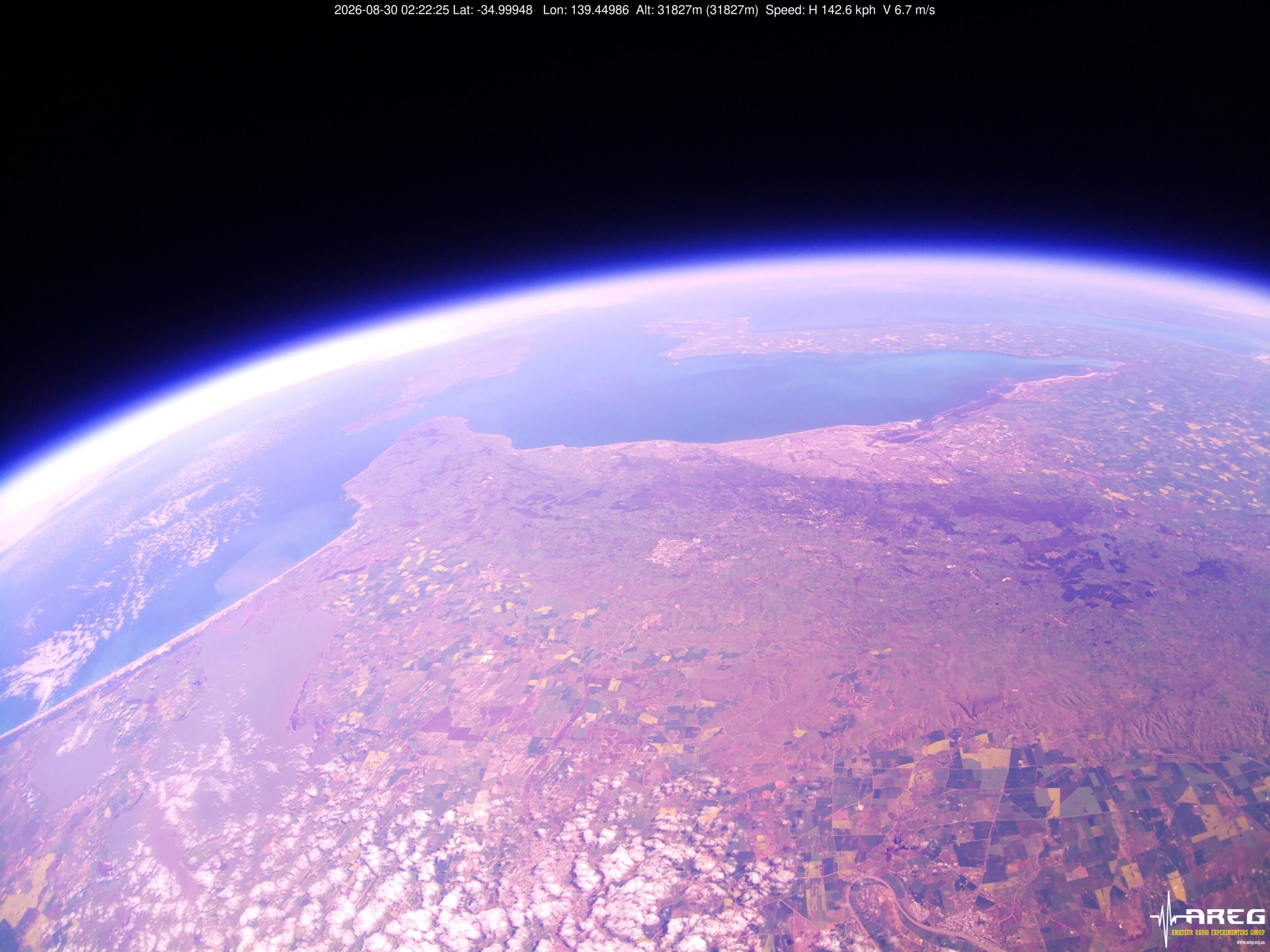
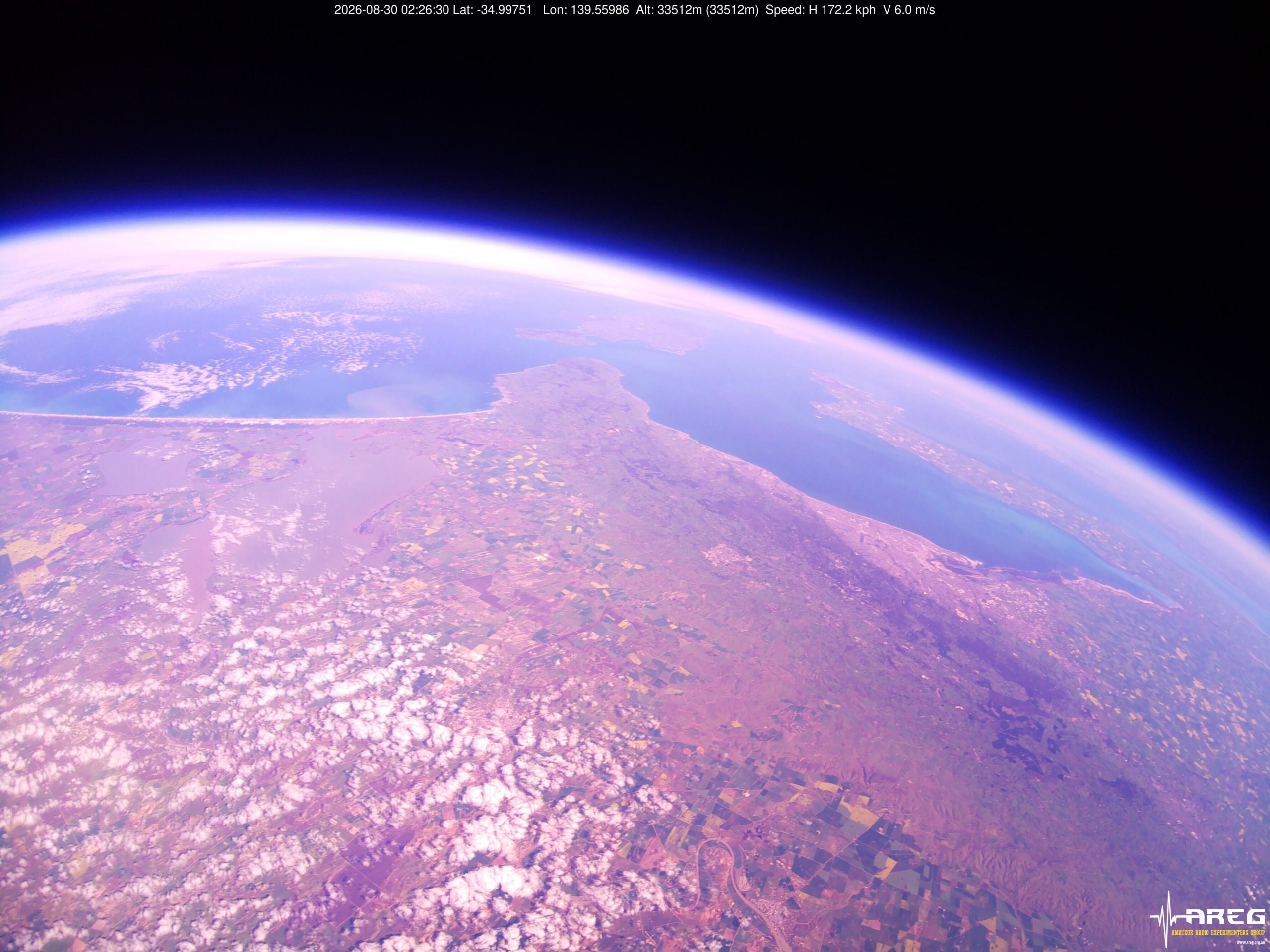
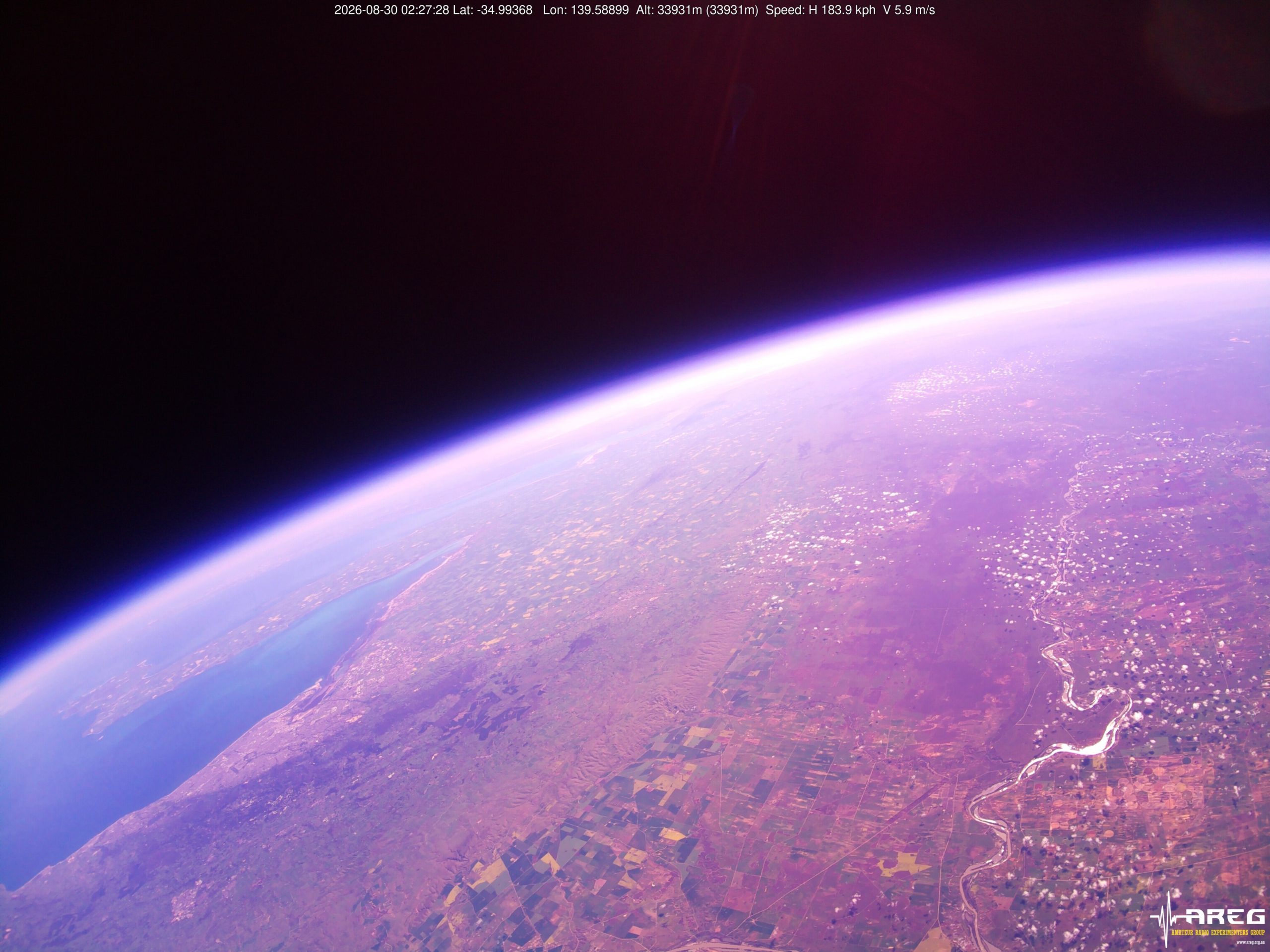
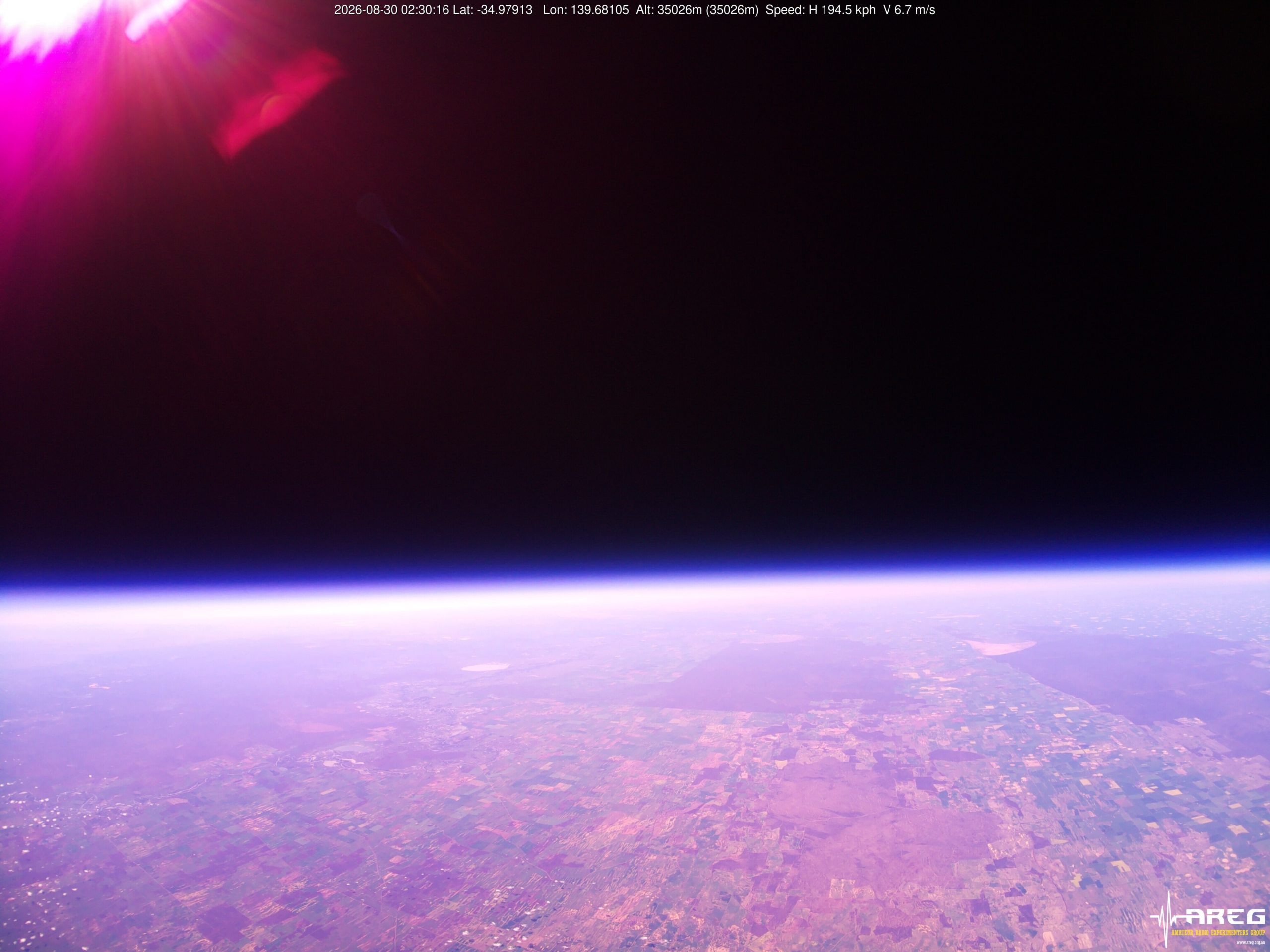
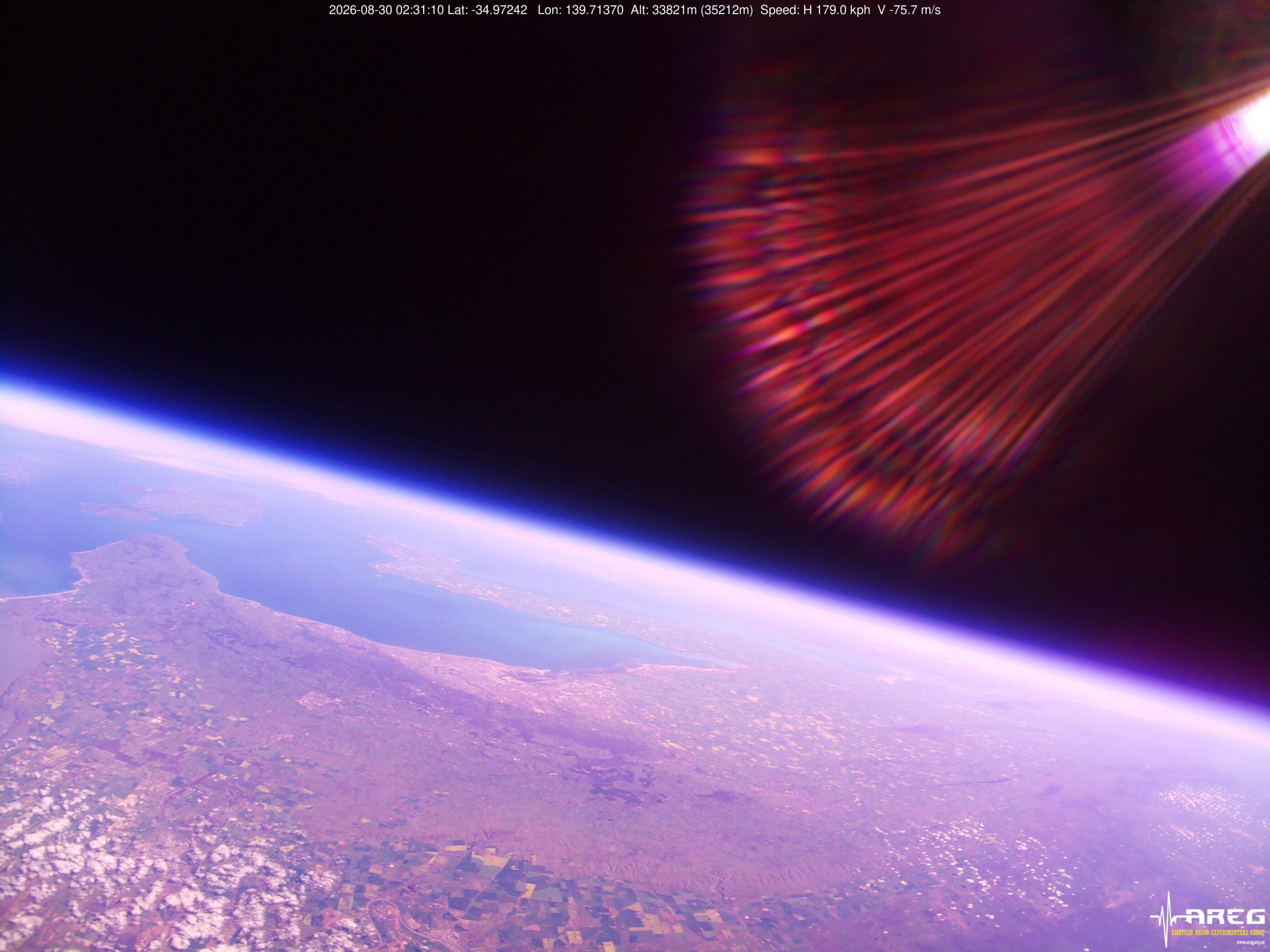
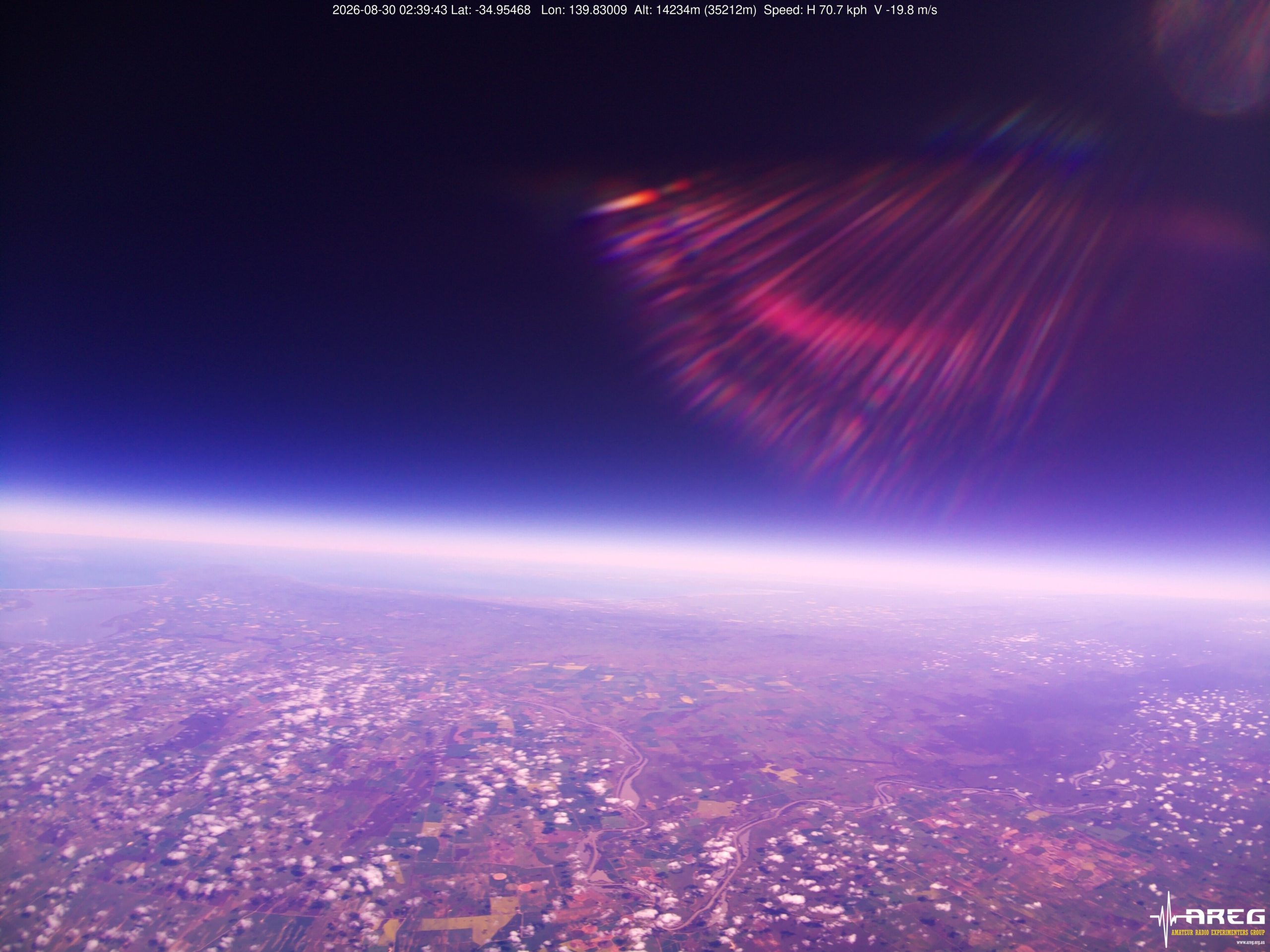
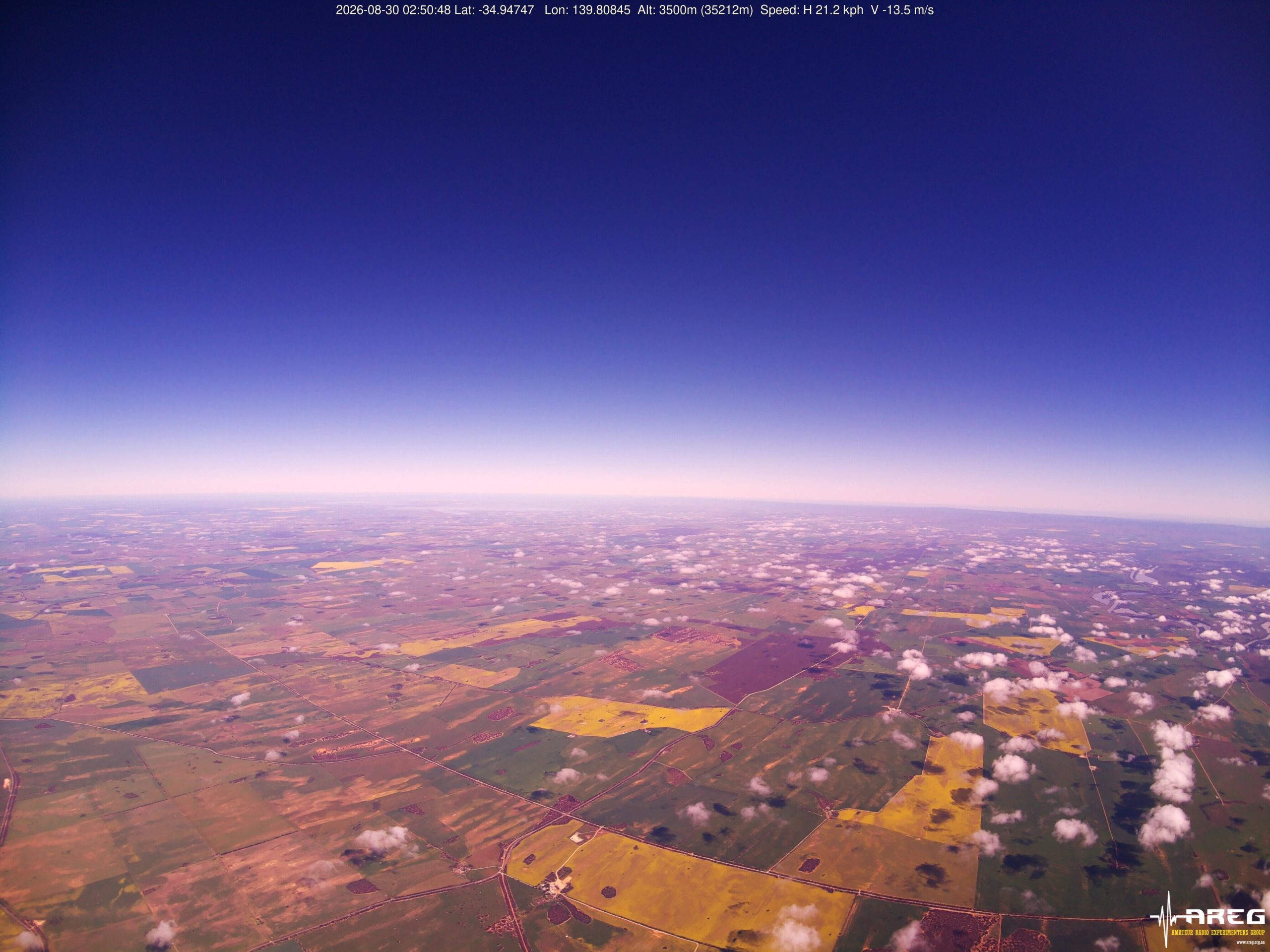
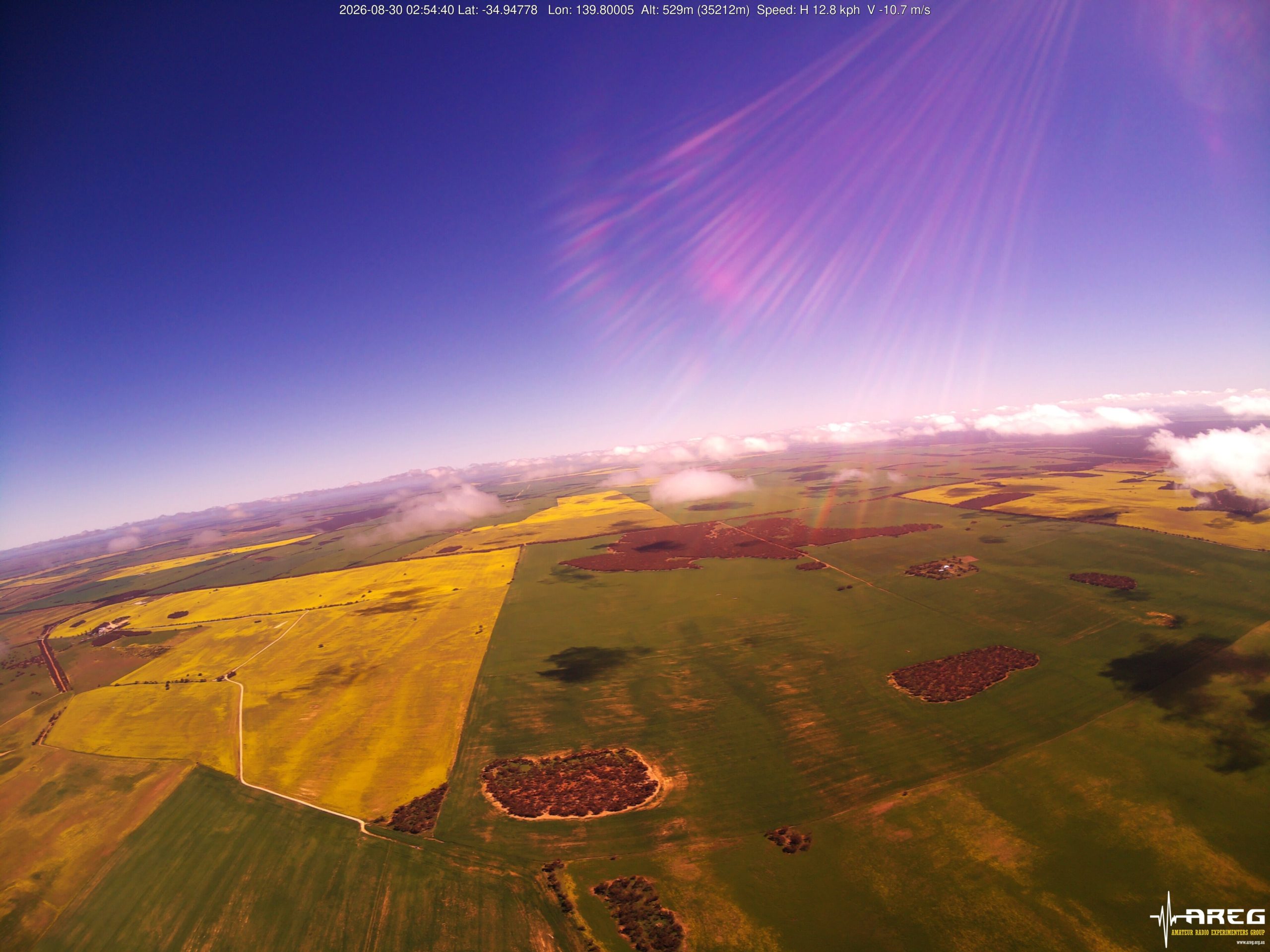
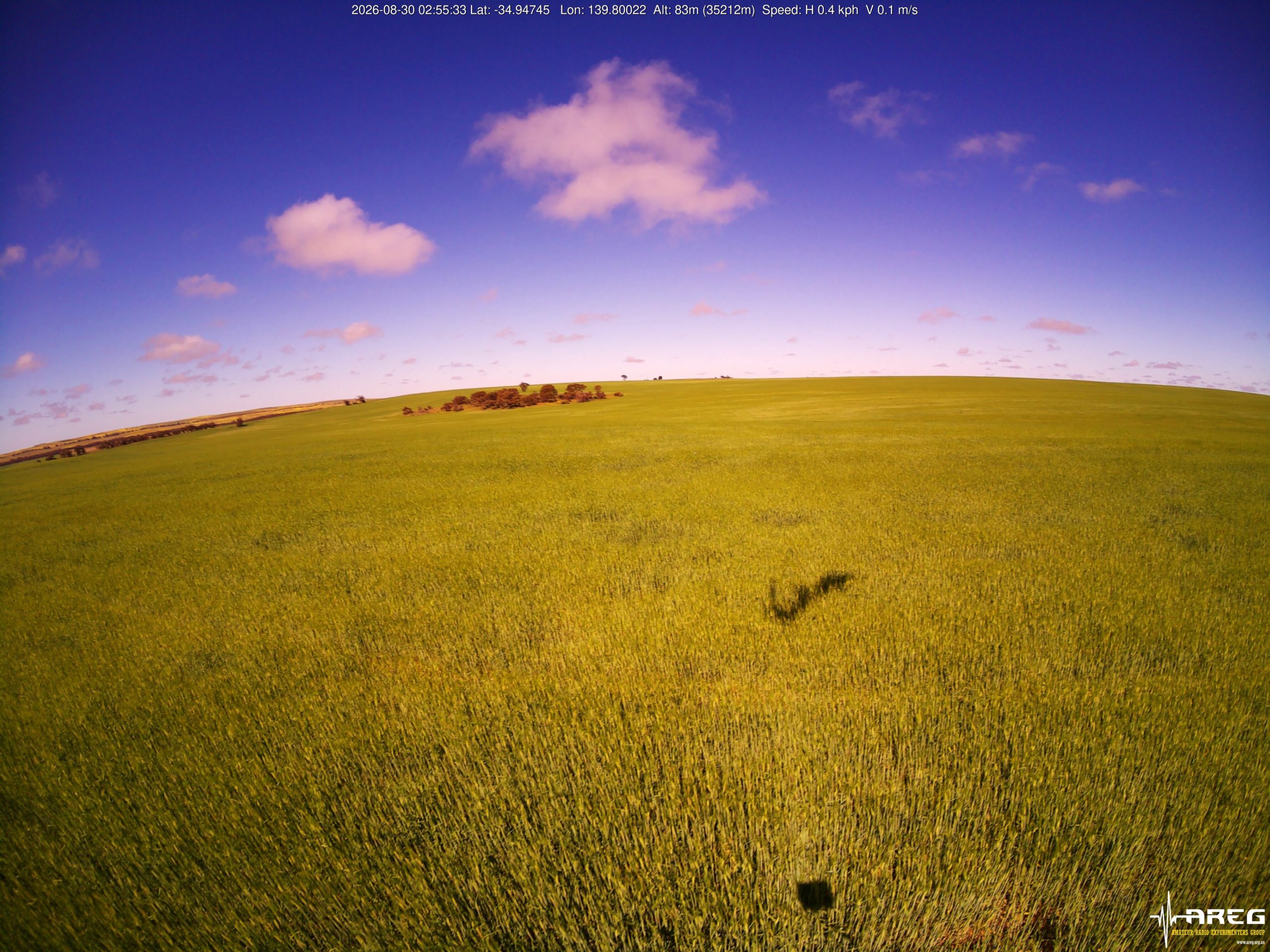
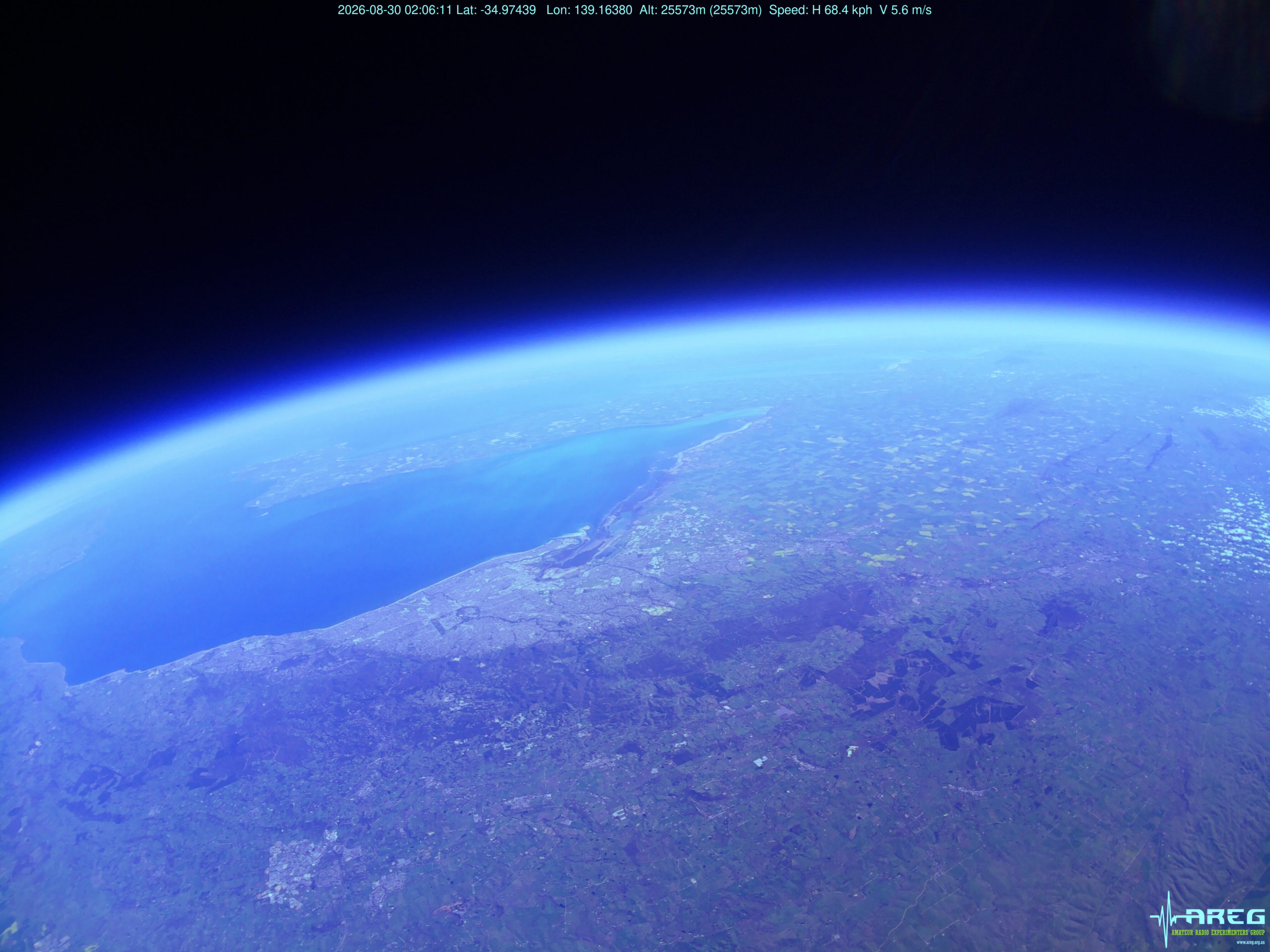
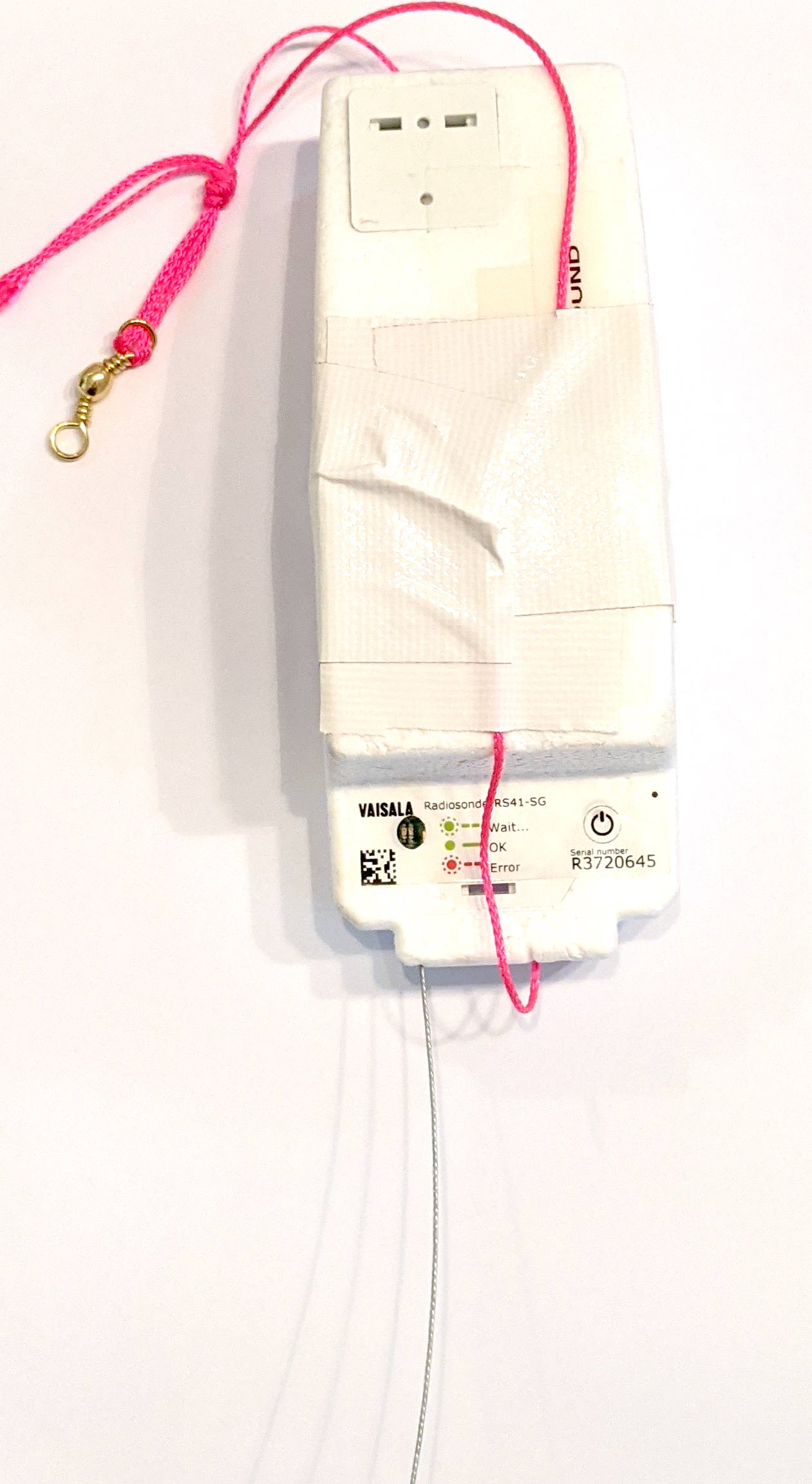
Horus 74 was launched on the 30th of August 2026, and was the long awaited re-flight of our popular cross-band amateur radio repeater! We last flew this in December 2024 with great success, and while we had intended to fly it in 2025, a launch failure kept it on the ground.
This flight also had a Wenet imagery payload trialling a new high-quality camera module, and a MeshCore payload experiment, aiming to relay text messages between South Australia, Victoria, and New South Wales.
This flight reached an altitude of 35210m, and was recovered in a paddock north of Karoonda. All the payloads performed well, with many contacts on the crossband repeater, amazing photos from the Wenet payload, and packets relayed interstate via MeshCore!
Launch, Chase & Recovery
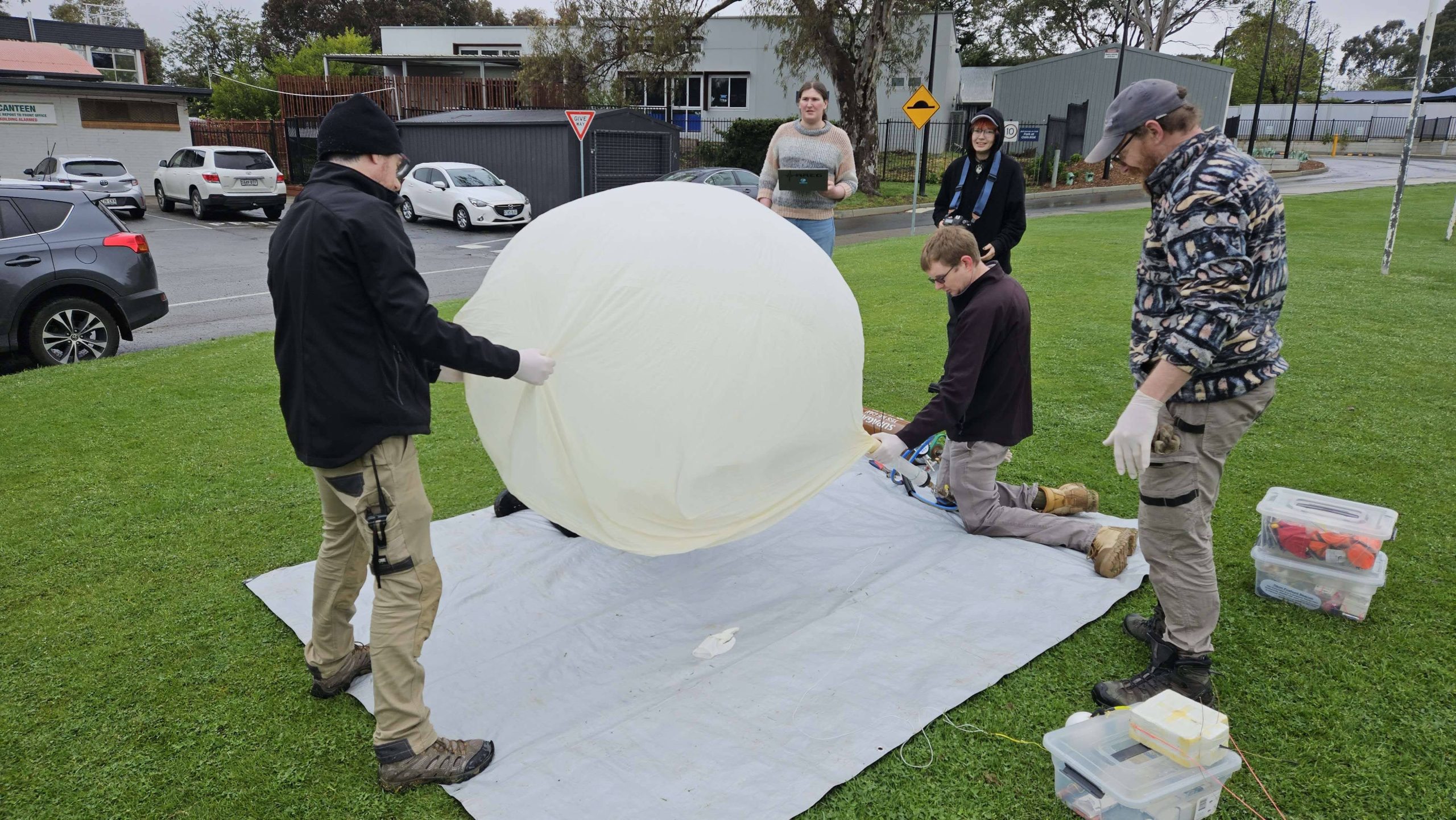
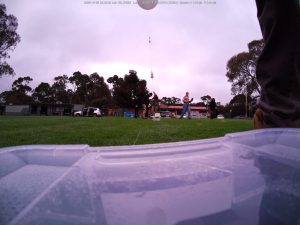
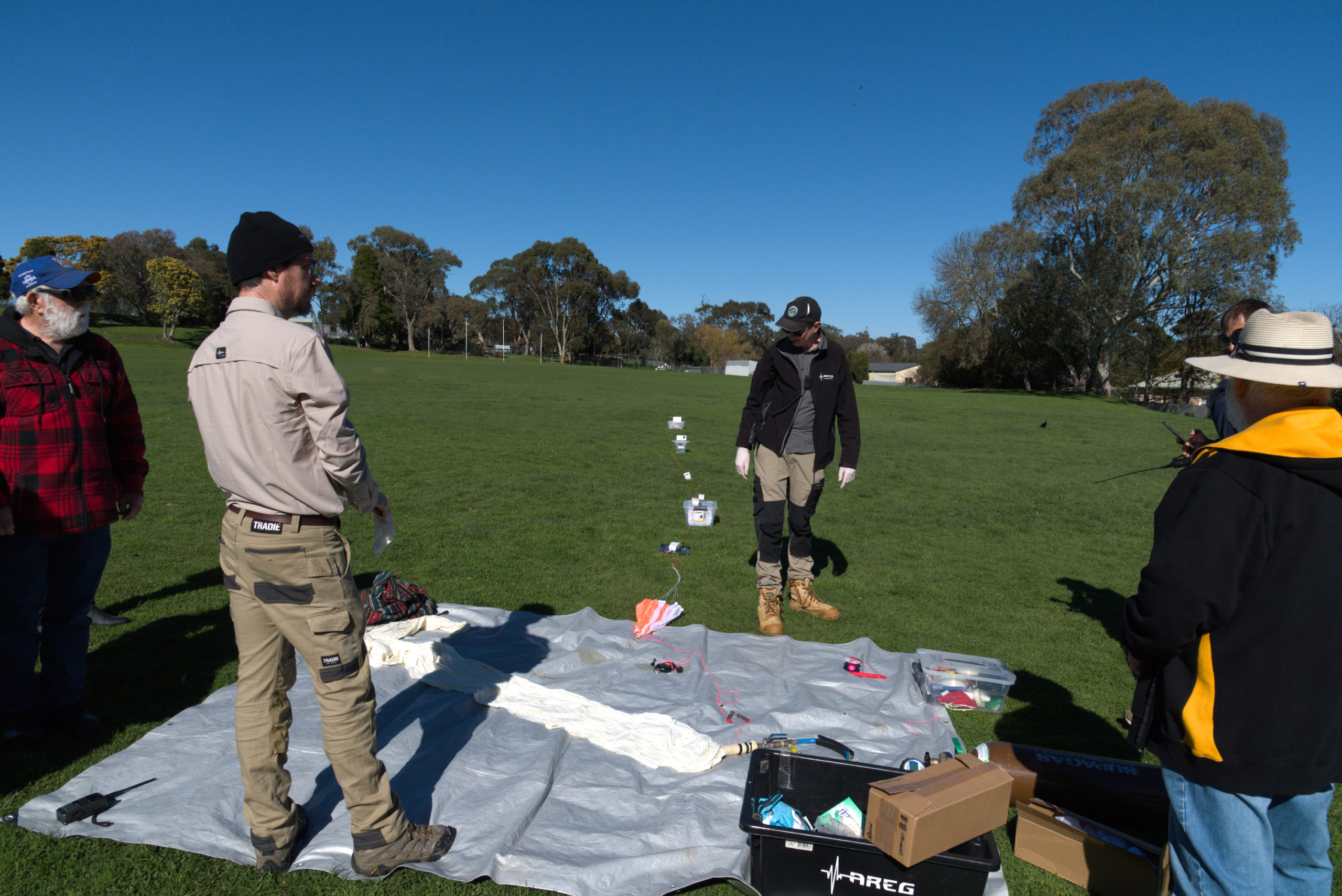
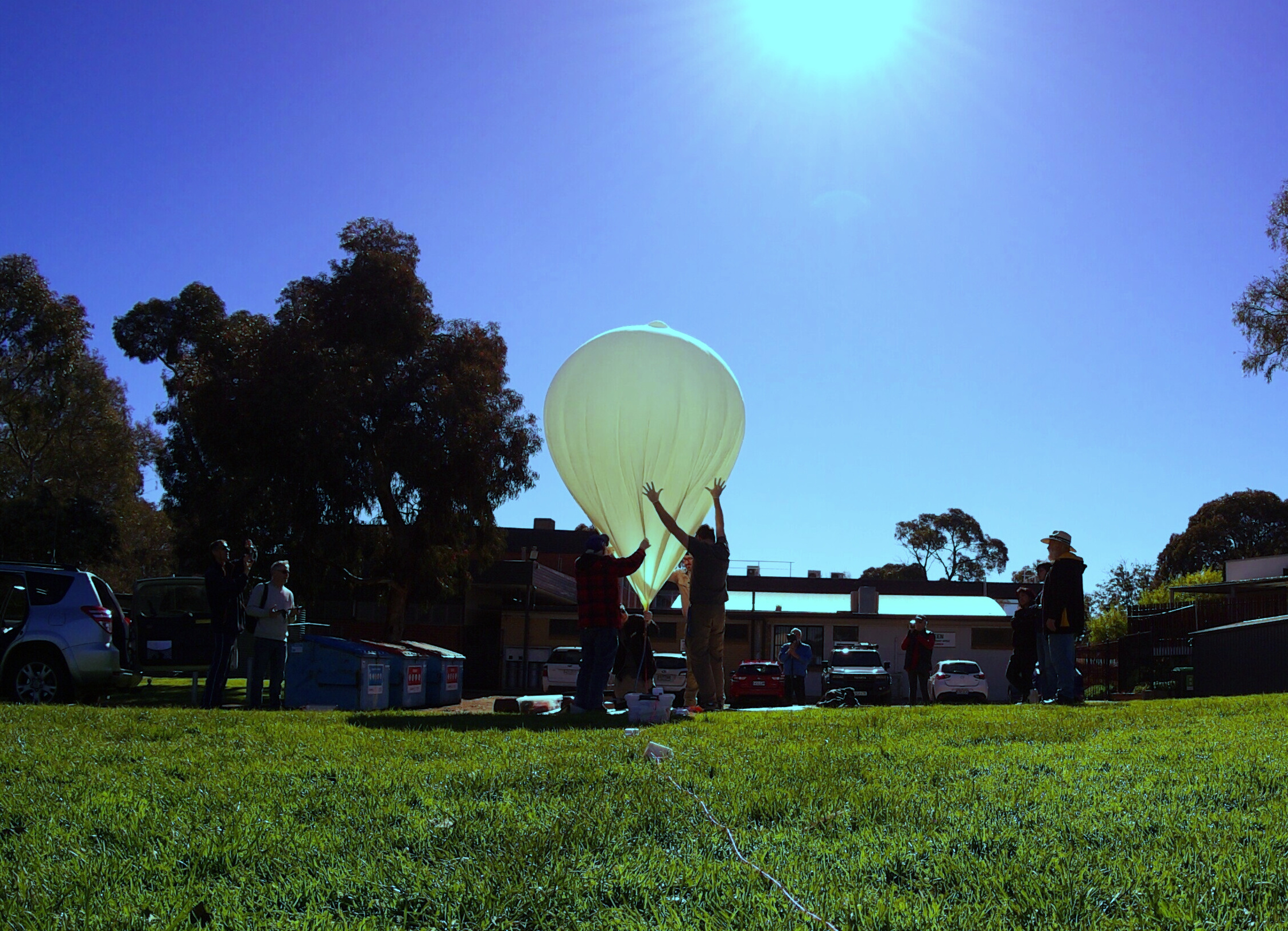
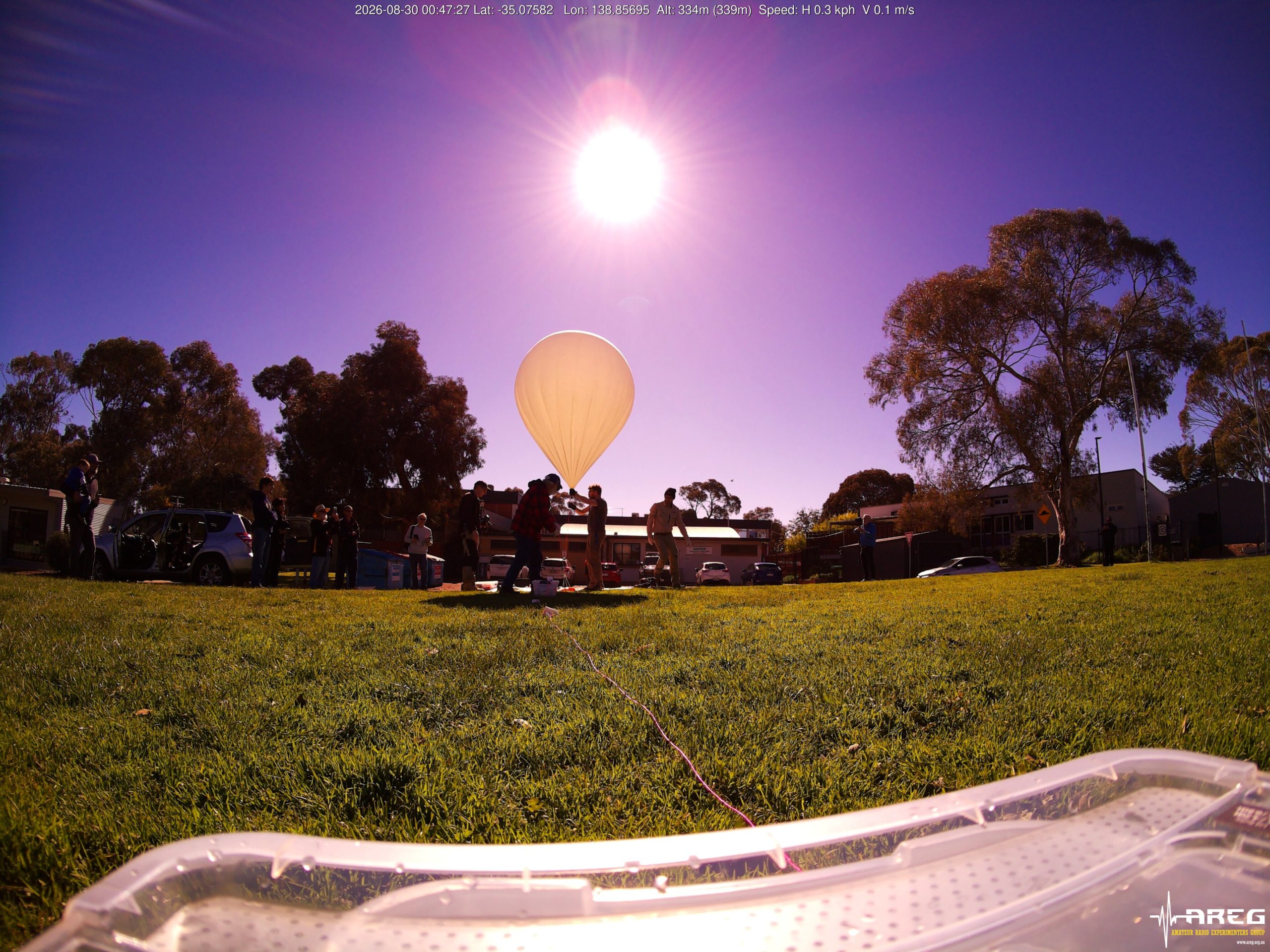
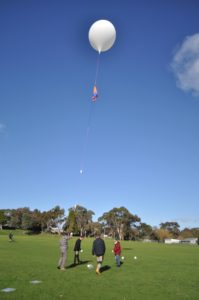
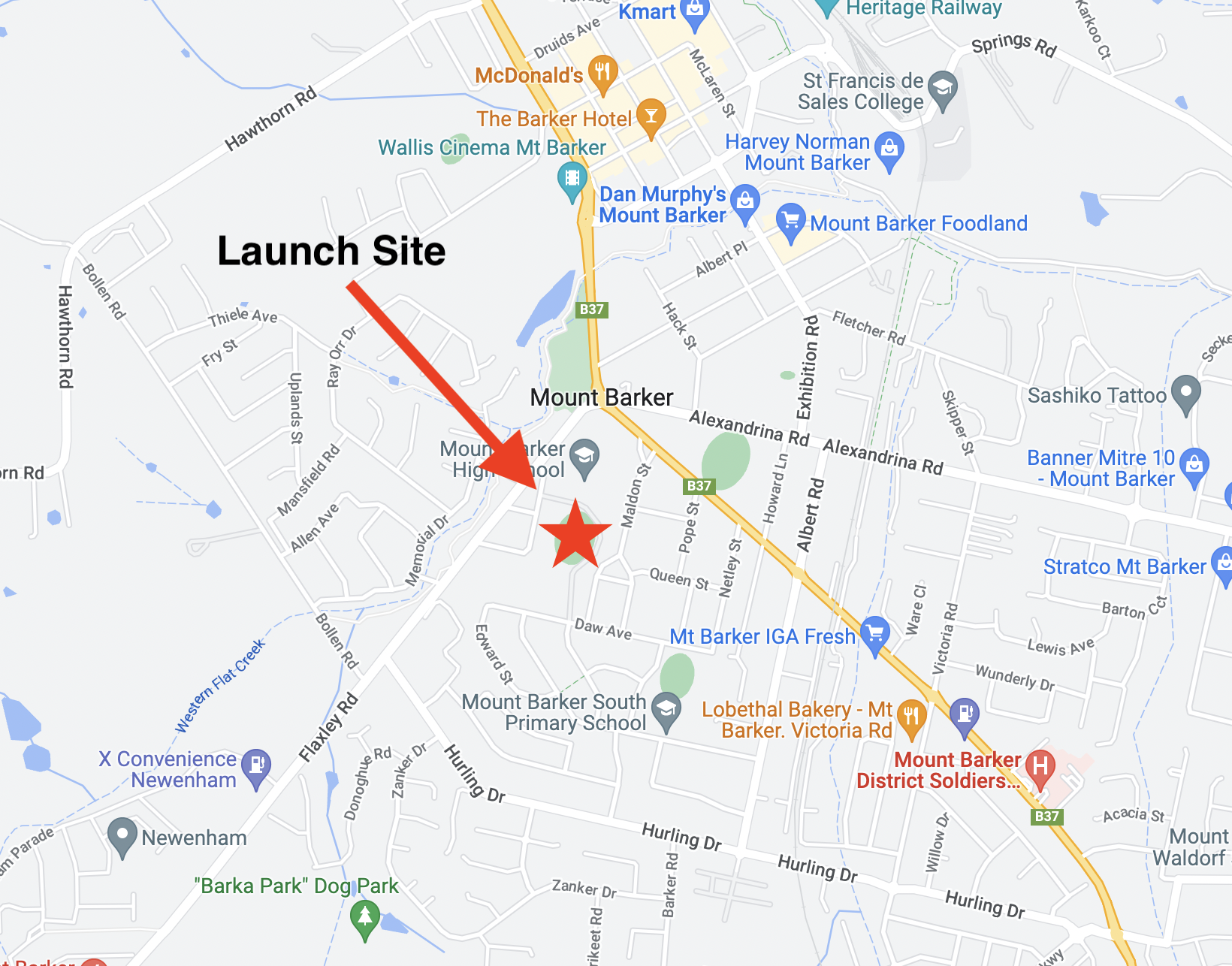
Weather at the Mt Barker launch site was pretty much perfect. Clear skies, lots of helping hands and almost no wind made filling the Hwoyee 1600g balloon easy. It was great to see a few new faces at the launch site too!
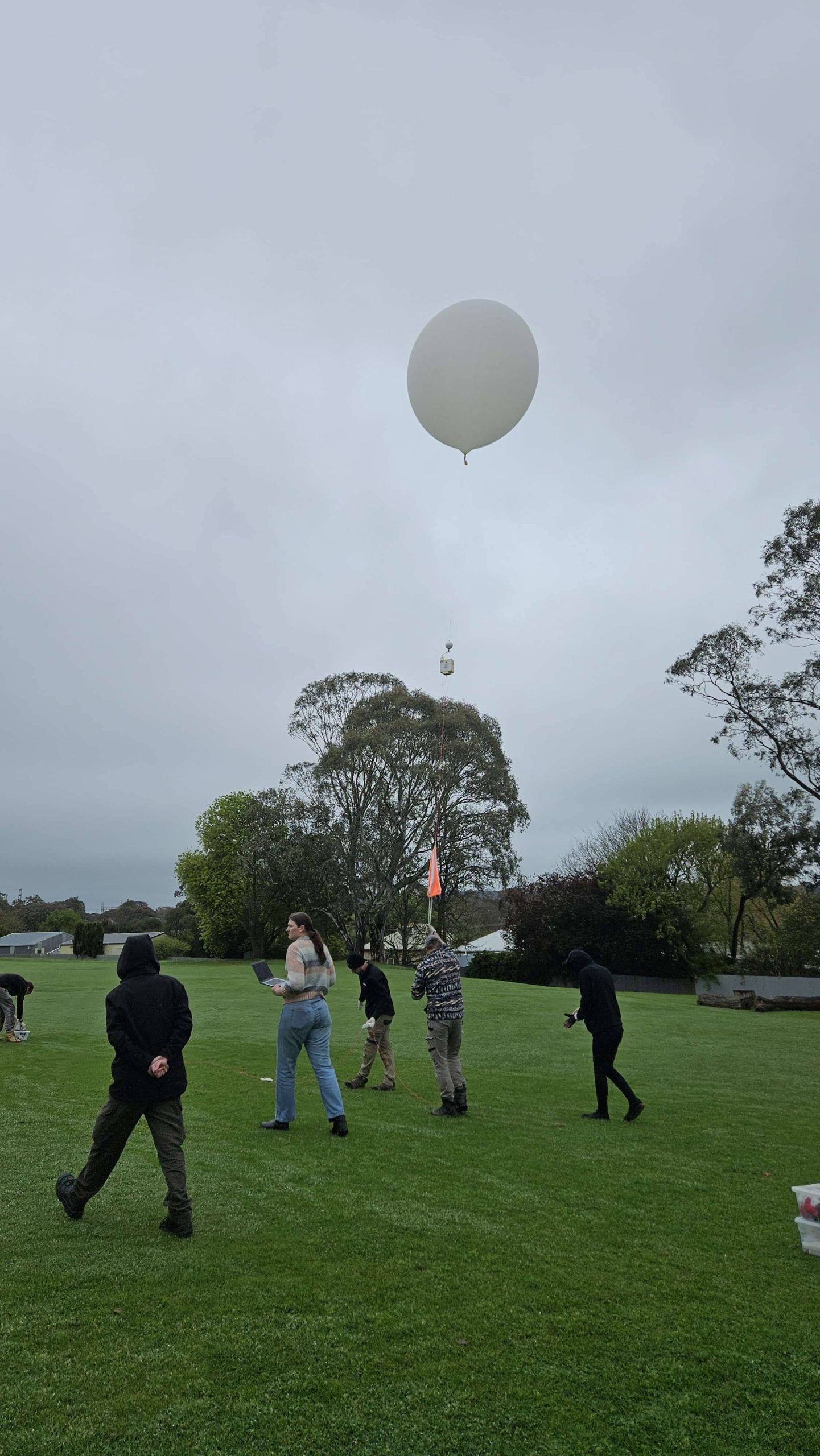
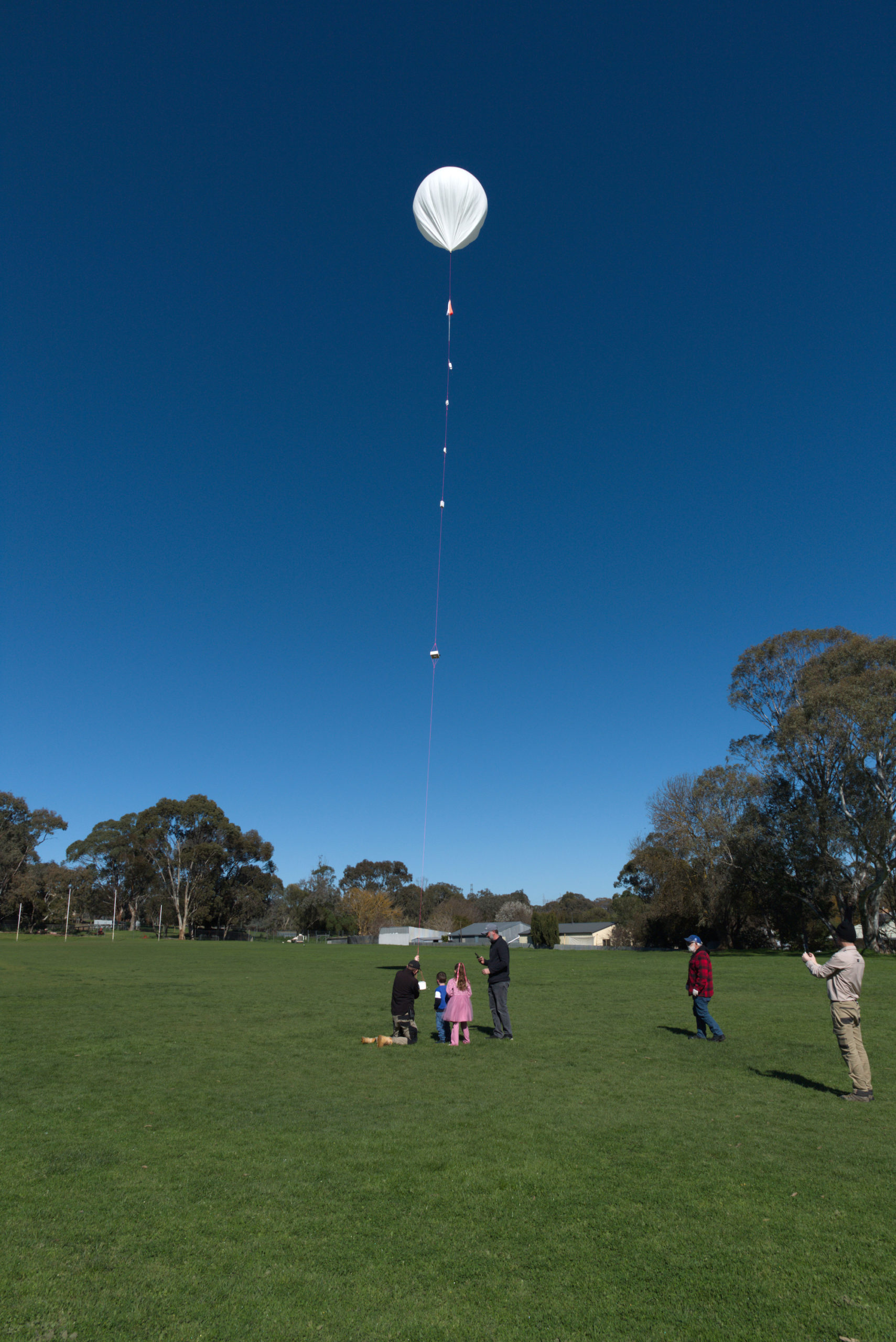
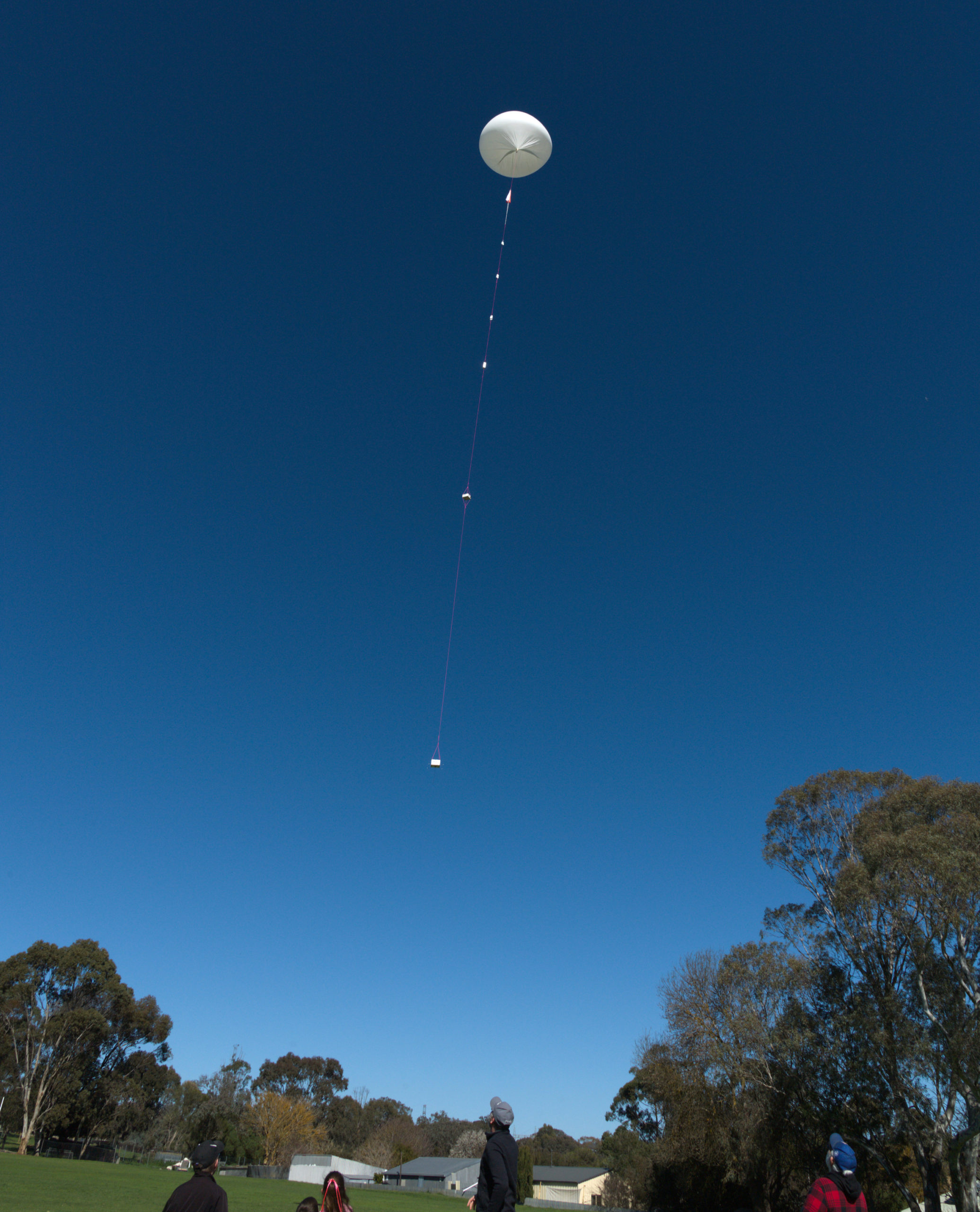
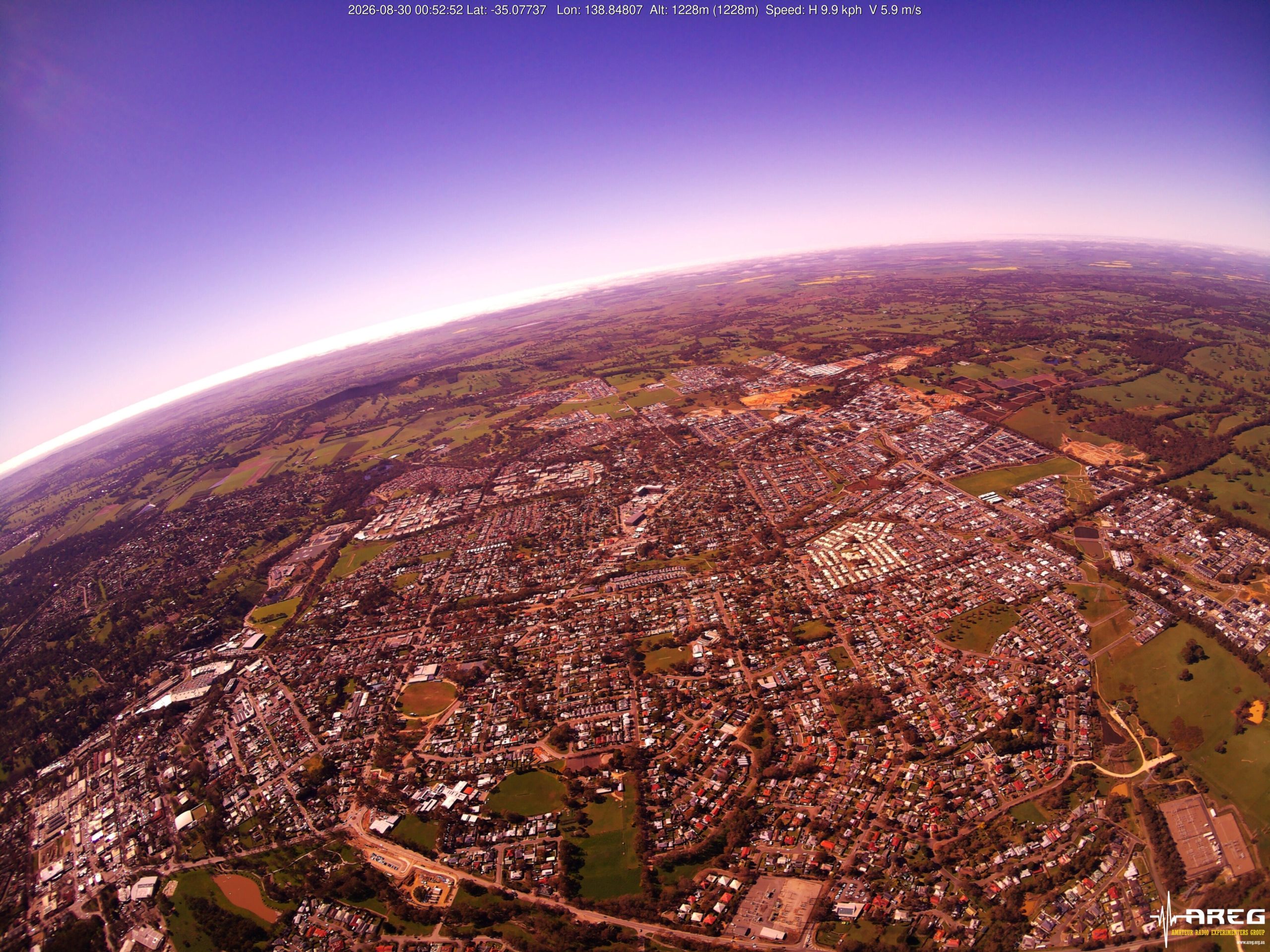
The launch itself headed almost straight up, with the flight hovering around the Mt Barker area for quite some time, resulting in some excellent photos, as seen later in this post.
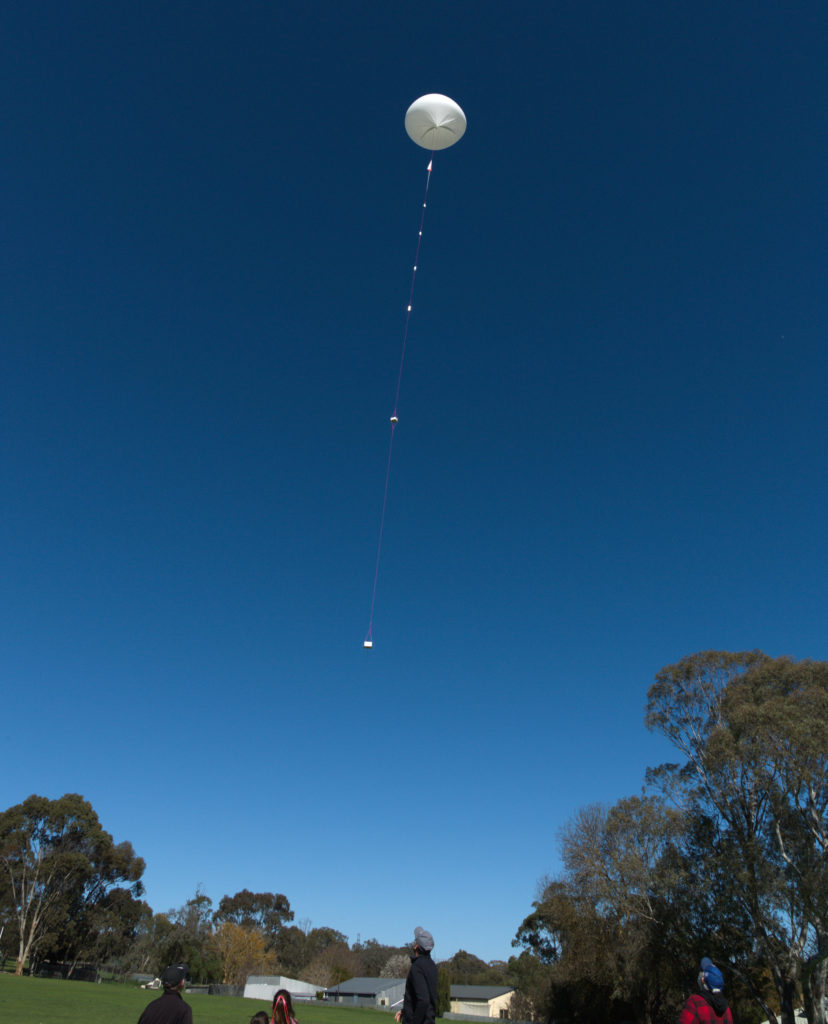
Horus 74 Launch!
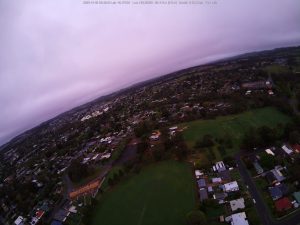
Just after launch the cross-band repeater came into range of net control VK5ARG (run by Grant VK5GR), and the contacts begun. We also started to see some excellent imagery from the Wenet camera, with some great photos of Adelaide captured not long after launch.
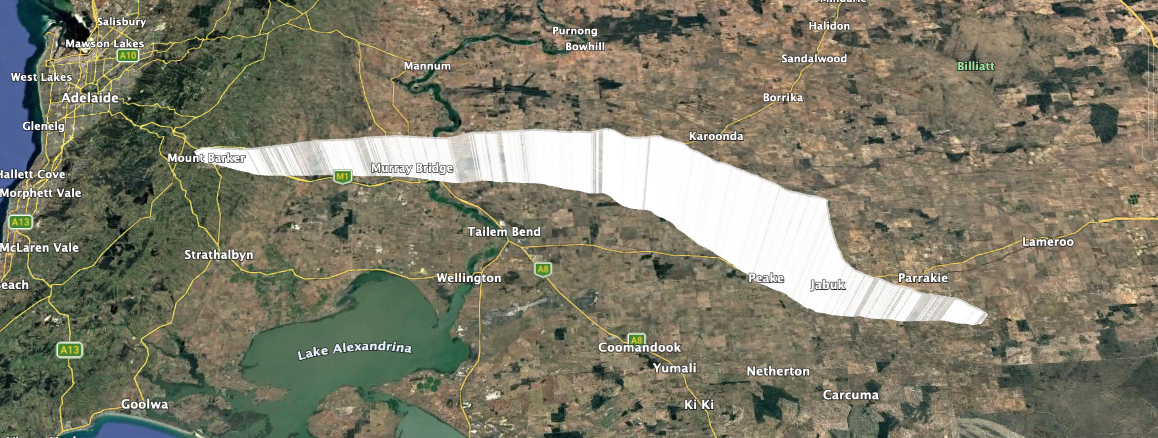
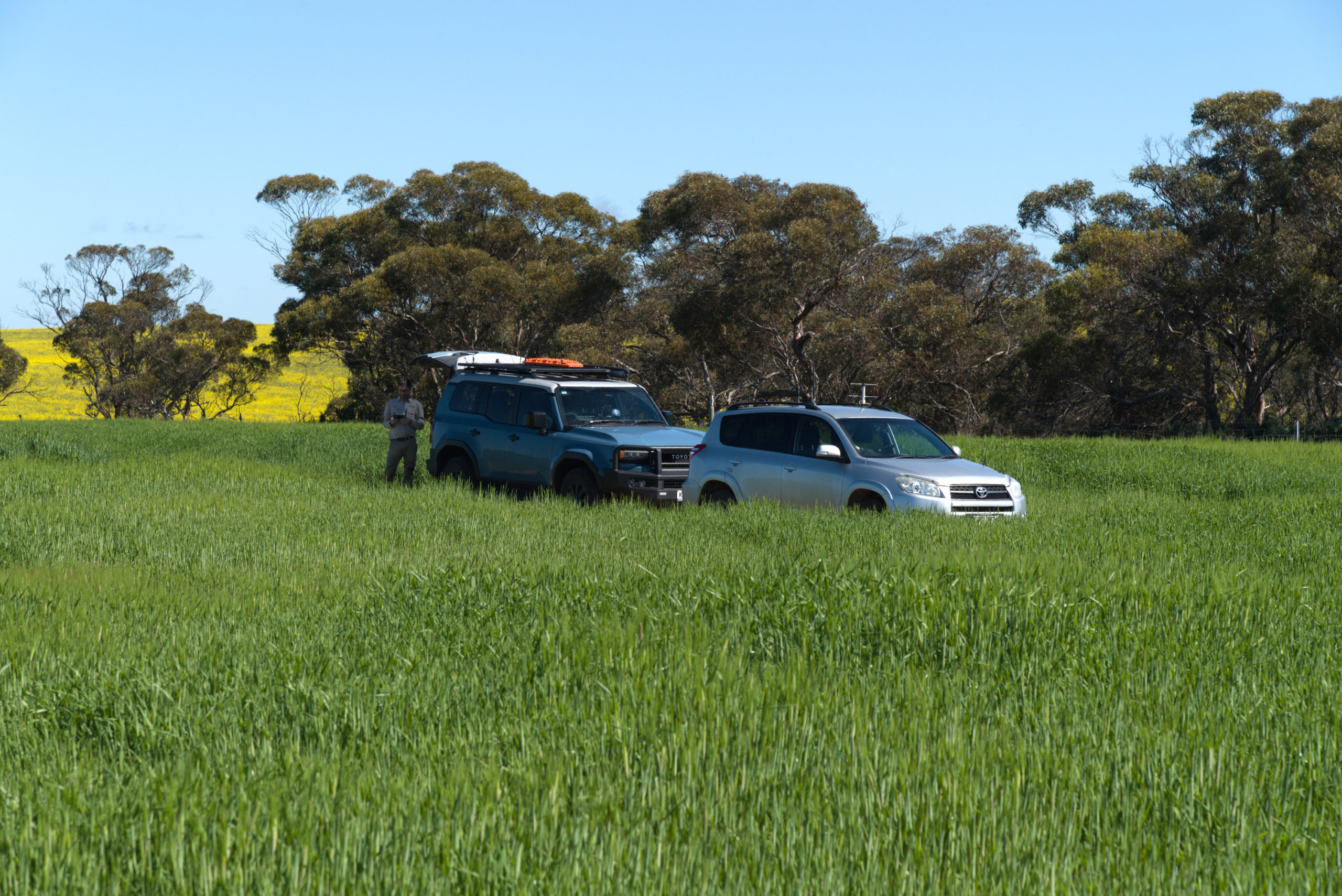
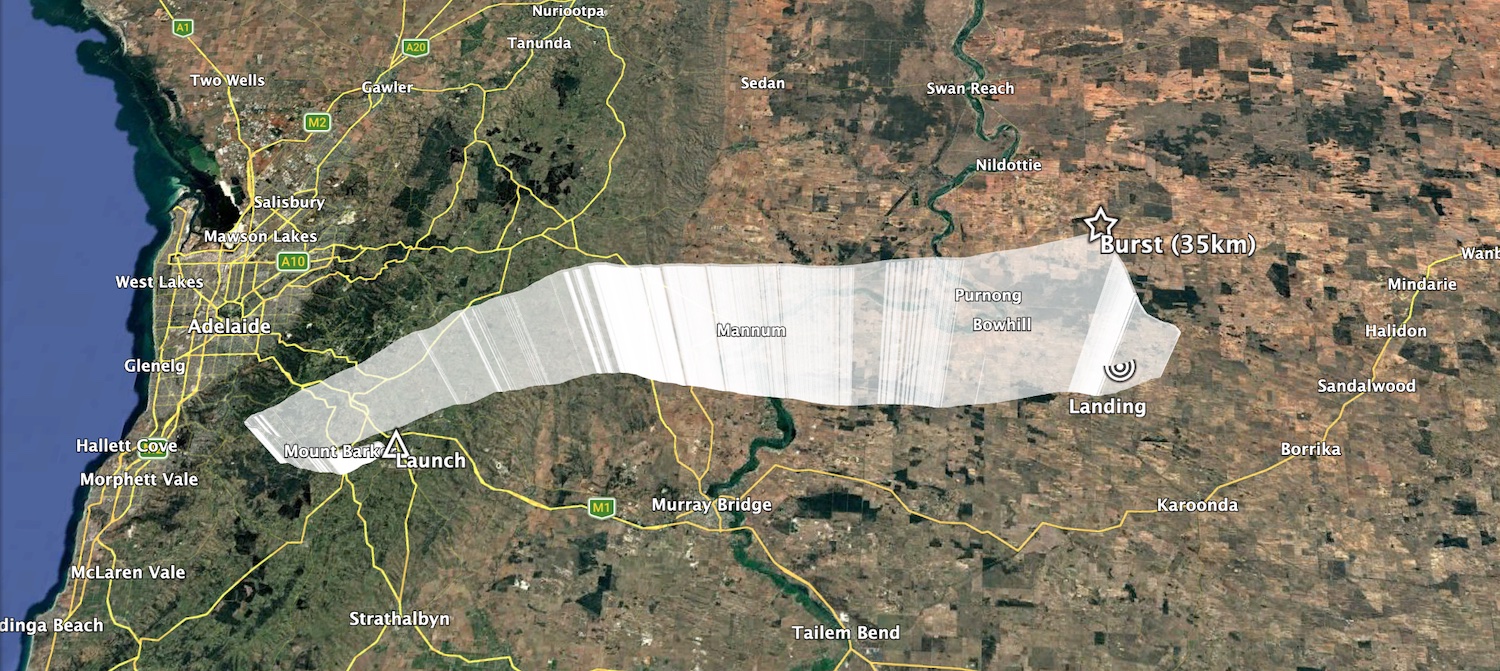
The chase teams (Liam VK5ALG, Mark VK5QI, Will VK5AHV and Peter VK5APR) headed off towards Karoonda to recover the payload. The burst altitude was expected to be around 32km, but the Hwoyee balloon outperformed like normal and ended up bursting at 35210m. The descent rate was quite high on the way down, giving the teams some concern – this ended up being due to almost half of the balloon latex getting tangled up in the parachute!
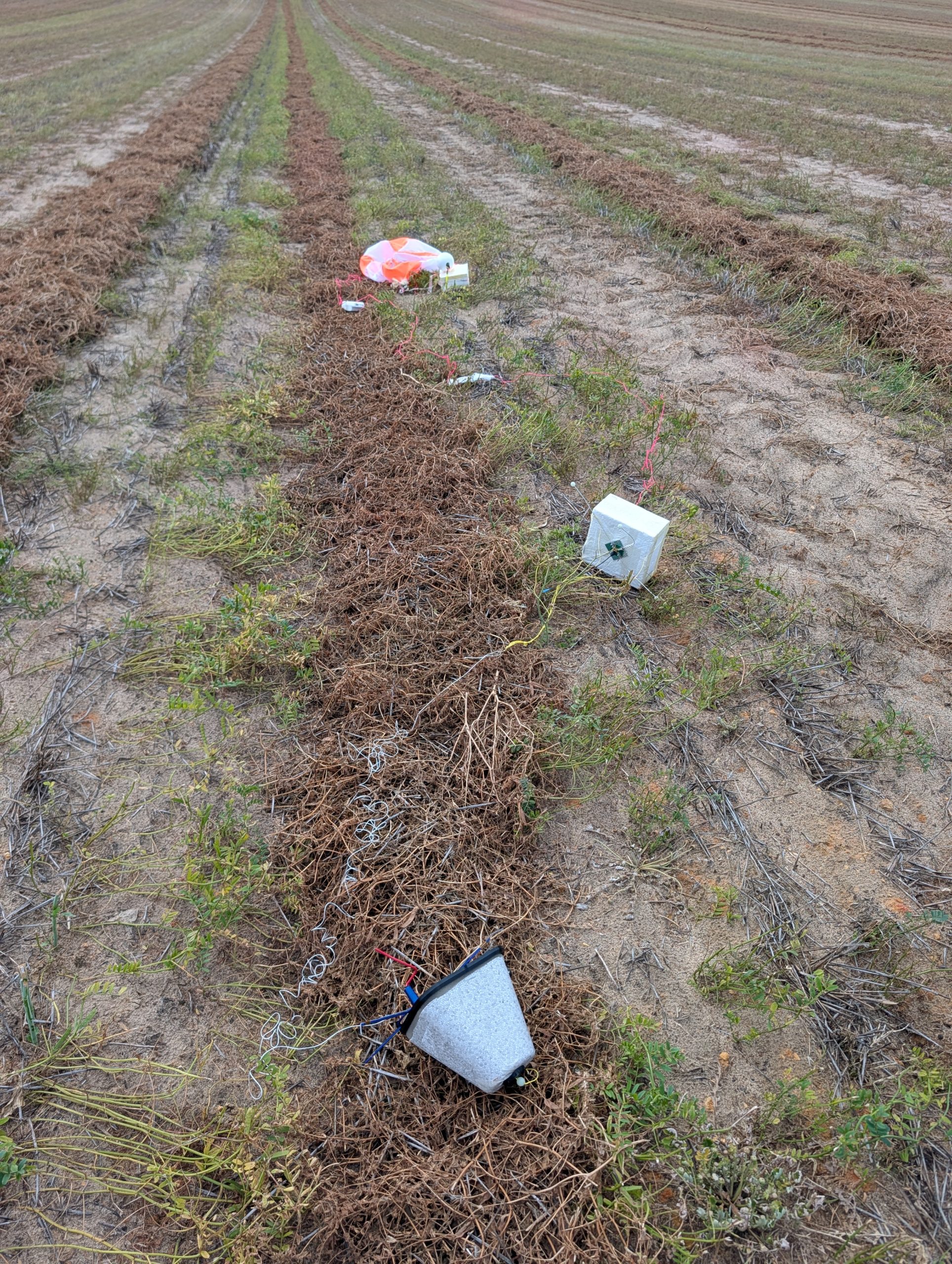
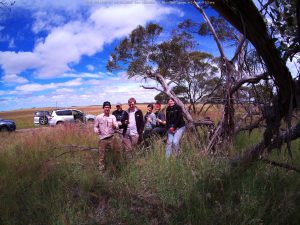
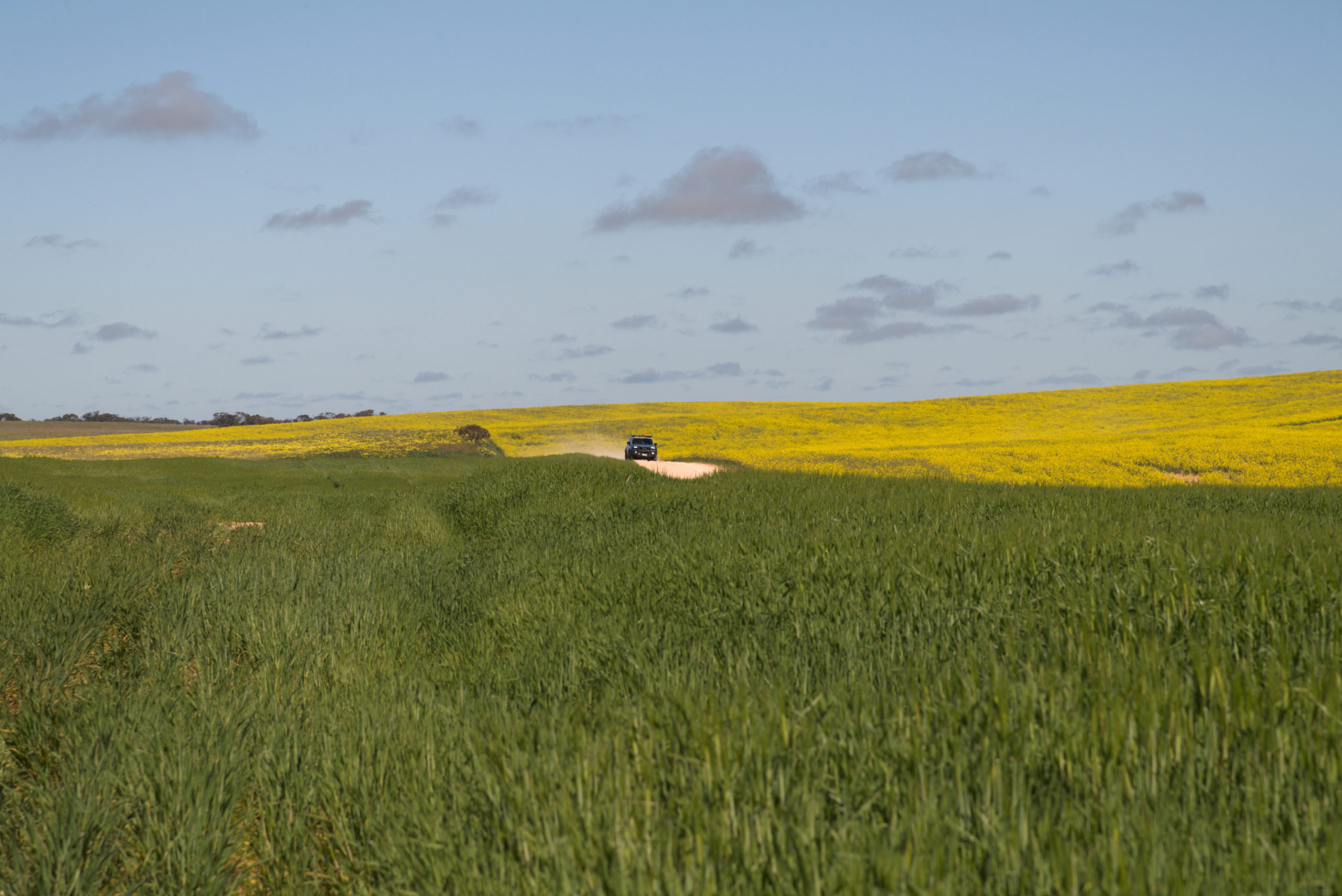
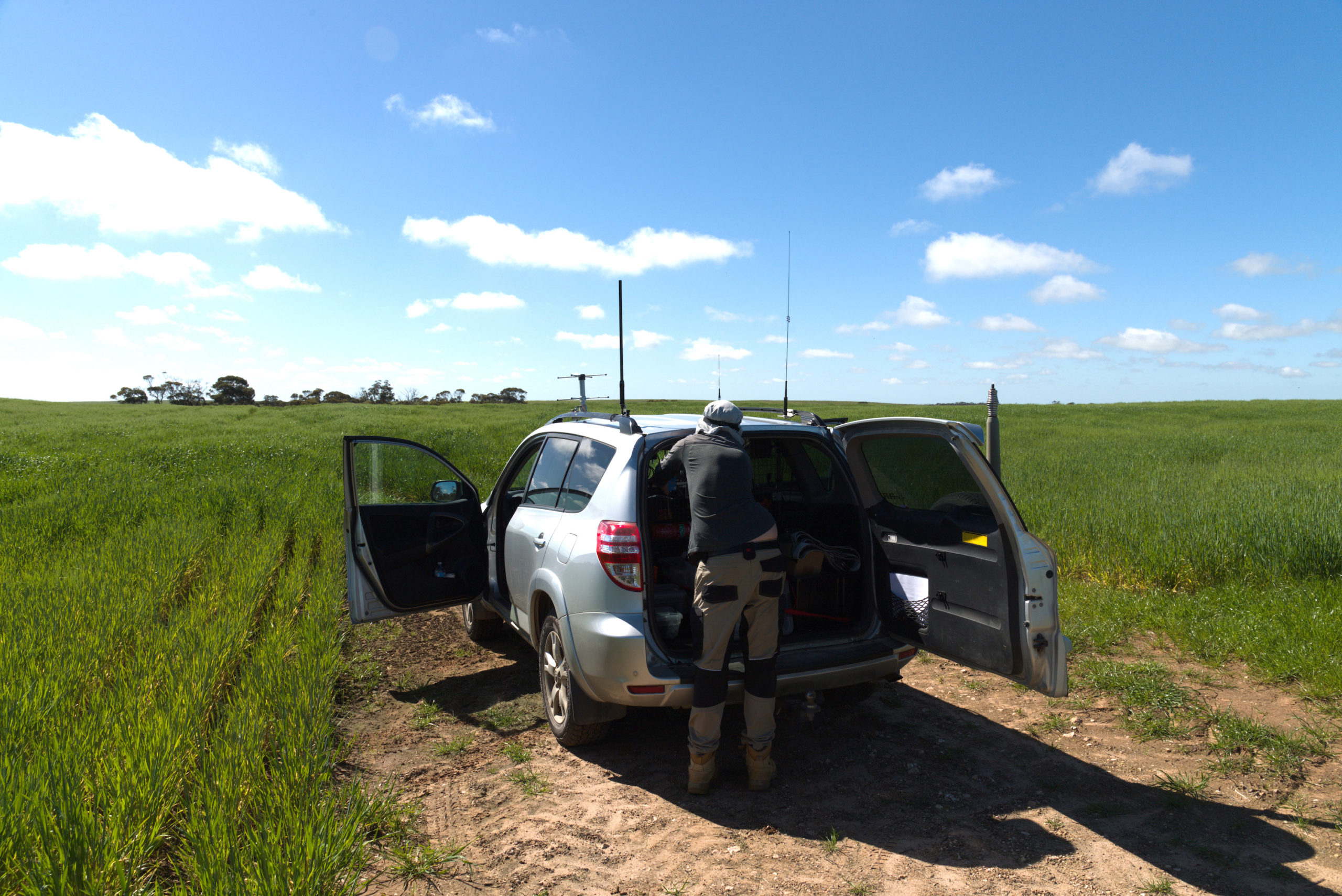
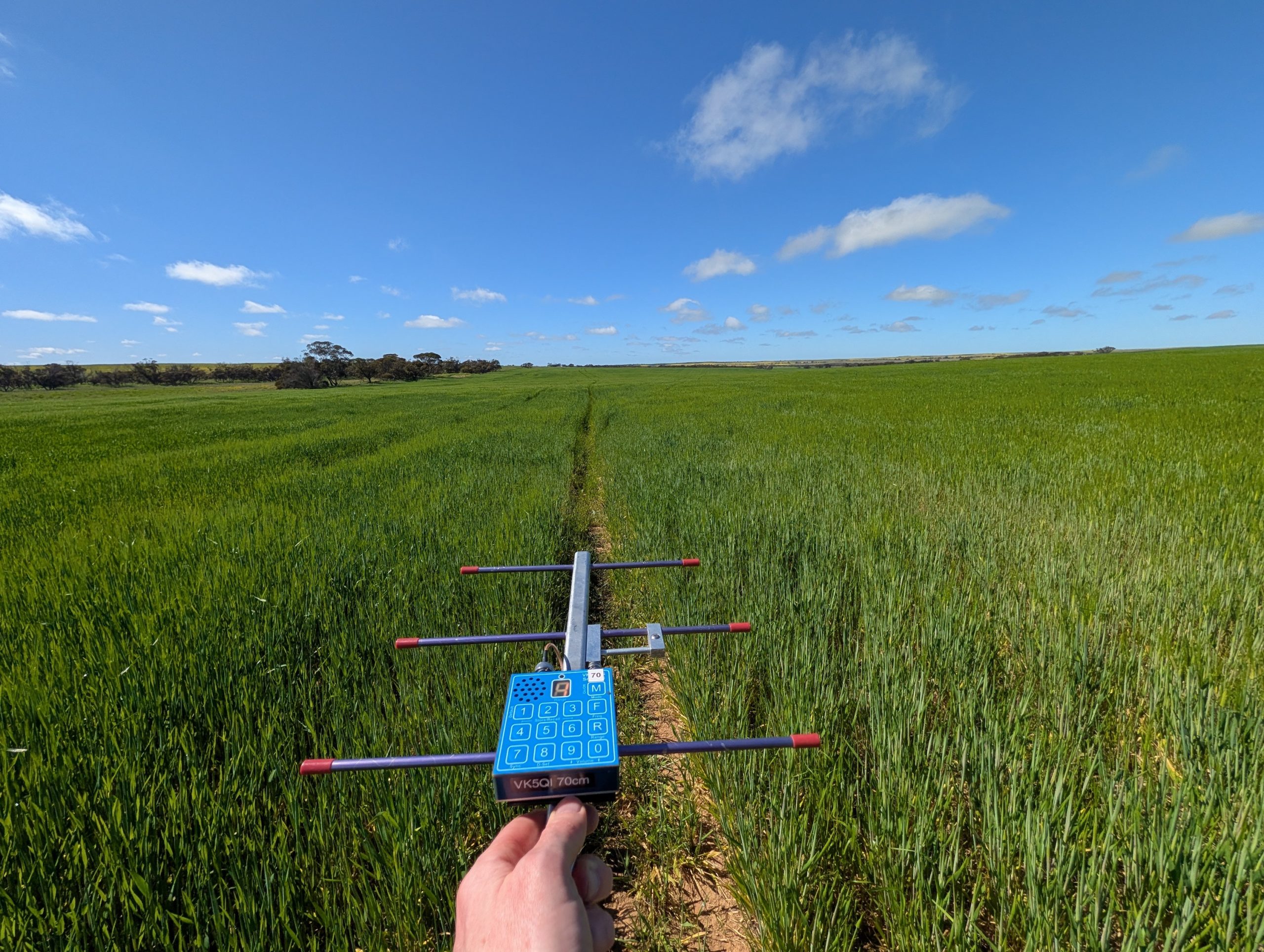
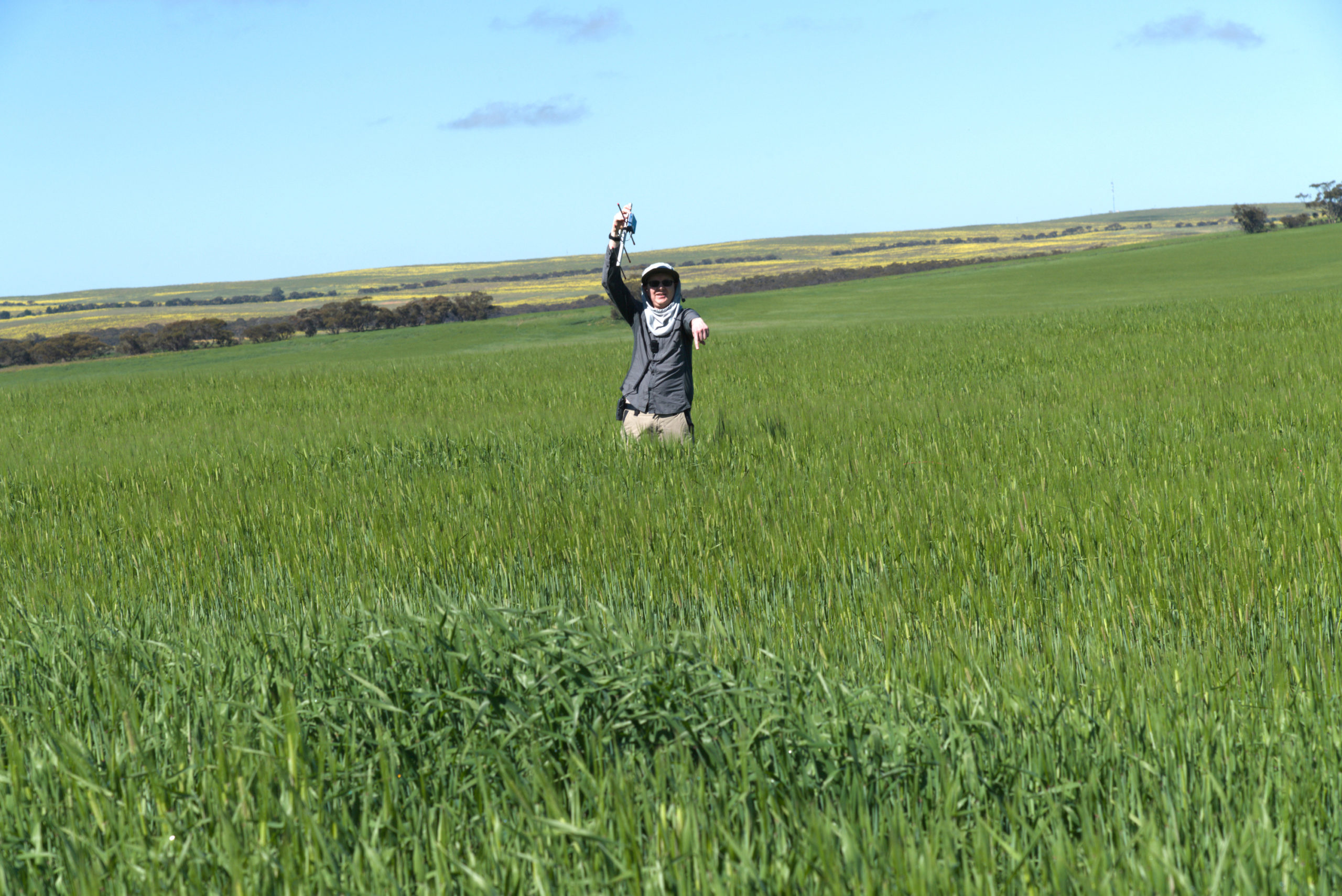
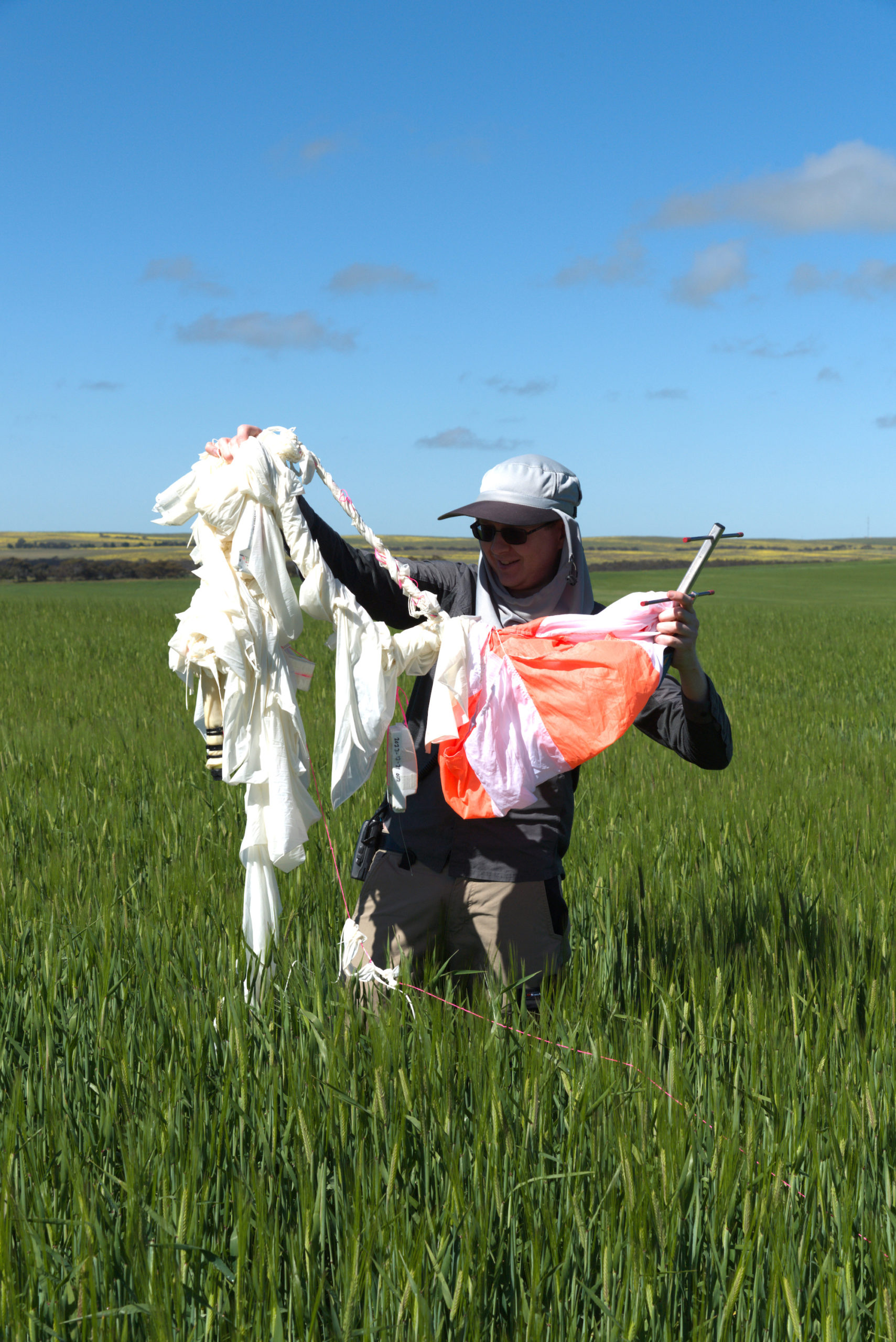
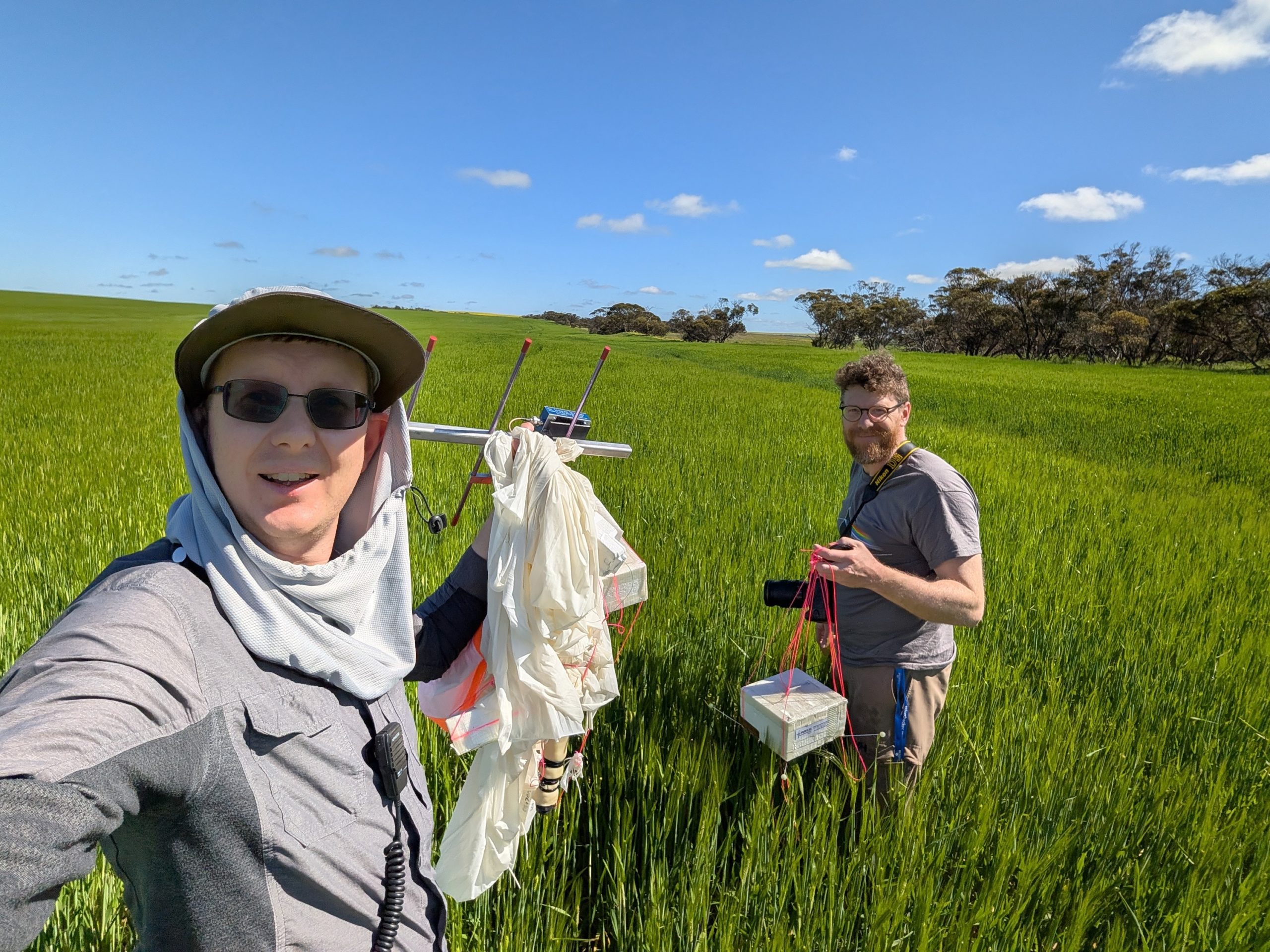
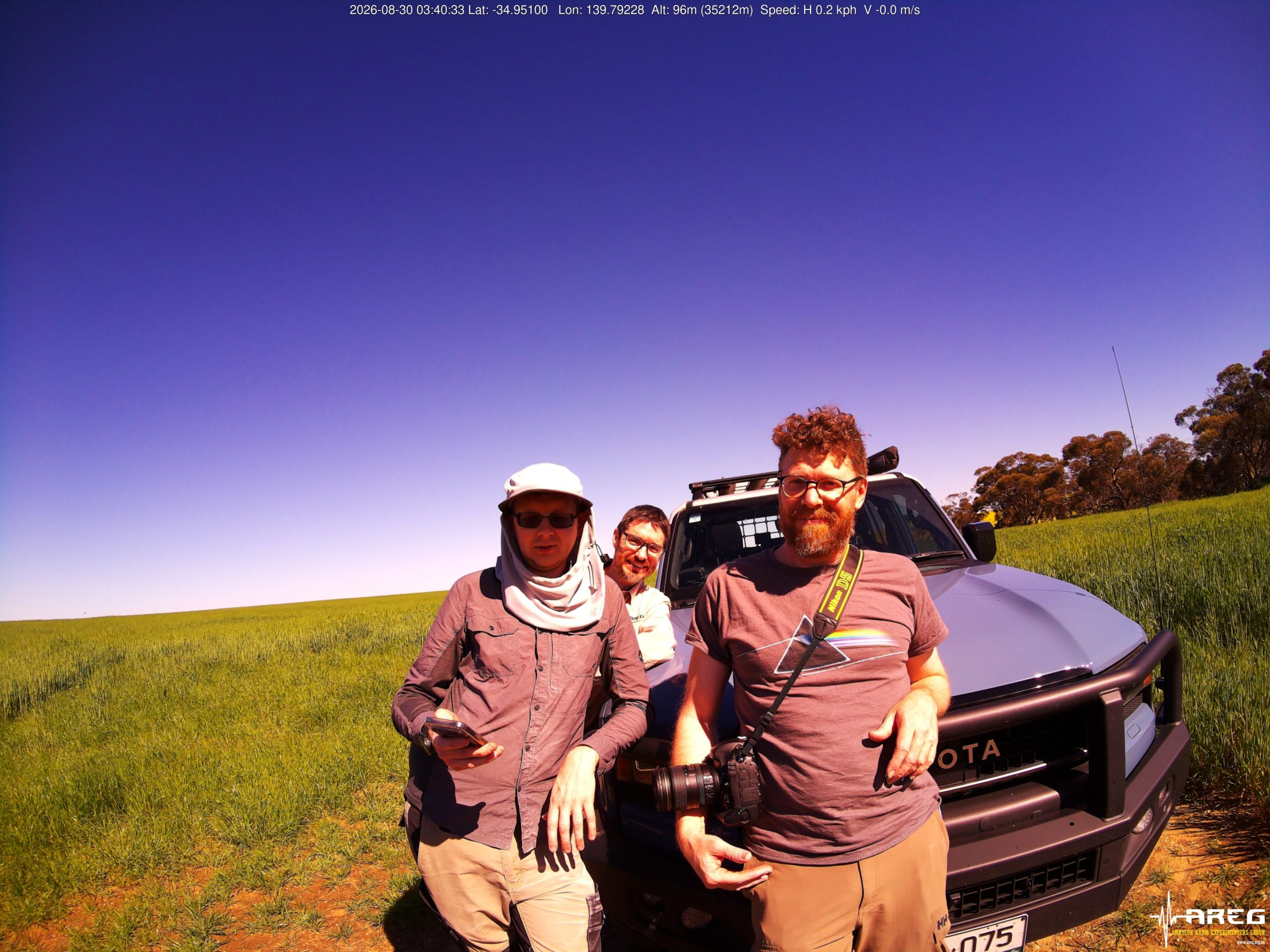
The chase teams were able to navigate their way to near the landing area (after getting permission from the landowner), but ran out of track in the middle of a wheat field and had to walk about 800m to the landing site. The wheat crop was almost waist height, and radio-direction-finding equipment was needed to locate the payloads, which were essentially invisible until standing on top of them!
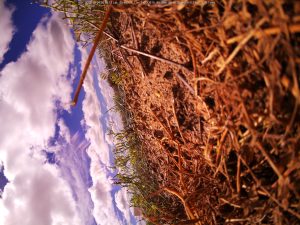
Thankfully the wheat crop gave the payloads a soft landing. Apart from a few bent antennas, the payloads ended up being in pretty good condition, and will be re-usable with some minor repairs.
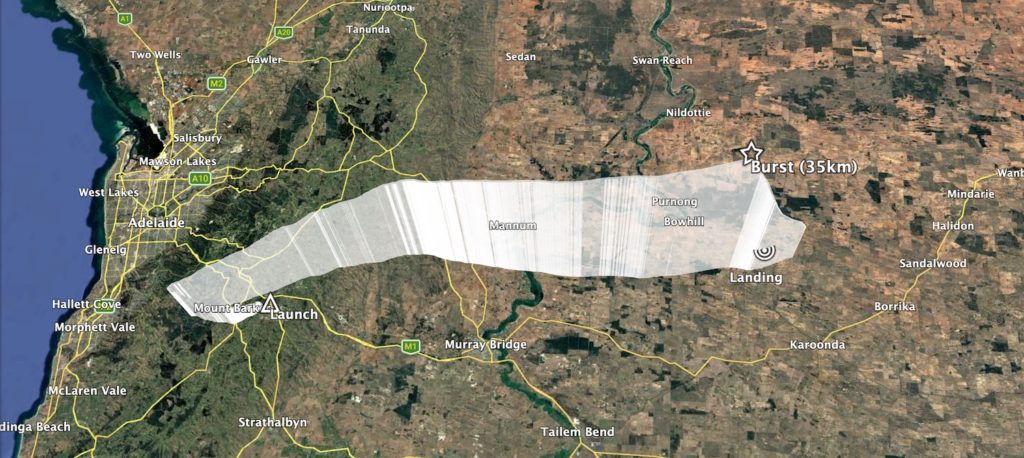
Horus 74 Flight Path
Horus 74 Flight Statistics
| Launch Date: | 2026-08-30T00:48:41Z |
| Landing Date: | 2026-08-30T02:55:53Z |
| Launch Site: | -35.07579, 138.85710 |
| Landing Site: | -34.94745, 139.80022 |
| Distance Travelled: | 87 km |
| Maximum Altitude: | 35210 m |
Crossband Repeater Contacts
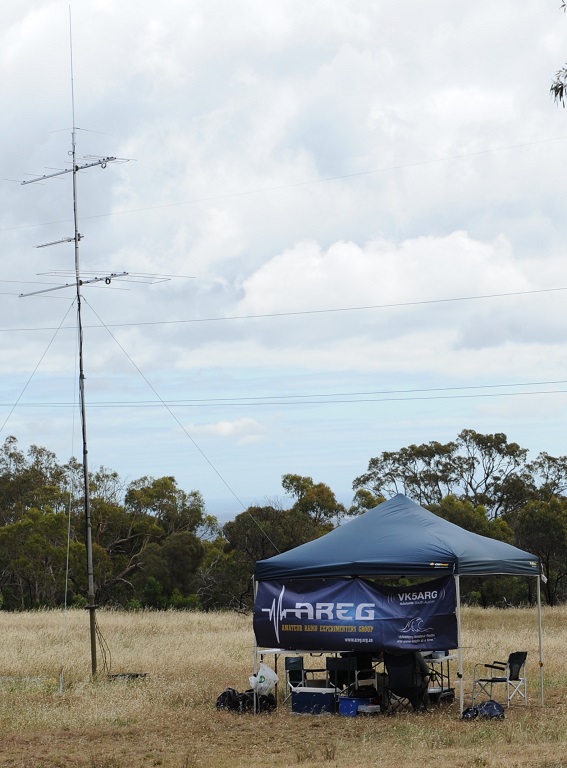
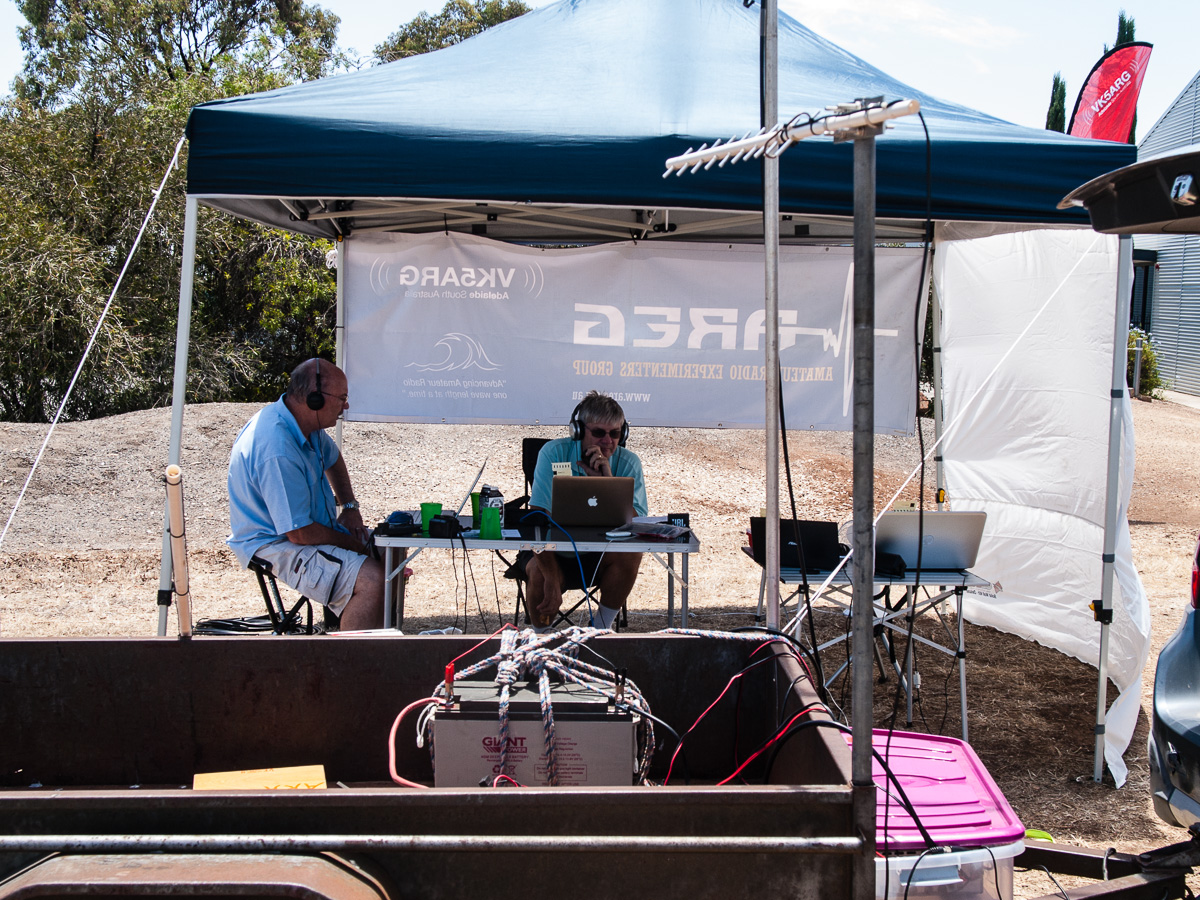
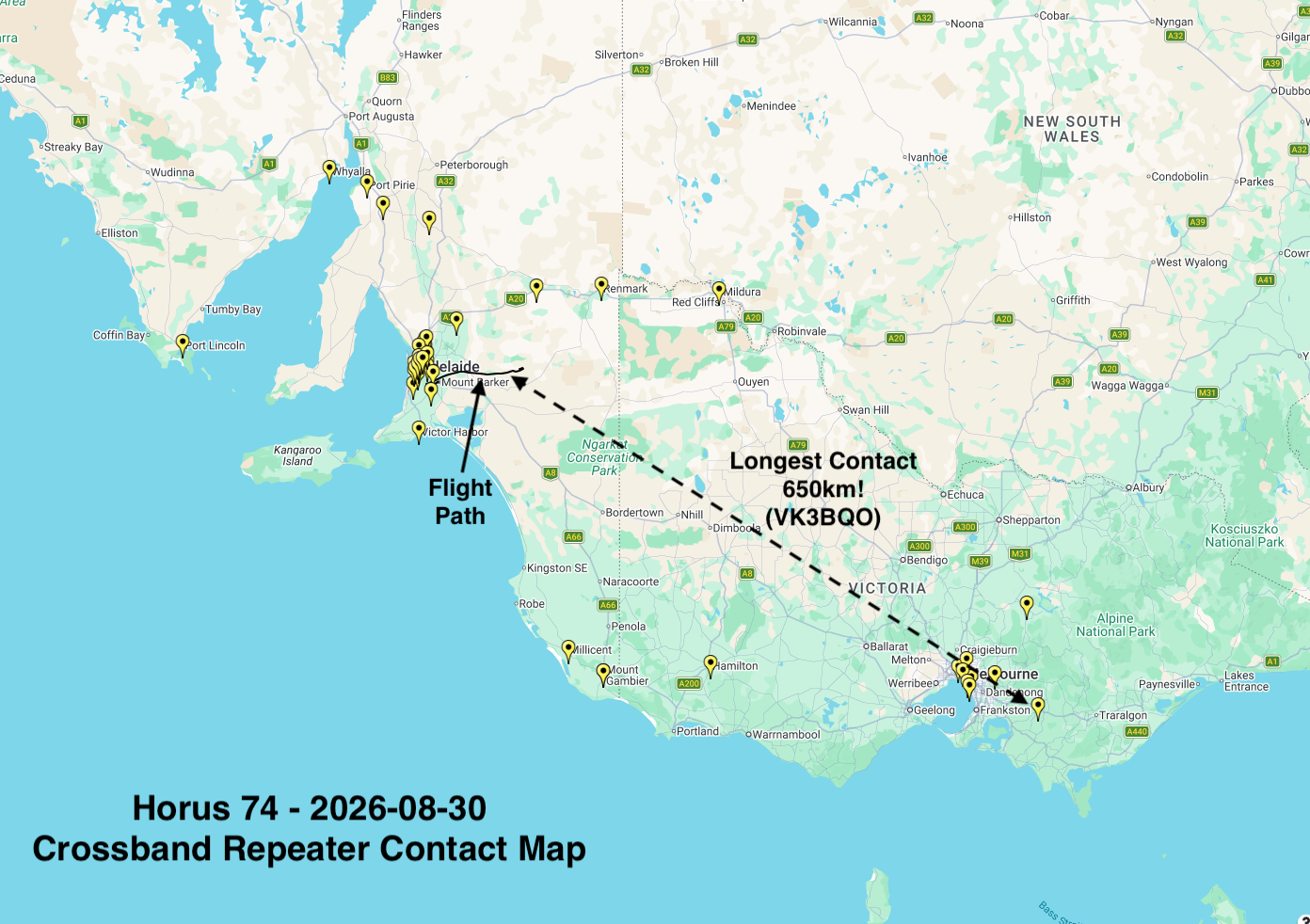
The cross band repeater was run part time as a controlled net, but was also left open for general communications for part of the flight as well. Net control, manned from a site near the bear rock look-out on the eastern side of the Mt Lofty Ranges, netted 89 QSOs with stations as far away as Warragul in Victoria’s Gippsland district east of Melbourne. Once the repeater coverage reached Melbourne, we had contacts with a number of amateurs from across the Melbourne metropolitan area as well as all across western Victoria, including Hamilton, Bendigo and Mildura. Overall, this was one of the more successful flights for the voice repeater – thanks to everyone who called us.
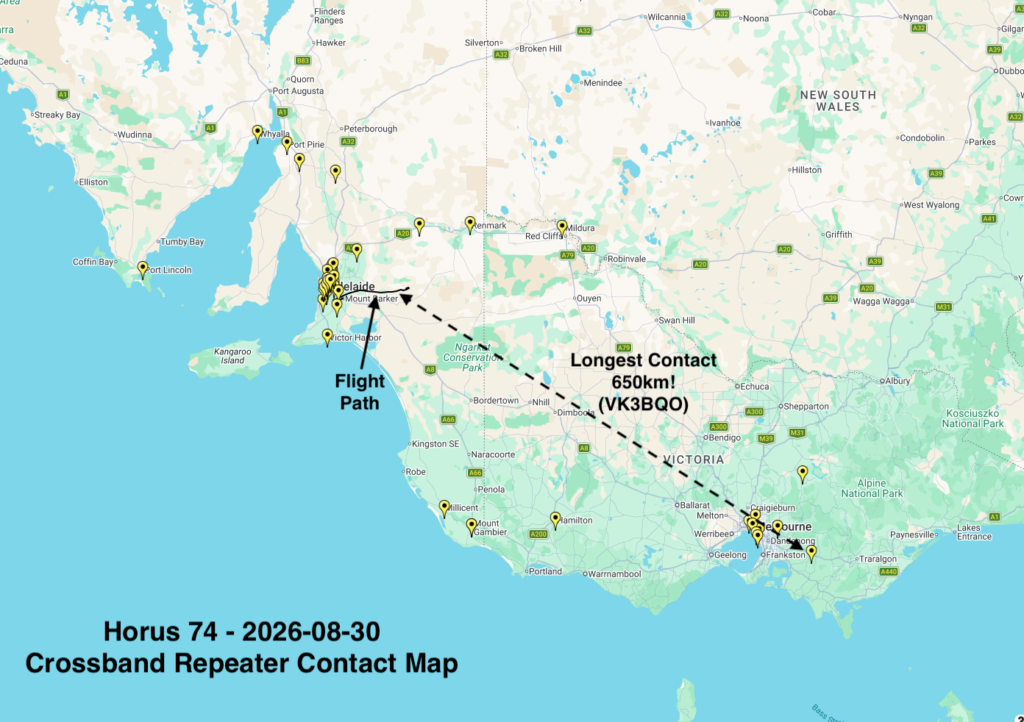
Horus 74 Crossband Repeater Contacts
Wenet Imagery Results
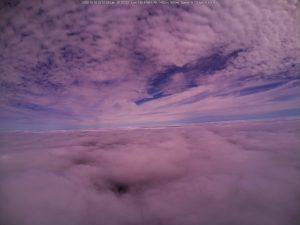
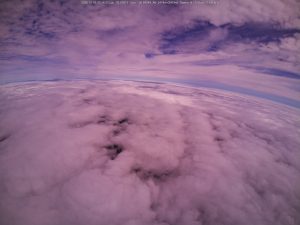
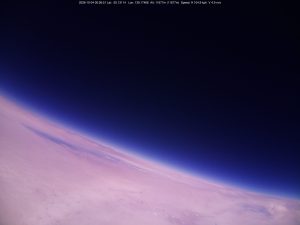
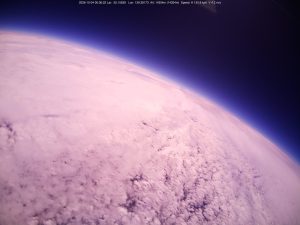
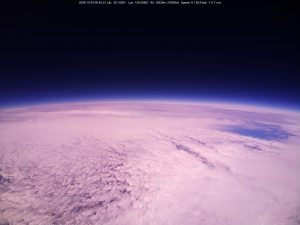
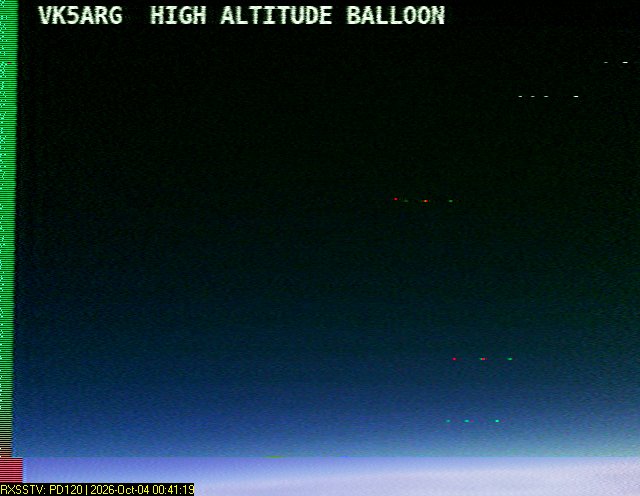
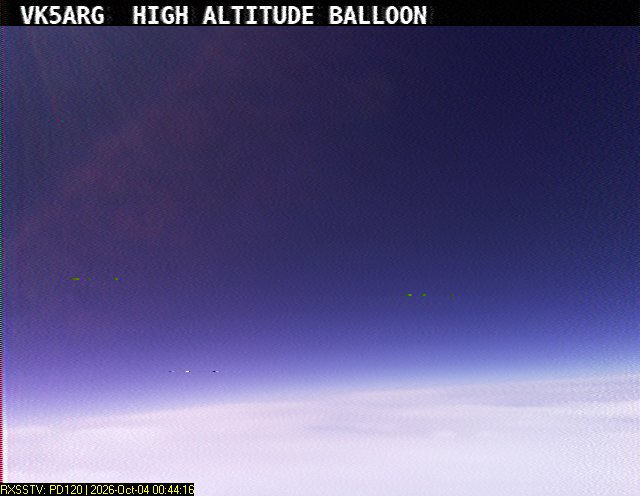
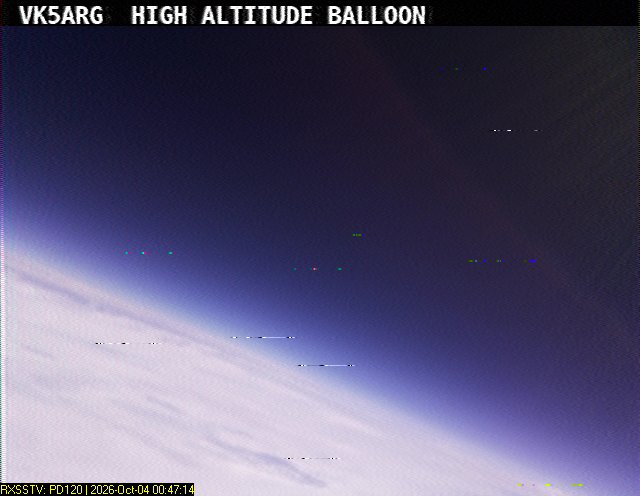
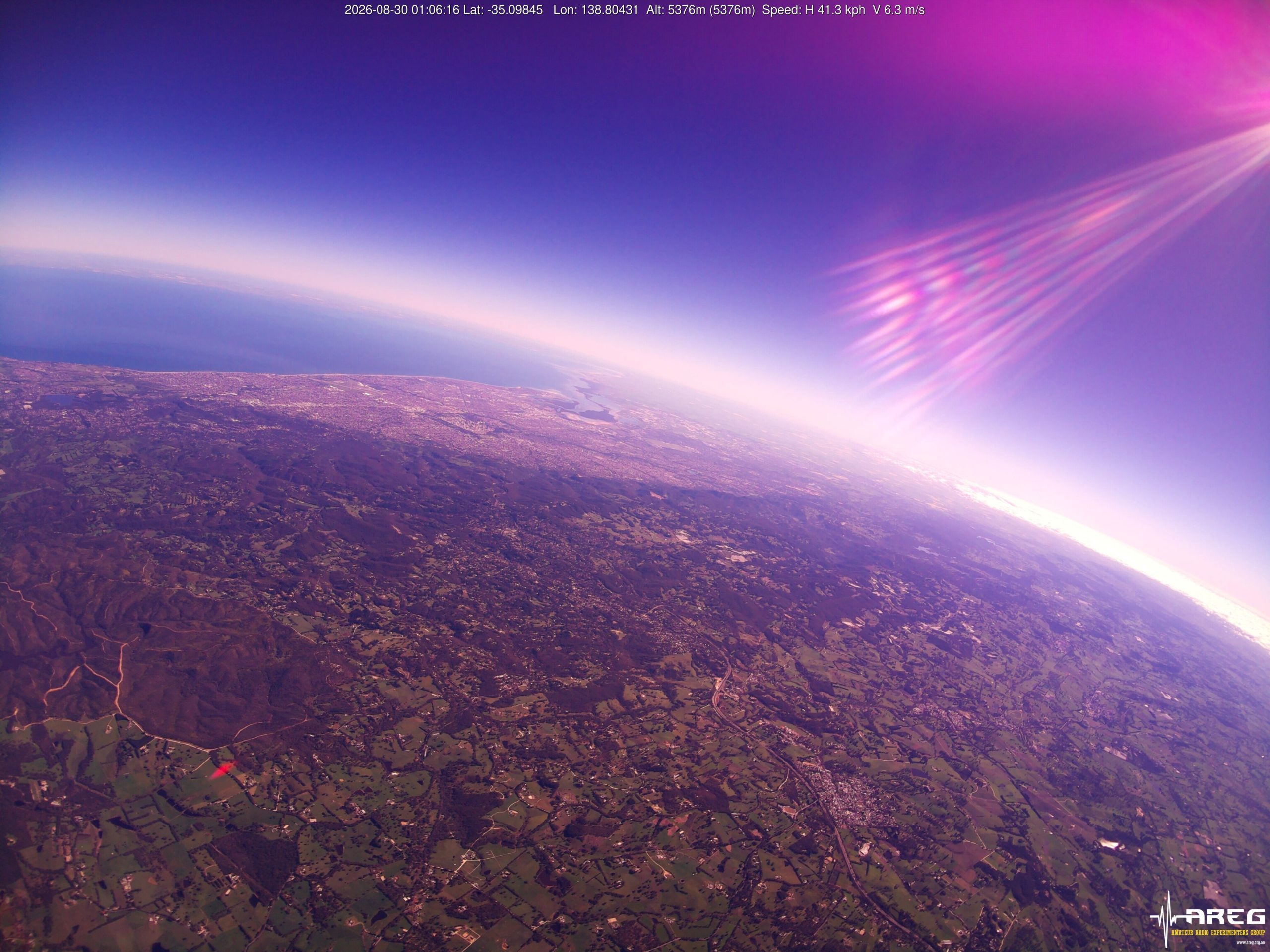
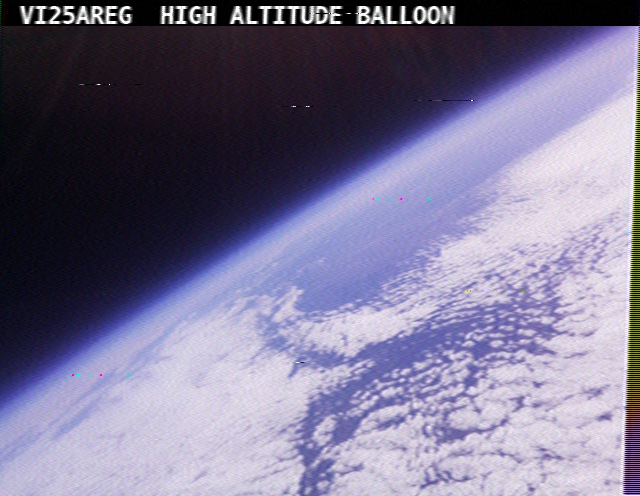
This flight flew a new camera module from Arducam, which uses the same IMX477 sensor in the PiCam HQ that we flew on Horus 72. As expected it produced incredible images, helped by the somewhat abnormal flight path that saw the balloon ascend up to nearly 20km while hovering over the Mt Barker area. As a result, we think these are some of the best images captured on a Horus flight to-date!
There’s still some work to do with white-balance correction – the camera was set into a fixed white balance mode that didn’t quite work throughout the flight. Future launches will experiment with alternative white balance settings, and will also save raw sensor data for better post-processing ability.
Thanks to the following stations who contributed imagery packets throughout the flight!
- VK5KX-9: 229739 packets (56.09 MB)
- VK5ZAP: 23198 packets (5.66 MB)
- VK5QI-9: 187434 packets (45.76 MB)
- VK5IS: 160412 packets (39.16 MB)
- VK5ALG-9: 139102 packets (33.96 MB)
- VK5ZM: 85363 packets (20.84 MB)
Meshcore Payload
Liam VK5ALG provides the following report on the MeshCore payload:
For Horus 74, I chose the RAK Wireless RAK4631 Nordic nRF52840 WisBlock Core Module, installed onto a RAK19003 Base Board alongside a RAK12500 WisBlock u-blox ZOE-M8Q GPS Module. I previously had success with other versions of 915MHz RAK Wireless boards on earlier Horus flights, such as the 585km point-to-point transmission using The Things Network on Horus 55. The RAK4631 can also transmit battery, temperature, and position telemetry, and it was able to be powered directly by the 3 x AAA lithium battery setup.
The objective of the experiment on Horus 74 was to test this iteration of the MeshCore payload and attempt to join the VK3 MeshCore network for QSO’s from the balloon payload via the VK3 mesh network. To achieve this, the SA-HorusHAB-VK5ALG-RP payload was configured on the Australia (Narrow) preset in repeater mode.
The SA-HorusHAB-VK5ALG-RP payload remained functional for the majority of the flight. I have already received a reception report from VK2WTF in Broken Hill, who received VK5VTX, VK5MS, and VK5DFY via the balloon repeater node. I am currently working on verifying this data.
Unfortunately, the online packet analytics tools are not currently providing the specific information I need. As a result, I will be setting up a local packet analytics system for future flights. I am also looking into increasing the payload battery power capacity.
Telemetry Reception Results
We had a great showing of stations receiving the two Horus Binary telemetry payloads, including quite a few interstate stations – thanks to everyone that contributed!
HORUS Receivers: BARC_RRR, Gum, VK3APJ, VK3BQ, VK3TAP, VK5AI, VK5ALG, VK5APR, VK5APR-9, VK5ARG, VK5AV, VK5BD, VK5BRL, VK5COL, VK5CV, VK5DC, VK5DLW, VK5FD, VK5GAC, VK5GY, VK5HW, VK5JPH, VK5KX, VK5KX-9, VK5KX-i5, VK5LN, VK5NEX, VK5OCD, VK5PJ, VK5QI-9, VK5RM, VK5SFA/R, VK5TRM, VK5TUX, VK5ZAP, VK5ZAR, VK5ZBI, VK5ZM, VK5ZMD, VK5ZTS, oakden_horus, vk3vcl, vk5is
VK5ARG Receivers: BARC_RRR, VK3APJ, VK3BQ, VK5AKK, VK5ALG, VK5ALG-9, VK5APR, VK5APR-9, VK5ARG, VK5BRL, VK5COL, VK5DJ, VK5GAC, VK5KX-9, VK5MAS, VK5OCD, VK5QI-9, VK5ZAP, VK5ZM, VK5ZMD, VK5ZT, VK5ZTS VK5RK, vk5mhz
The longest reception was by VK3TAP, at 647 km range, while the payloads were at 28.6km altitude.
Dashboards for the two payloads are available at the links below:
Upcoming activities
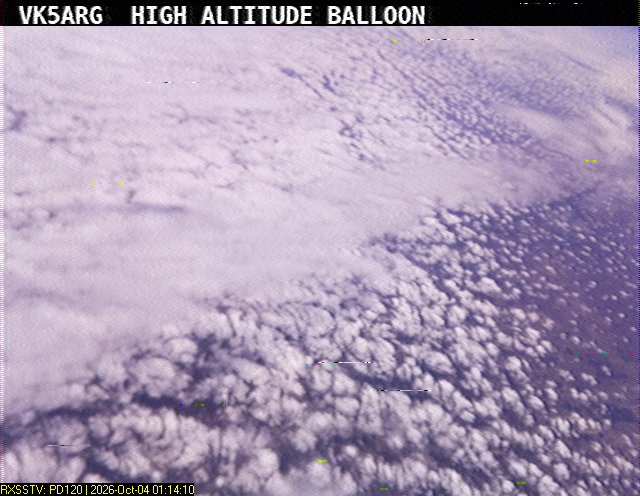
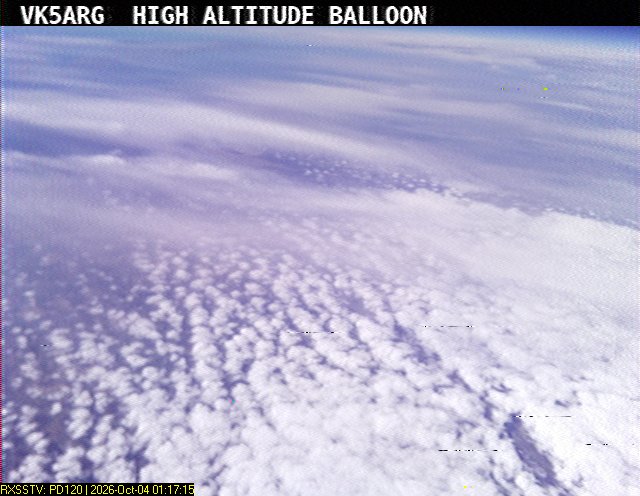
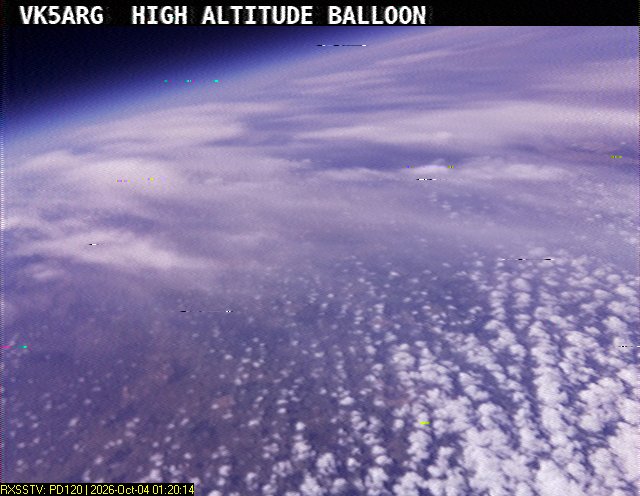
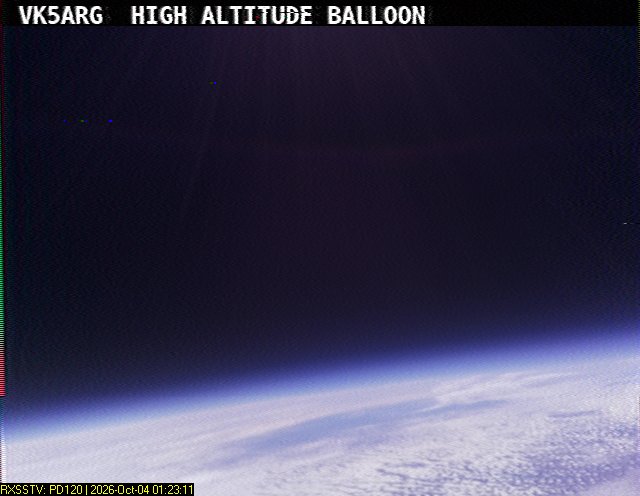
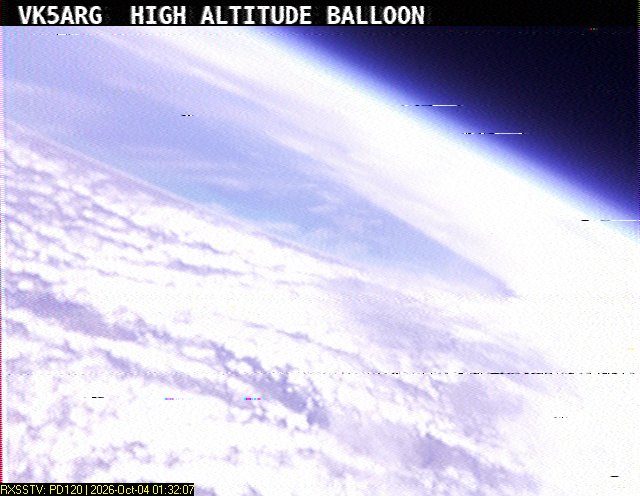
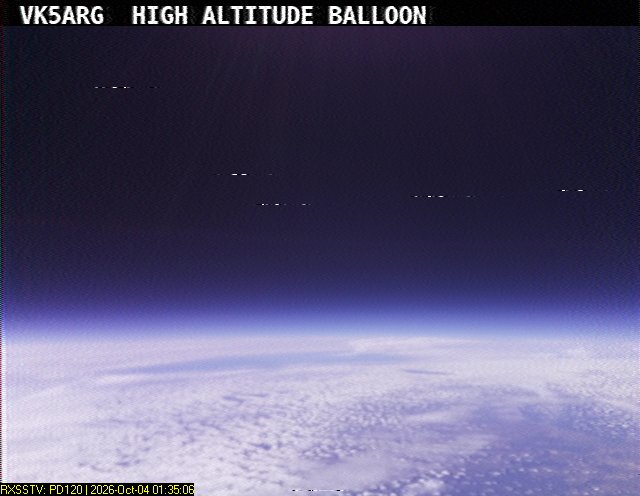
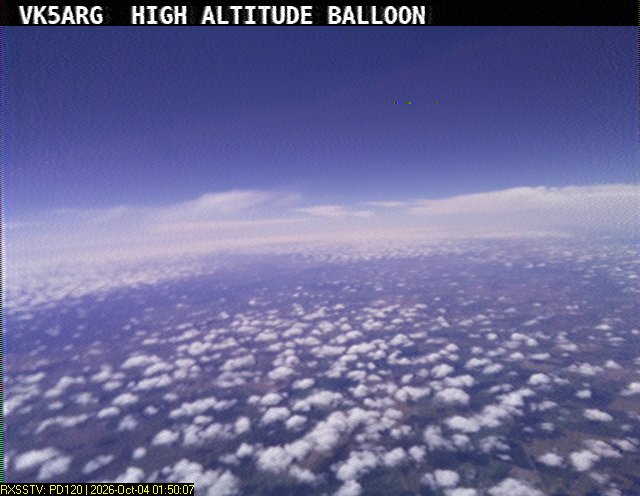
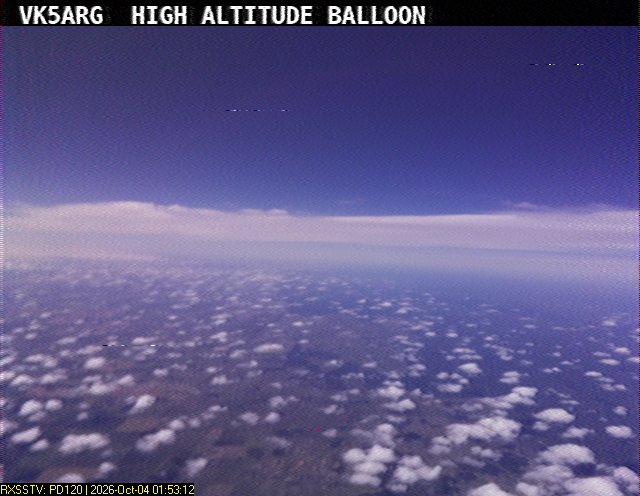
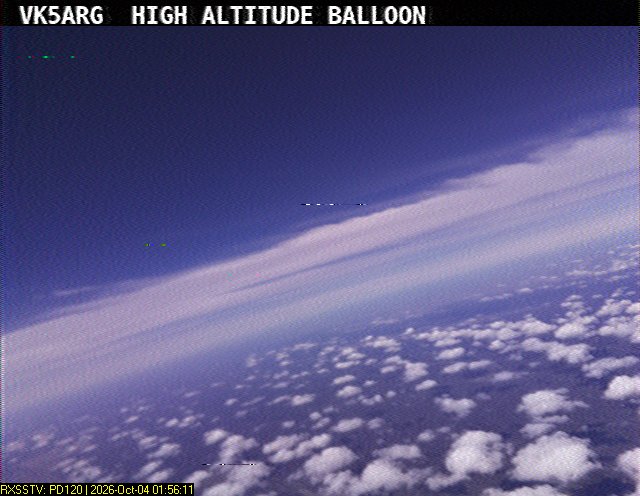
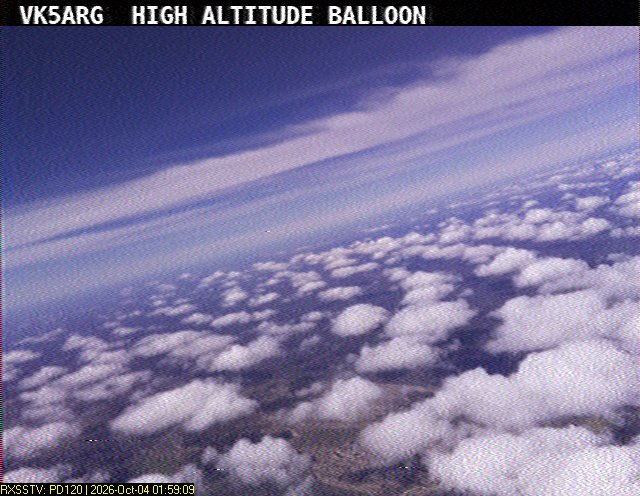
Our next launch is planned for the 4th of October, and will feature our FM-SSTV payload, along with a high power Wenet imagery payload. You can find out more about this launch here: https://www.areg.org.au/archives/213023
We’re also expecting launches in November and possibly December – stay tuned for more details on these!