
UPDATE: Thanks to everyone that received our first test & tune flight on the 15th of March! We had a great turnout of receivers, with 34 stations tuning in to the telemetry! We’ll be back for another one of these test & tune flights on Sunday the 29th of March, at the same launch time!
Project Horus will be performing their next high-altitude balloon launch on Sunday the 29th of March – aiming for a 10:30AM launch time on both Sundays. 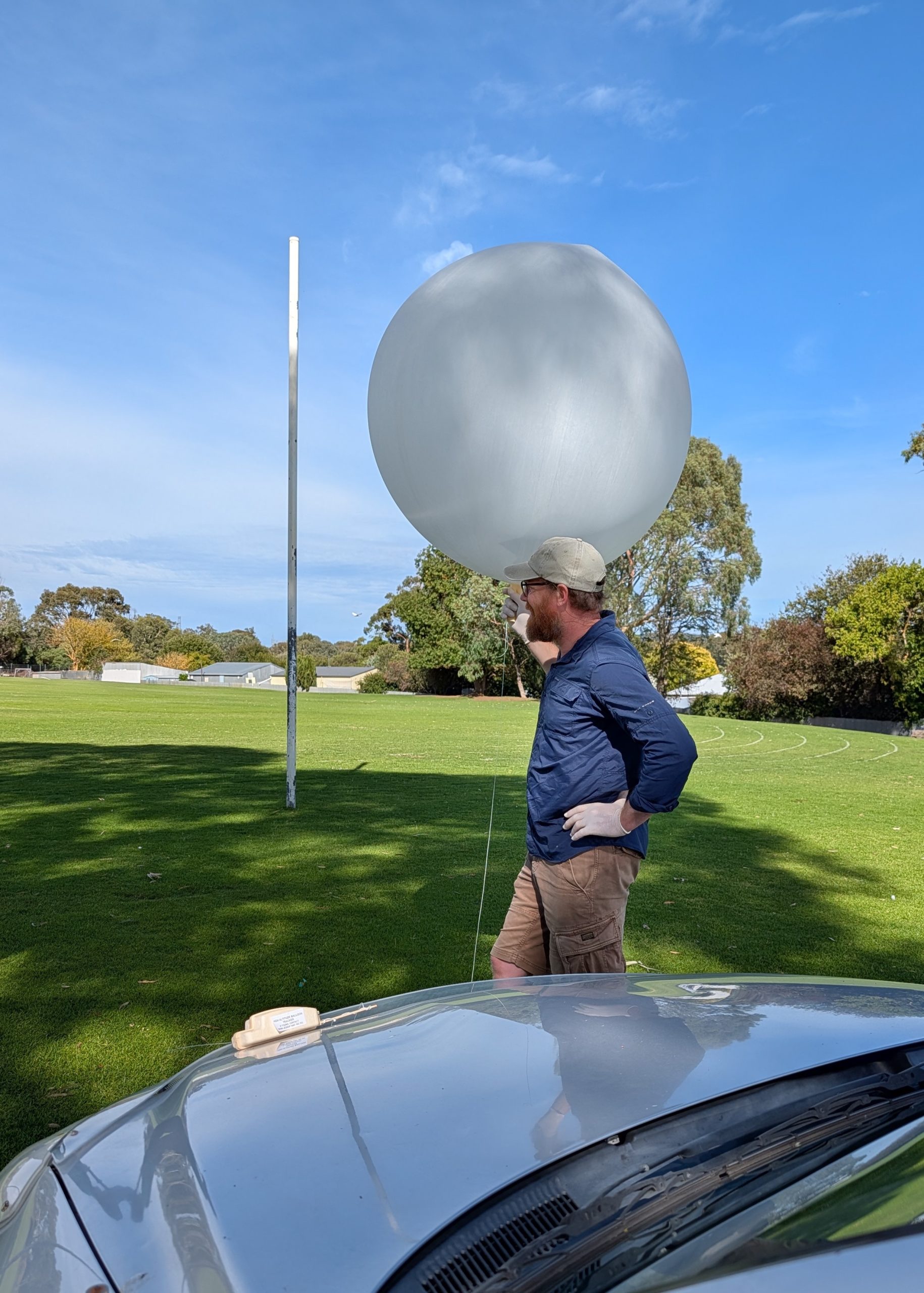
These launches will be flying our new ‘Horus Binary v3’ tracking payloads, and are intended to give receiving stations more opportunities to get setup to decode this new mode before we switch to it on future launches!
These will be ‘fire-and-forget’ launches – no chase, no recovery – there is no need to set up portable receiver stations – see what you can receive from home!
To be able to receive the Horus Binary v3 telemetry on this flight you will need to update to the latest versions of our decoding software – more details below!
Both launches are currently planned to be performed from the Mt Barker High School Oval, which is accessible from Stephenson Street, Mt Barker.
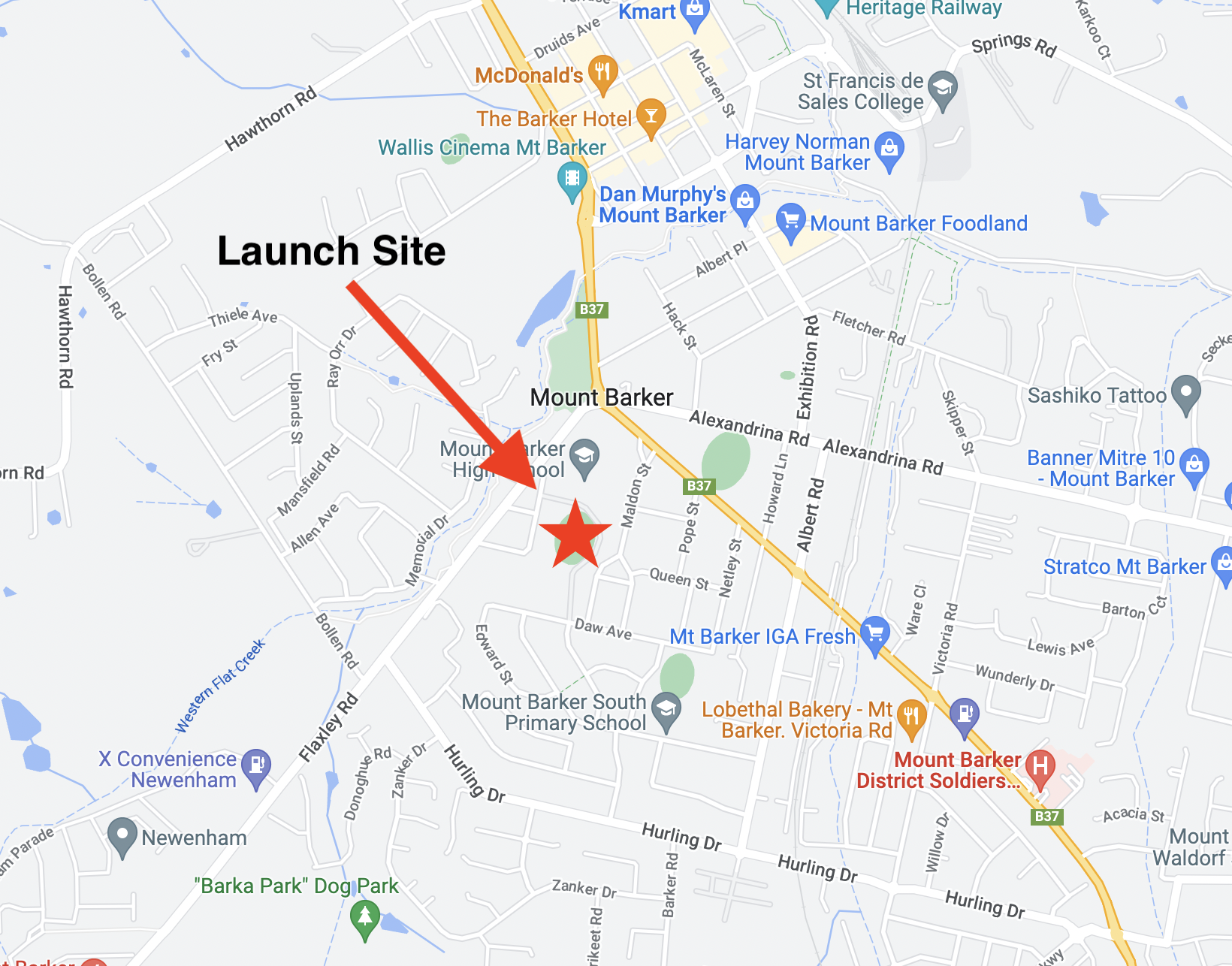
Mt Barker Launch Site
The launch time is expected to be 10:30AM, with launch crews arriving on-site around 10:00 AM. Please note that we are not intending to chase or recover these payloads!
TRACKING LINKS
- Flight Tracking via SondeHub-Amateur: https://amateur.sondehub.org/#!mt=Mapnik&mz=9&qm=12h&mc=-35.0677,139.23902
Primary Telemetry – Horus Binary v3 – 434.200 MHz – “HORUS”
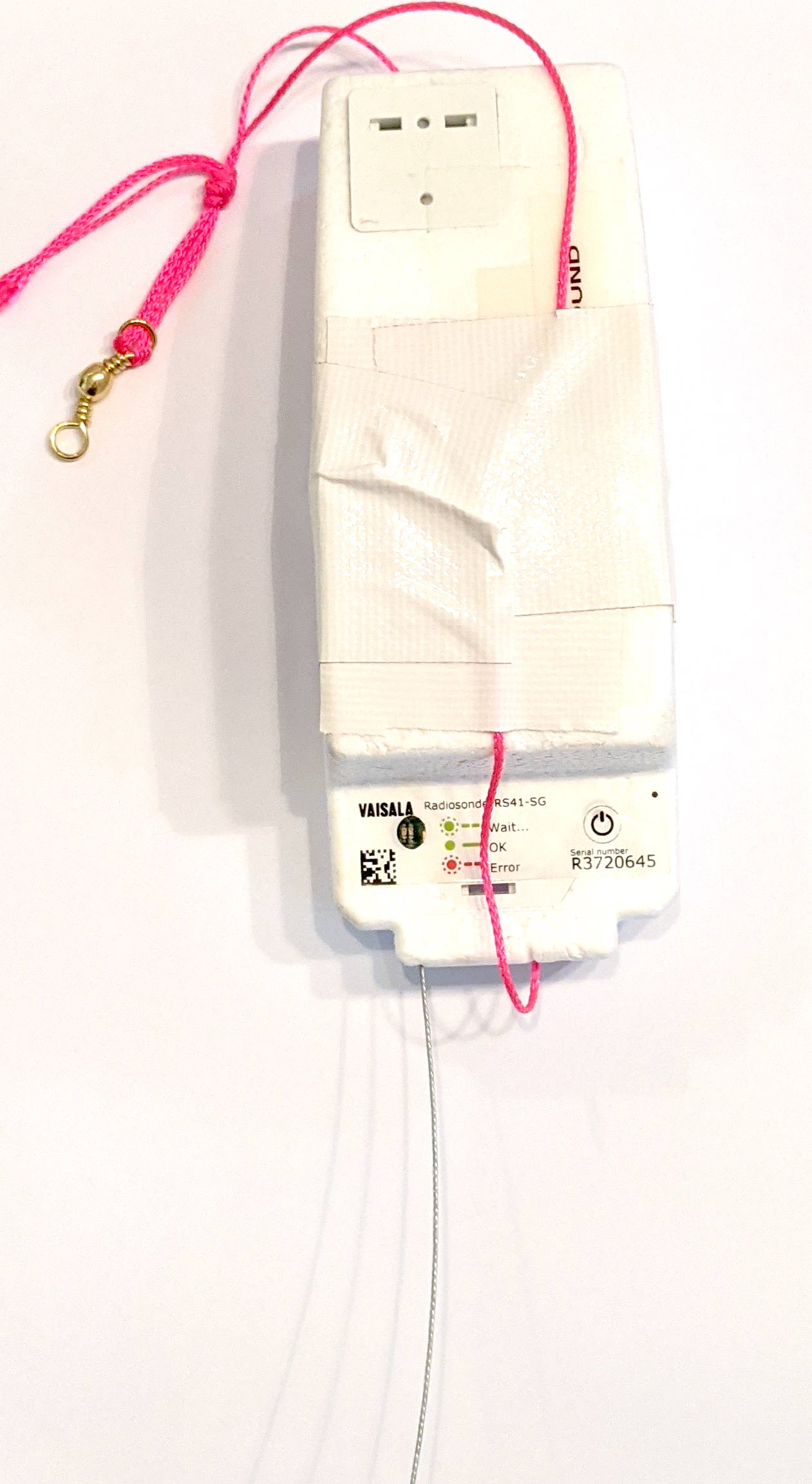 The primary tracking telemetry will be transmitted on 434.200 MHz using the new Horus Binary v3 4FSK data mode.
The v3 update adds much more flexibility in the telemetry format, giving payload developers the ability to add extra sensors and send much more data than was previously possible.
To receive telemetry, you’ll need either a SSB-capable 70cm receiver (think IC-7100/705/9700, FT-817, etc), or a SDR (e.g. RTLSDR or AirSpy), and some kind of 70cm antenna. Horus Binary is very robust, so it doesn’t take much antenna to receive this telemetry – a small vertical will work just fine!
Our decoding software is available for a range of platforms:
- Windows / Mac – Horus-GUI – If you’re running Windows or a newer Mac, you can use our ‘Horus-GUI’ telemetry decoder software! Make sure you are on v0.6.0 or newer to decode the Horus Binary v3 telemetry. We have a detailed guide on setting this up, which is available by clicking here!
- Windows / Mac / Linux / Android / iPhone – WebHorus – On almost any platform (including many mobile phones!) you can also decode the Horus Binary telemetry in a web browser using either audio input, or a RTLSDR (Android / Chrome only) by clicking this link!
- Raspberry Pi / Linux – If you have a spare RTLSDR and a Raspberry Pi (or other linux machine), you can set up a dedicated Horus Binary receiving station by following this guide.
Amateurs in the Adelaide and Central SA region are encouraged to get involved with the flight through receiving and uploading flight telemetry from our 70cm band tracking beacons. Every piece of telemetry data is valuable to the flight tracking and recovery teams so if you can help join the distributed receiver network to collect that data you will be making an important contribution to the project!