
AREG’s High-Altitude Ballooning sub-group, Project Horus, is planning their next launch for Sunday the 30th of August, with a planned launch time of 10 AM ACST. If we have to scrub due to poor weather, the backup launch date will be the 13th of September (avoiding Fathers Day).
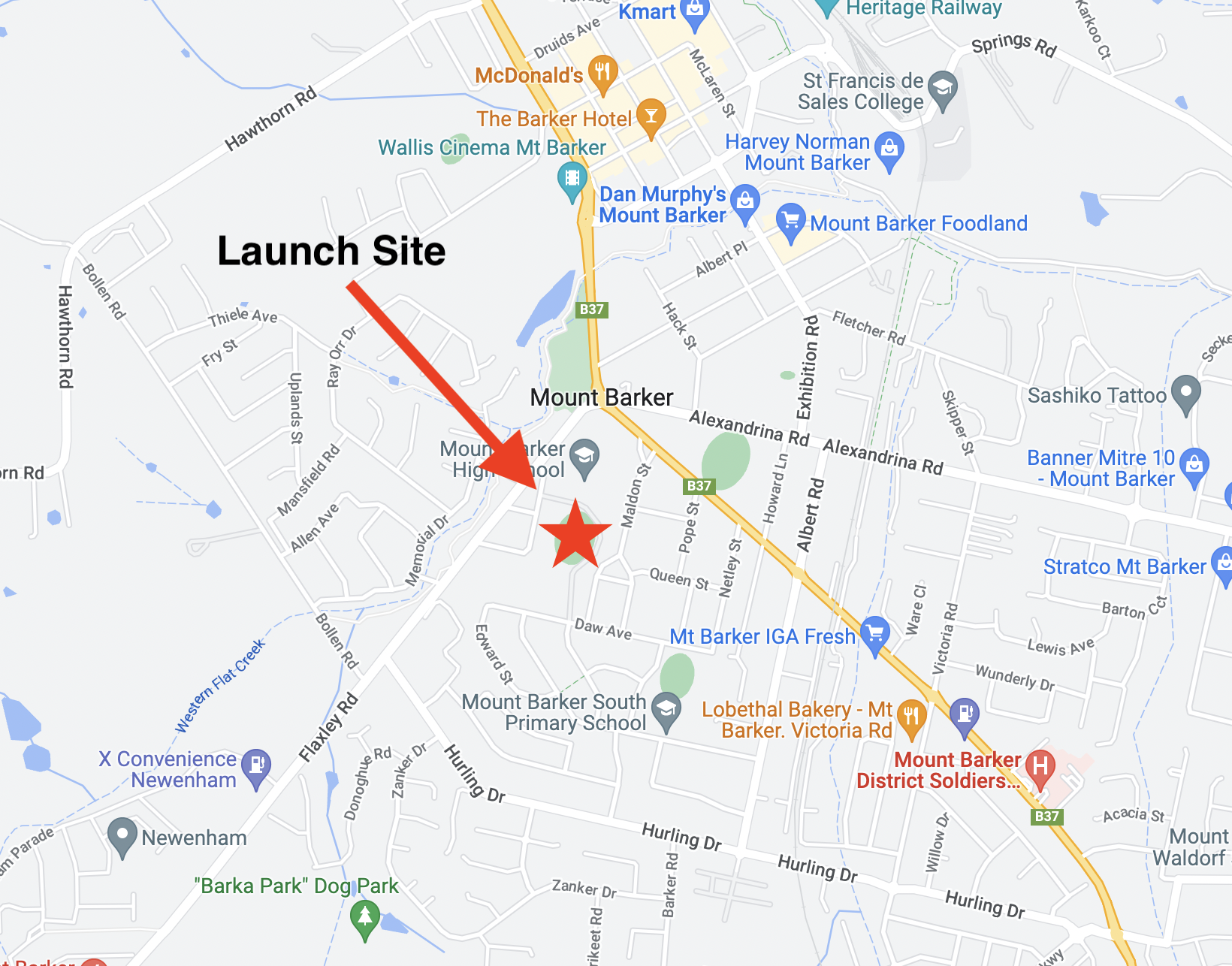
This launch is currently planned to be performed from the Mt Barker High School Oval with the launch team arriving on site from around 9:15 AM. Note that access to the oval is via Stephenson street, and parking near the oval is extremely limited.
TRACKING LINKS
- Flight Tracking via SondeHub-Amateur: https://sondehub.org/go/areglaunch
- Live Imagery: https://sondehub.org/go/aregimages
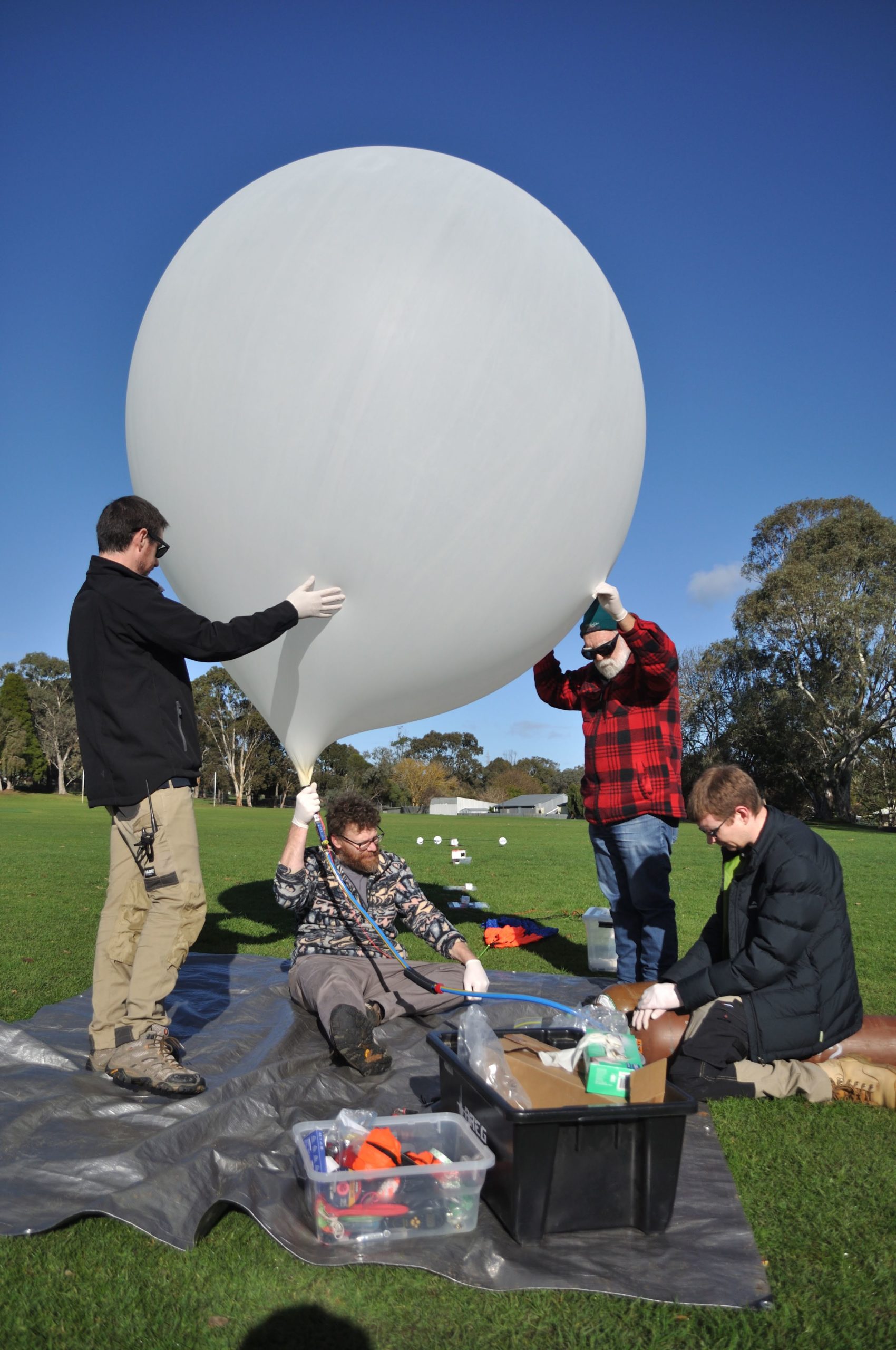
This flight will feature our cross-band repeater payload, enabling amateur radio operators around the state to communicate via the balloon! We’ll also have our usual Wenet imagery payload along for the ride.
On this flight we will also be running a MeshCore experiment provided by Liam VK5ALG. This consists of a MeshCore repeater, using the “Australia (Narrow)” Settings (NOTE: This is not the standard South Australian settings!). Please check the end of this post for information how to configure your node for this flight!
- FM Crossband Repeater: 145.075 MHz Input (91.5 Hz CTCSS), 438.975 MHz output.
- Wenet Imagery on 443.5 MHz.
- Primary Horus Binary telemetry on 434.200 MHz
- Backup Horus Binary payload, on 434.210 MHz
- MeshCore Experiment – 916.575 MHz, Australia (Narrow) Preset
FM Cross-band Repeater Payload
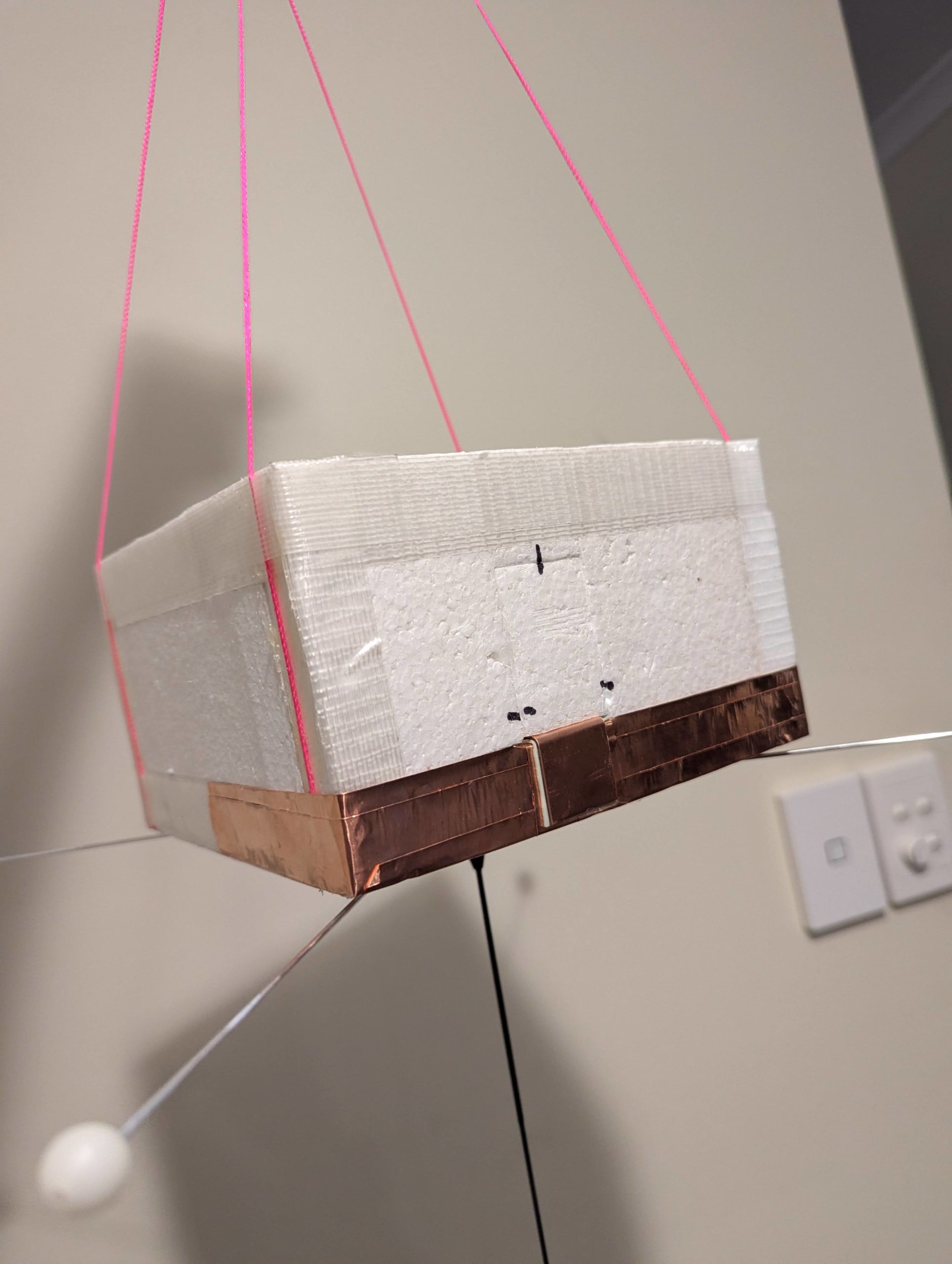
This is the first test flight of a new experimental FM cross band voice repeater based around a Yaesu FT-530 handheld transceiver.The balloon repeater should be heard on:
- INPUT: 145.075MHz with 91.5Hz CTCSS
- OUTPUT: 438.975MHz – 0.5W into 1/2-wave omni
Please note that this repeater is experimental, and may have performance issues or even fail completely during the flight!
To transmit to the balloon at the maximum range of 800km (once the balloon reaches 100,000ft ++) you should only need approximately 10-20W and an 2-4dB gain antenna.
Receiving the balloon at 400km range in a handheld environment should be achievable, but to hear the repeater at the maximum range of 800km you should expect to need a 10dB gain Yagi for a 0.4uV capable receiver and 2dB feeder loss
This setup is much the same as the LEO satellites but without the doppler shift.
PLEASE MAKE SURE YOU CAN HEAR IT BEFORE YOU TRANSMIT!
This repeater will be operated as a controlled net, with the net control callsign VK5ARG – please listen out for net control before calling!
We will be offering QSL cards to stations that make a contact with net control during the flight, so get your stations setup and give it a go!
Primary Telemetry – Horus Binary v3 – 434.200 MHz – “HORUS”
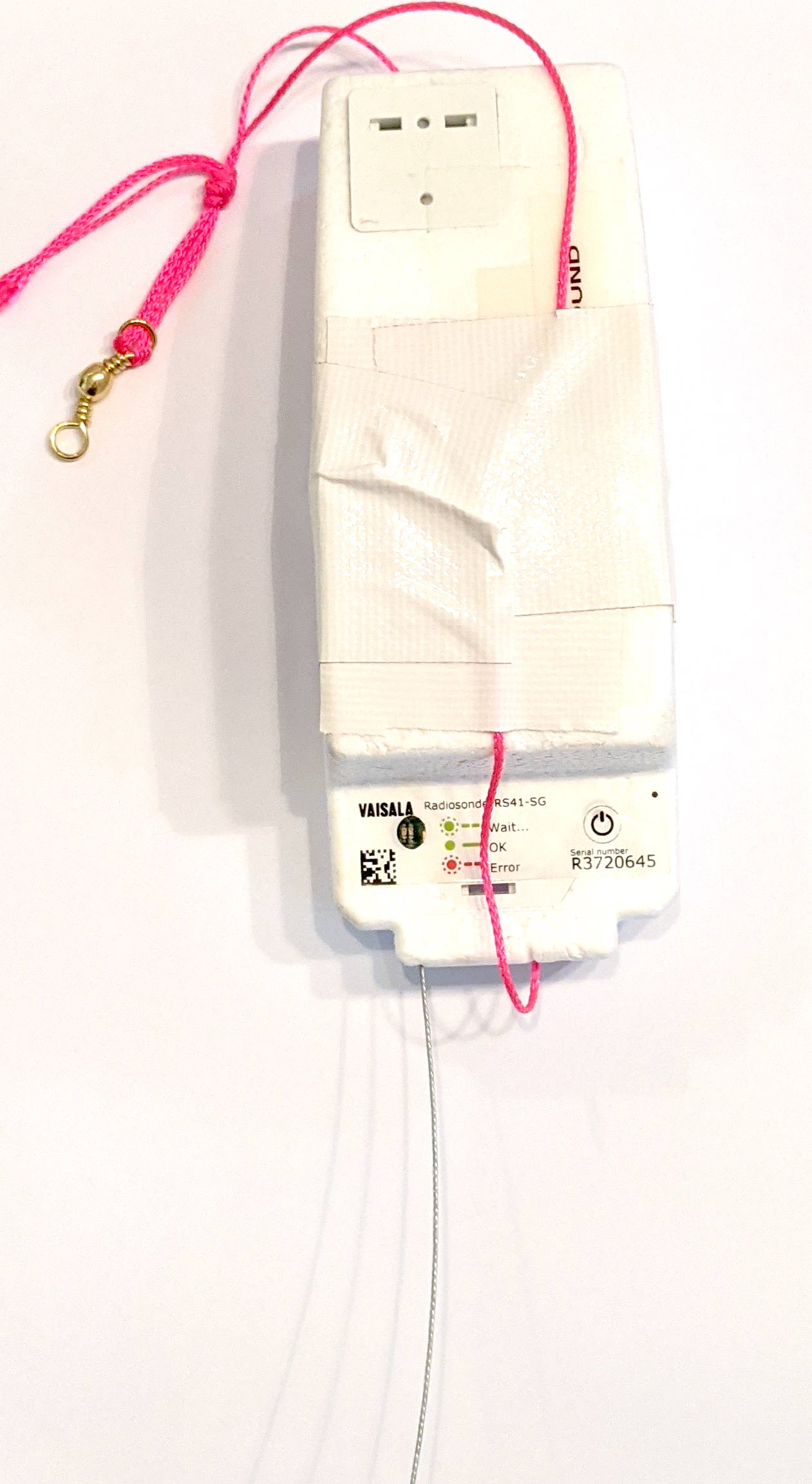 The primary tracking telemetry will be transmitted on 434.200 MHz using the new Horus Binary v3 4FSK data mode.
To receive telemetry, you’ll need either a SSB-capable 70cm receiver (think IC-7100/705/9700, FT-817, etc), or a SDR (e.g. RTLSDR or AirSpy), and some kind of 70cm antenna. Horus Binary is very robust, so it doesn’t take much antenna to receive this telemetry – a small vertical will work just fine!
Our decoding software is available for a range of platforms:
- Windows / Mac – Horus-GUI – If you’re running Windows or a newer Mac, you can use our ‘Horus-GUI’ telemetry decoder software! Make sure you are on v0.6.0 or newer to decode the Horus Binary v3 telemetry. We have a detailed guide on setting this up, which is available by clicking here!
- Windows / Mac / Linux / Android / iPhone – WebHorus – On almost any platform (including many mobile phones!) you can also decode the Horus Binary telemetry in a web browser using either audio input, or a RTLSDR (Android / Chrome only) by clicking this link!
- Raspberry Pi / Linux – If you have a spare RTLSDR and a Raspberry Pi (or other linux machine), you can set up a dedicated Horus Binary receiving station by following this guide.
Amateurs in the Adelaide and Central SA region are encouraged to get involved with the flight through receiving and uploading flight telemetry from our 70cm band tracking beacons. Every piece of telemetry data is valuable to the flight tracking and recovery teams so if you can help join the distributed receiver network to collect that data you will be making an important contribution to the project!
Backup Telemetry – Horus Binary 434.210 MHz – VK5ARG
A backup tracking payload will be transmitting on 434.210 MHz also using the Horus Binary 4FSK data mode, and can be received in the same way as the primary tracking payload, with information above. For this payload you will need to use a USB ‘dial’ frequency of 434.209 MHz.
Click this link to start up a browser-based receiver:
Wenet Imagery – 443.500 MHz
Imagery on this flight will be transmitted via the Wenet downlink system, which uses 96 kbit/s Frequency-Shift-Keying to send HD snapshots. Reception of the Wenet imagery requires a RTLSDR, and a 70cm antenna with some gain (a 5-element Yagi is usually enough).
We will be using the new ‘Wenet v2’ mode. There is information on updating existing Wenet receive setups available here.
Wenet can now be received on almost any modern computer, and even some newer android devices, using the new WebWenet software! This operates entirely within a web browser. Information on how to get setup to use this is available here: https://www.youtube.com/watch?v=Euo4BGB6wUU
Click this link to start up a browser-based receiver:
Wenet Web Receiver – 443.5 MHz
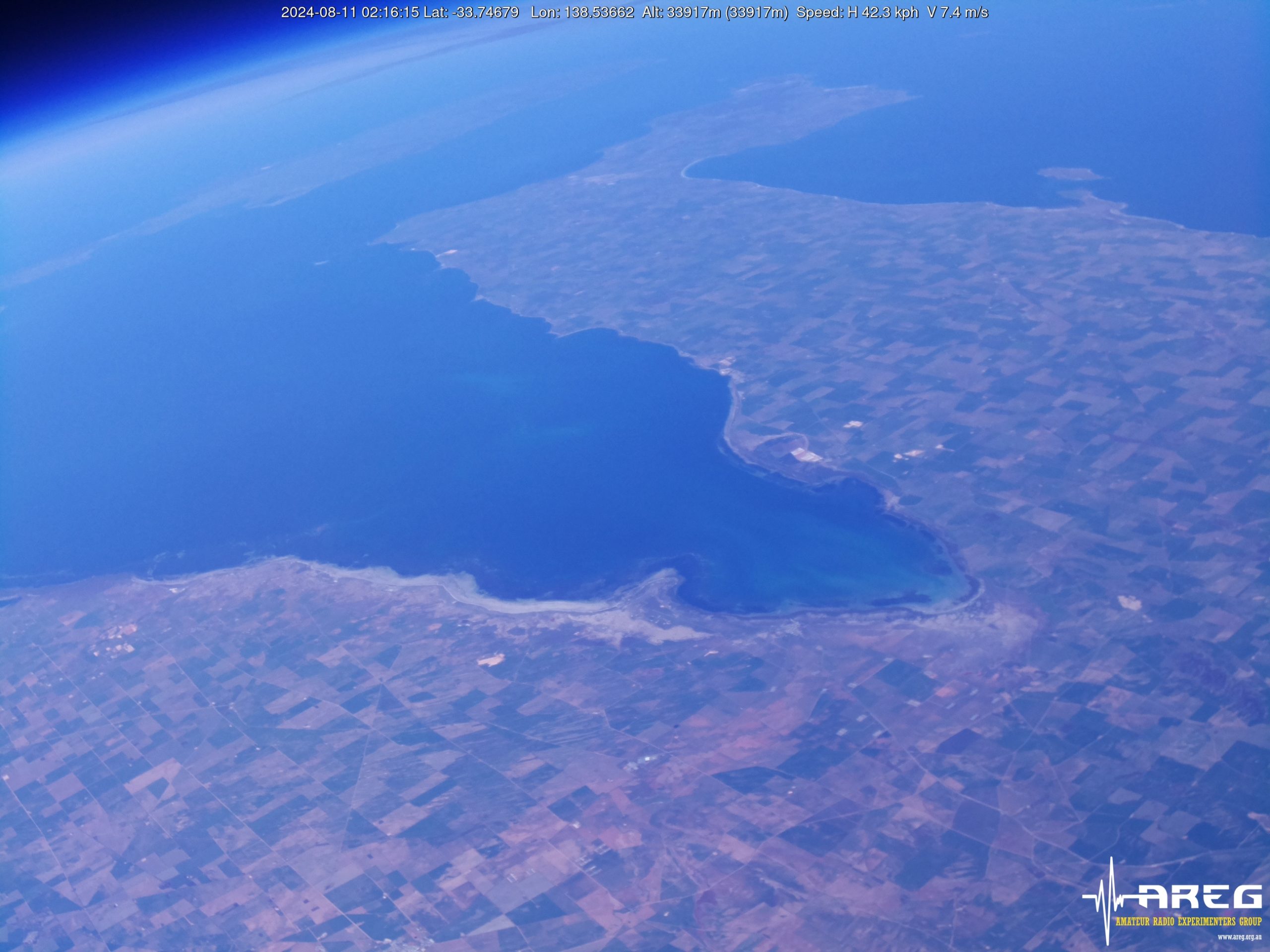
Wenet imagery from Horus 62
We encourage new listeners to try out the WebWenet software for decoding signals on this flight – however you can also still receive the signal using the Linux-based decoder, with details on this available here:
https://github.com/projecthorus/wenet/wiki/Wenet-RX-Instructions-(Linux-using-Docker)
During the flight, the live imagery will be available at this link: http://ssdv.habhub.org/
MeshCore Repeater Payload – “SA-HorusHAB-VK5ALG-RP”
This flight will include a MeshCore repeater payload operating using the “Australia (Narrow)” settings. This should allow relaying of messages from the Victorian MeshCore network into South Australia. This payload does not have an onboard GNSS receiver, so will not be beaconing a valid position.
To communicate via this payload, you will need to configure your MeshCore node as follows:
- Radio Settings -> Selected Preset -> “Australia (Narrow)”
- For reference, the Australia (Narrow) preset uses the following Settings:
- Frequency: 916.575 MHz
- Bandwidth: 62.5 kHz
- Spreading Factor: 7
- Coding Rate: 8
- For reference, the Australia (Narrow) preset uses the following Settings:
- Experimental Settings -> Path Hash Size -> Default Path Hash Size -> 2-byte
- Do not enable repeater mode on nodes in South Australia!
Communication on MeshCore will be mostly via the Public chatroom.