
Quick Flight Report:
Thanks to everyone that helped launch and track today’s launch! It was a little bit breezy at the launch site, but with many hands we were able to get everything in the air.
Unfortunately the MeshCore payload on this flight wasn’t heard from after launch – we are unsure of the cause of this and will have to do some more investigations and testing before trying again later in the year.
The other Horus Binary tracking payloads performed well and were tracked by many stations around South Australia and Victoria. The flight reached a maximum altitude of 38.461km, well above the expected 30km altitude, before bursting and descending to a landing near Hopetoun, Victoria. The payloads were spotted on descent, and picked up by a local landowner!
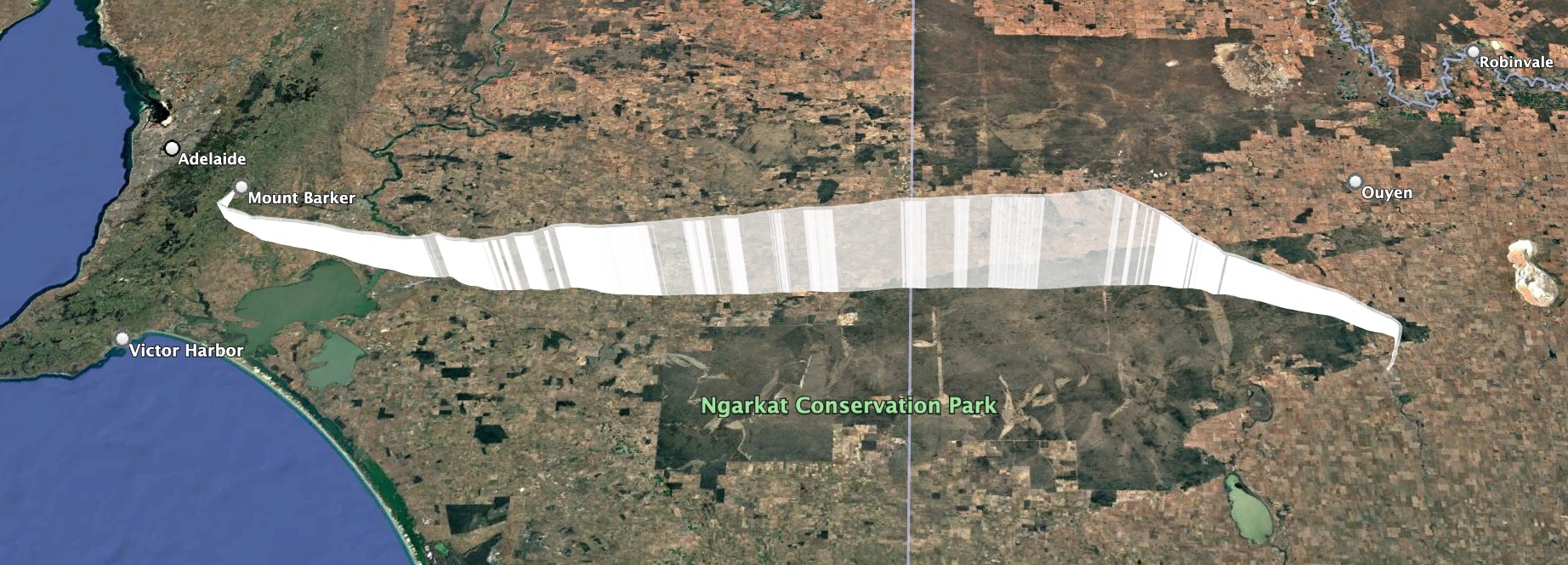
Horus 73 Flight Path
Telemetry dashboards for the two tracking payloads are available here:
- HORUS – https://grafana.v2.sondehub.org/goto/dSLhzvfDg?orgId=1
- VK5ARG – https://grafana.v2.sondehub.org/goto/i9otzvBDg?orgId=1
Our next Project Horus launch will probably not be until after Winter and should hopefully see the return of the Cross-Band repeater – see you then!
Launch Announcement Info (old):
Project Horus’s next launch is currently planned for Sunday the 28th of June. Launch time is planned for 10AM, with launch crew on-site around 9:15-9:30AM. 
On this flight we will be running a MeshCore experiment provided by Liam VK5ALG. This consists of a MeshCore repeater, using the “Australia (Narrow)” Settings (NOTE: This is not the standard South Australian settings!). Please check the end of this post for information how to configure your node for this flight!
This flight will have the following tracking payloads:
- Primary: ‘HORUS’ 434.200 MHz
- Backup: ‘VK5ARG’ 434.210 MHz
You can find more information about how to decode this telemetry further below.
This launch is currently planned to be performed from the Mt Barker High School Oval, which is accessible from Stephenson Street, Mt Barker.
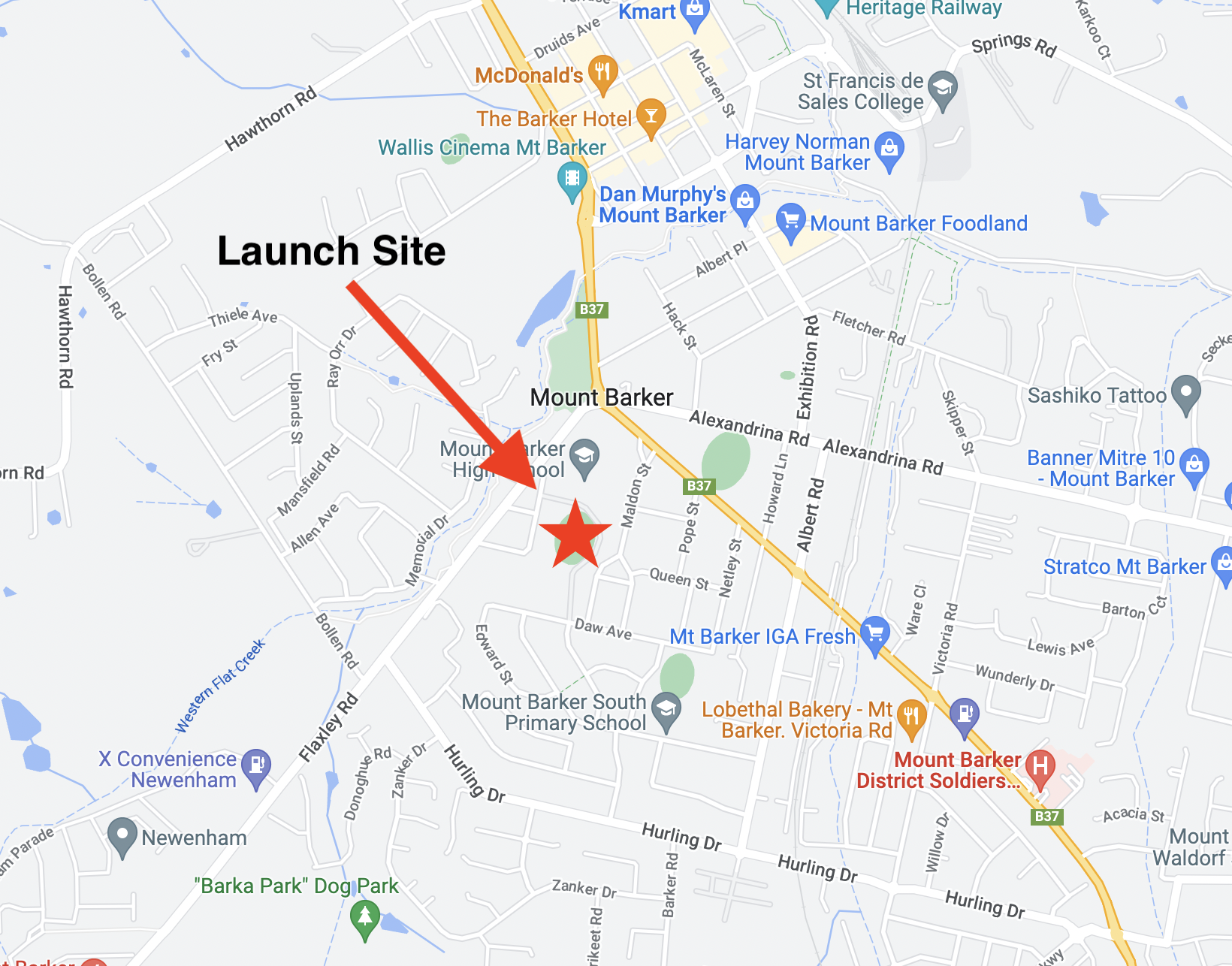
Mt Barker Launch Site
TRACKING LINKS
-
- Flight Tracking via SondeHub-Amateur: https://sondehub.org/go/areglaunch
Primary Telemetry – Horus Binary v3 – 434.200 MHz – “HORUS”
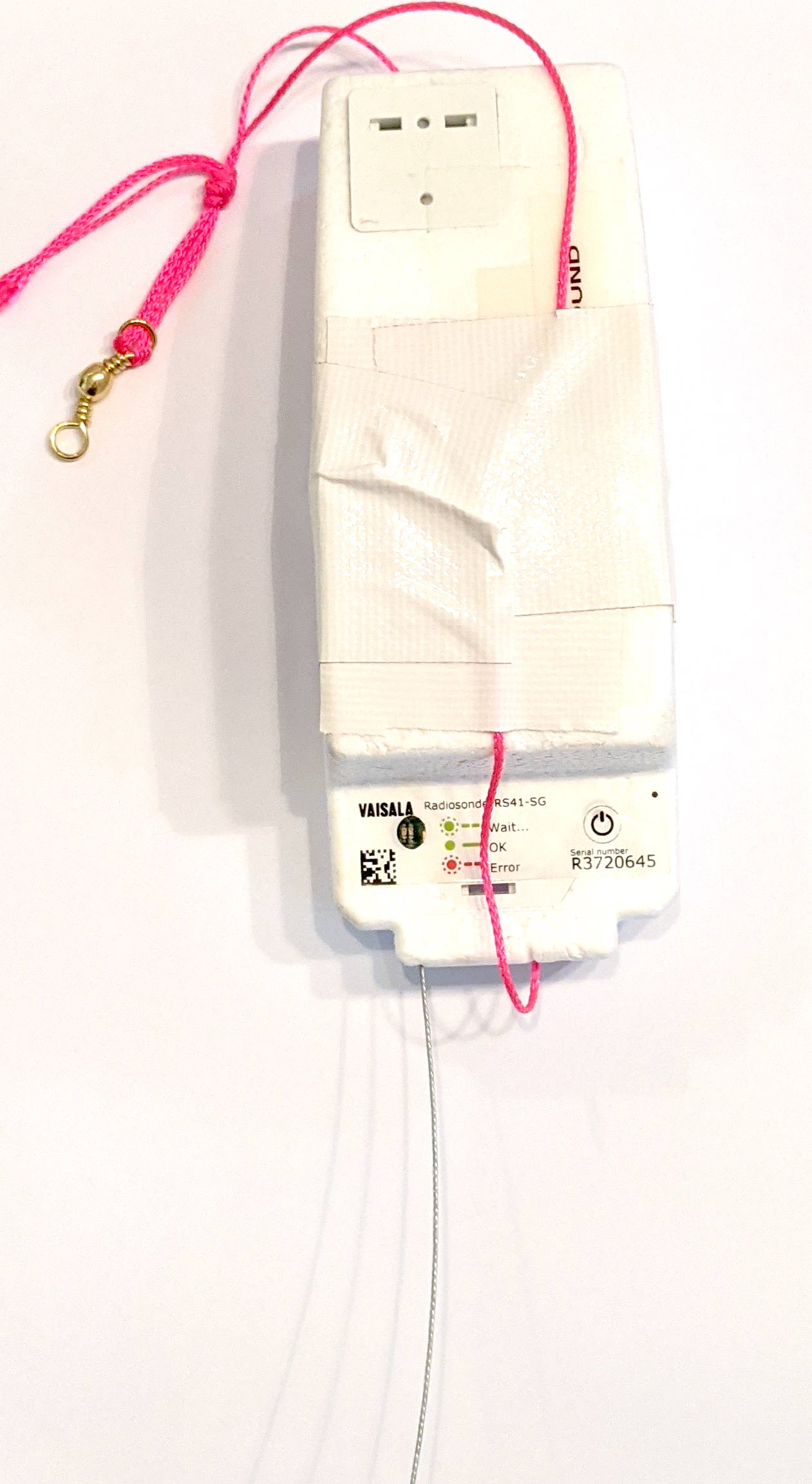 The primary tracking telemetry will be transmitted on 434.200 MHz using the new Horus Binary v3 4FSK data mode.
To receive telemetry, you’ll need either a SSB-capable 70cm receiver (think IC-7100/705/9700, FT-817, etc), or a SDR (e.g. RTLSDR or AirSpy), and some kind of 70cm antenna. Horus Binary is very robust, so it doesn’t take much antenna to receive this telemetry – a small vertical will work just fine!
Our decoding software is available for a range of platforms:
- Windows / Mac – Horus-GUI – If you’re running Windows or a newer Mac, you can use our ‘Horus-GUI’ telemetry decoder software! Make sure you are on v0.6.0 or newer to decode the Horus Binary v3 telemetry. We have a detailed guide on setting this up, which is available by clicking here!
- Windows / Mac / Linux / Android / iPhone – WebHorus – On almost any platform (including many mobile phones!) you can also decode the Horus Binary telemetry in a web browser using either audio input, or a RTLSDR (Android / Chrome only) by clicking this link!
- Raspberry Pi / Linux – If you have a spare RTLSDR and a Raspberry Pi (or other linux machine), you can set up a dedicated Horus Binary receiving station by following this guide.
Amateurs in the Adelaide and Central SA region are encouraged to get involved with the flight through receiving and uploading flight telemetry from our 70cm band tracking beacons. Every piece of telemetry data is valuable to the flight tracking and recovery teams so if you can help join the distributed receiver network to collect that data you will be making an important contribution to the project!
Backup Telemetry – Horus Binary 434.210 MHz – VK5ARG
A backup tracking payload will be transmitting on 434.210 MHz also using the Horus Binary 4FSK data mode, and can be received in the same way as the primary tracking payload, with information above. For this payload you will need to use a USB ‘dial’ frequency of 434.209 MHz.
Click this link to start up a browser-based receiver:
MeshCore Repeater Payload – “SA-HorusHAB-VK5ALG-RP”
This flight will include a MeshCore repeater payload operating using the “Australia (Narrow)” settings. This should allow relaying of messages from the Victorian MeshCore network into South Australia. This payload does not have an onboard GNSS receiver, so will not be beaconing a valid position.
To communicate via this payload, you will need to configure your MeshCore node as follows:
- Radio Settings -> Selected Preset -> “Australia (Narrow)”
- For reference, the Australia (Narrow) preset uses the following Settings:
- Frequency: 916.575 MHz
- Bandwidth: 62.5 kHz
- Spreading Factor: 7
- Coding Rate: 8
- For reference, the Australia (Narrow) preset uses the following Settings:
- Experimental Settings -> Path Hash Size -> Default Path Hash Size -> 2-byte
- Do not enable repeater mode on nodes in South Australia!
Communication on MeshCore will be mostly via the Public chatroom.