
UPDATE: Thanks to everyone that helped launch and track this flight! A short report will be published at some point in the next few weeks.
We still have a launch to perform for CSIRO – this may occur on any Sunday over the next few weeks (except the June Long Weekend). We’ll try and get news out about this launch as early as possible.
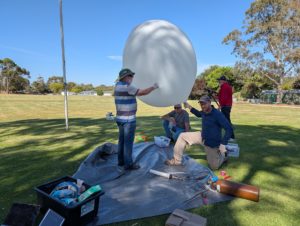 Project Horus’s next launch is currently planned for Sunday the 17th of May, with a backup date the following weekend. Launch time is planned for 10AM, with launch crew on-site around 9:15AM.
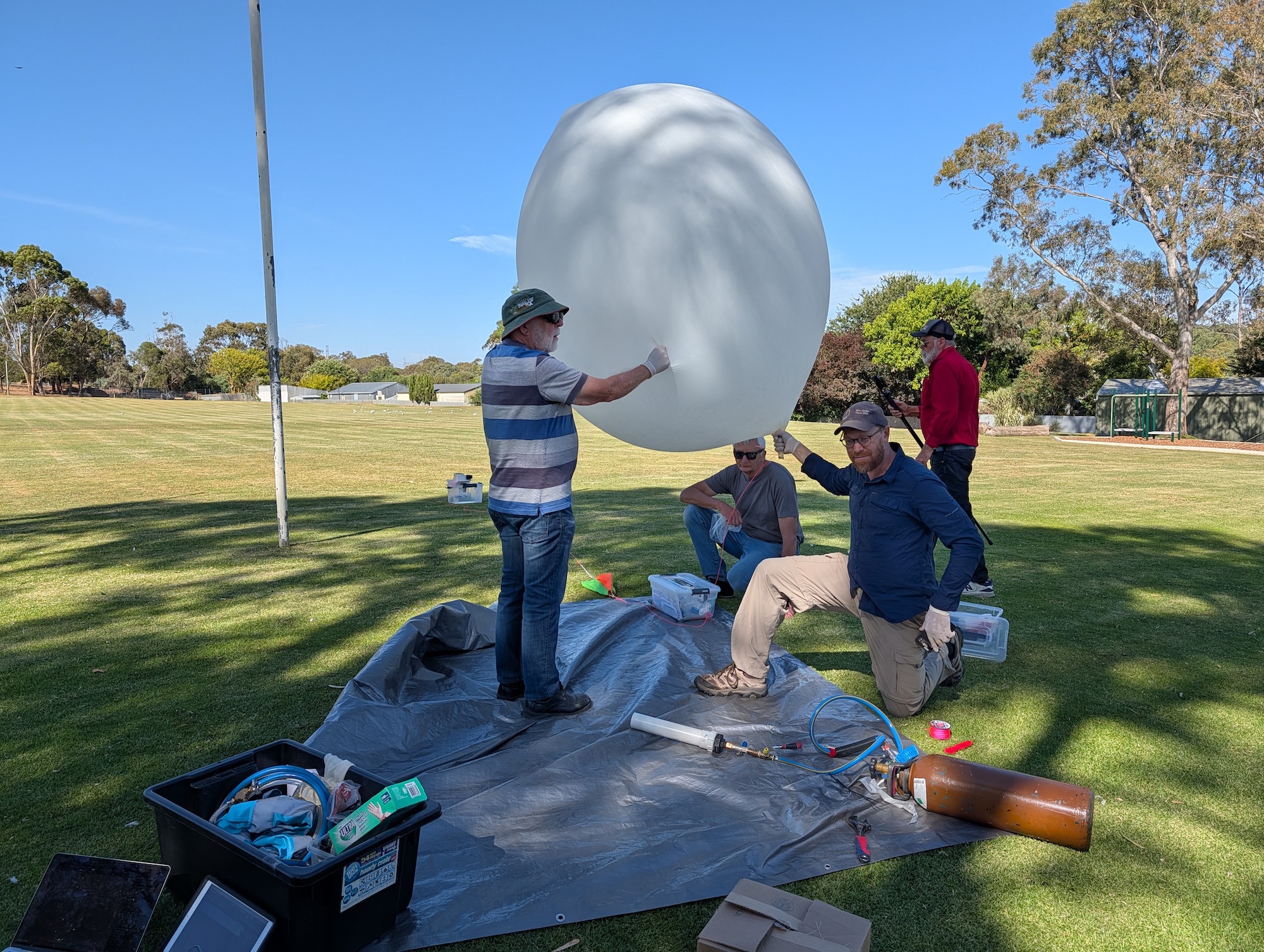
This flight will be carrying the latest set of LaunchBox student payloads, as part of Fleet Space’s LaunchBox STEM outreach program.
This flight will have the following tracking payloads:
- Primary: ‘HORUS’ 434.200 MHz
- Backup: ‘VK5ARG’ 434.210 MHz
- Wenet Imagery: 443.500 MHz
You can find more information about how to decode this telemetry further below.
This launch is currently planned to be performed from the Mt Barker High School Oval, which is accessible from Stephenson Street, Mt Barker.
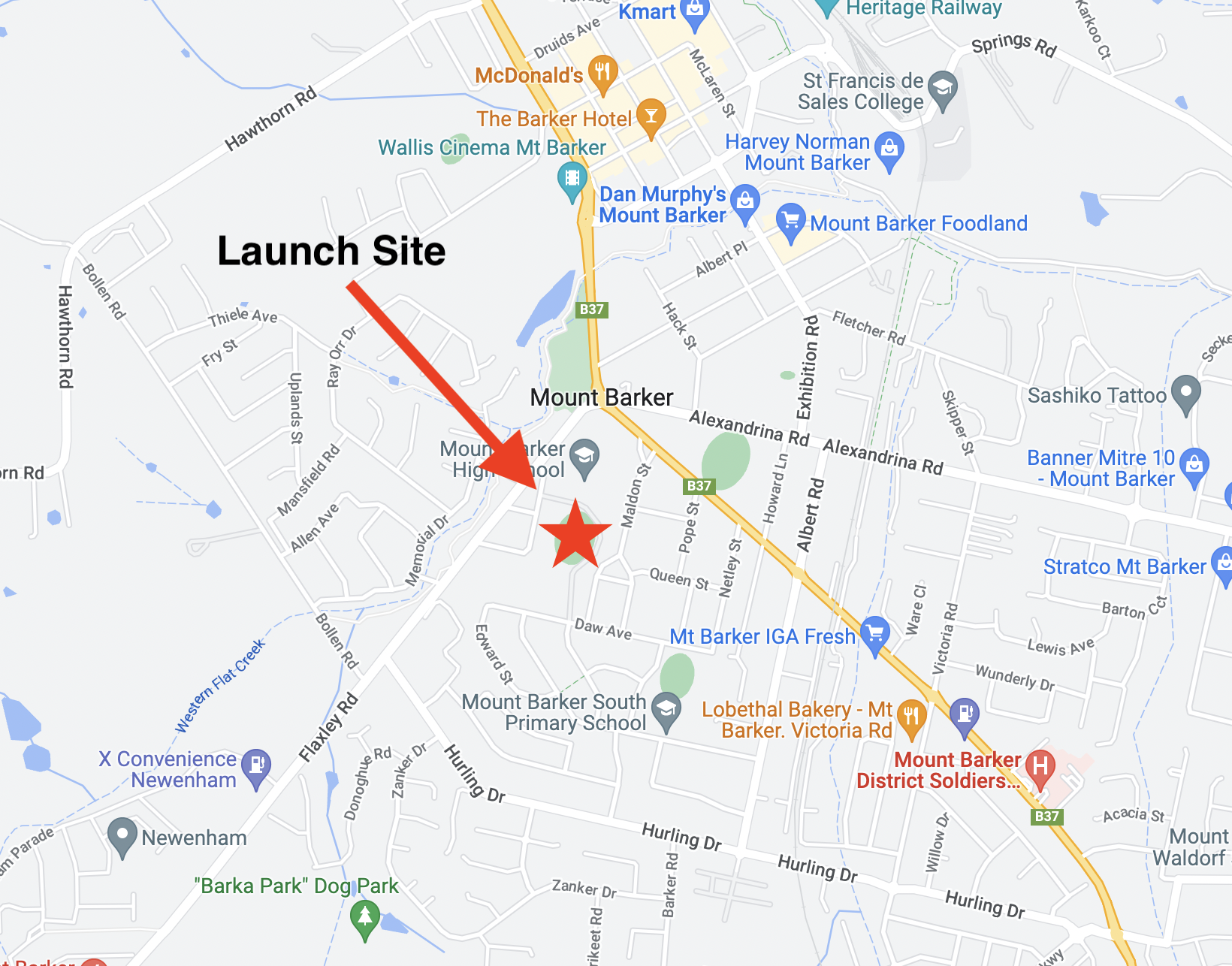
Mt Barker Launch Site
TRACKING LINKS
- Flight Tracking via SondeHub-Amateur: https://sondehub.org/go/areglaunch
- Live Imagery: https://sondehub.org/go/aregimages
Primary Telemetry – Horus Binary v3 – 434.200 MHz – “HORUS”
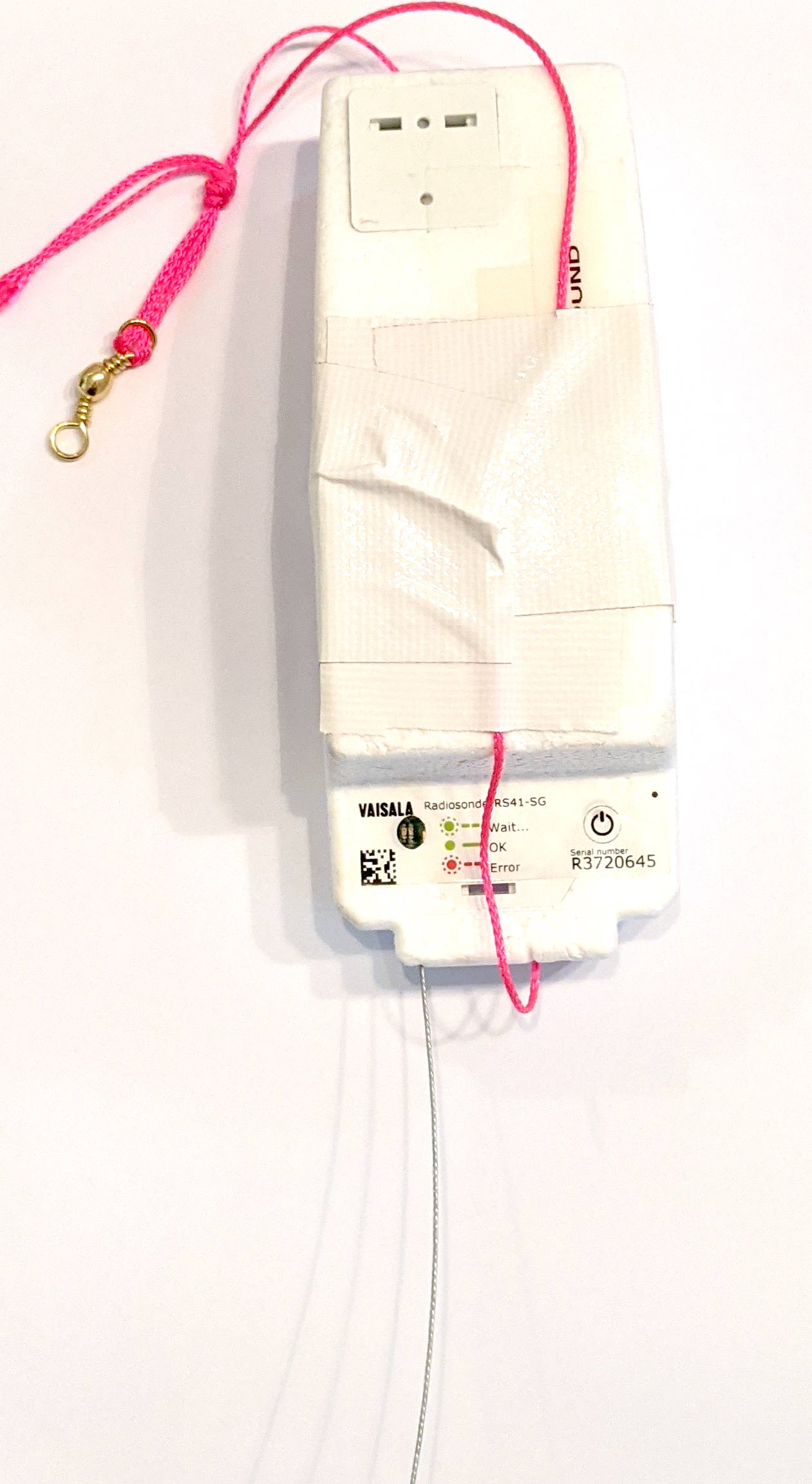 The primary tracking telemetry will be transmitted on 434.200 MHz using the new Horus Binary v3 4FSK data mode.
To receive telemetry, you’ll need either a SSB-capable 70cm receiver (think IC-7100/705/9700, FT-817, etc), or a SDR (e.g. RTLSDR or AirSpy), and some kind of 70cm antenna. Horus Binary is very robust, so it doesn’t take much antenna to receive this telemetry – a small vertical will work just fine!
Our decoding software is available for a range of platforms:
- Windows / Mac – Horus-GUI – If you’re running Windows or a newer Mac, you can use our ‘Horus-GUI’ telemetry decoder software! Make sure you are on v0.6.0 or newer to decode the Horus Binary v3 telemetry. We have a detailed guide on setting this up, which is available by clicking here!
- Windows / Mac / Linux / Android / iPhone – WebHorus – On almost any platform (including many mobile phones!) you can also decode the Horus Binary telemetry in a web browser using either audio input, or a RTLSDR (Android / Chrome only) by clicking this link!
- Raspberry Pi / Linux – If you have a spare RTLSDR and a Raspberry Pi (or other linux machine), you can set up a dedicated Horus Binary receiving station by following this guide.
Amateurs in the Adelaide and Central SA region are encouraged to get involved with the flight through receiving and uploading flight telemetry from our 70cm band tracking beacons. Every piece of telemetry data is valuable to the flight tracking and recovery teams so if you can help join the distributed receiver network to collect that data you will be making an important contribution to the project!
Backup Telemetry – Horus Binary 434.210 MHz – VK5ARG
A backup tracking payload will be transmitting on 434.210 MHz also using the Horus Binary 4FSK data mode, and can be received in the same way as the primary tracking payload, with information above. For this payload you will need to use a USB ‘dial’ frequency of 434.209 MHz.
Click this link to start up a browser-based receiver:
Wenet Imagery – 443.500 MHz
Imagery on this flight will be transmitted via the Wenet downlink system, which uses 96 kbit/s Frequency-Shift-Keying to send HD snapshots. Reception of the Wenet imagery requires a RTLSDR, and a 70cm antenna with some gain (a 5-element Yagi is usually enough).
We will be using the new ‘Wenet v2’ mode. There is information on updating existing Wenet receive setups available here.
Wenet can now be received on almost any modern computer, and even some newer android devices, using the new WebWenet software! This operates entirely within a web browser. Information on how to get setup to use this is available here: https://www.youtube.com/watch?v=Euo4BGB6wUU
Click this link to start up a browser-based receiver:
Wenet Web Receiver – 443.5 MHz

Wenet imagery from Horus 62
We encourage new listeners to try out the WebWenet software for decoding signals on this flight – however you can also still receive the signal using the Linux-based decoder, with details on this available here:
https://github.com/projecthorus/wenet/wiki/Wenet-RX-Instructions-(Linux-using-Docker)
During the flight, the live imagery will be available at this link: http://ssdv.habhub.org/