

AREG’s High-Altitude Ballooning sub-group, Project Horus, is planning their next launch for Sunday the 4th of October, with a planned launch time of 10AM ACDST. If we have to scrub due to poor weather, the backup launch date will be the 11th of October.
This flight will see a return of our FM-SSTV imagery payload, sending PD120 images on the 2m band, and also a new high-power Wenet imagery payload! This will be a great opportunity for those wanting to try out receiving the Wenet payload, but that might not have the larger antennas normally required. See further below for more information on how to get setup to receive these payloads.
Payload Frequencies
- FM SSTV (PD120) on 145.100 MHz
- Wenet Imagery on 443.5 MHz. (Running 1W transmit power!)
- Primary Horus Binary telemetry on 434.200 MHz
- Backup Horus Binary payload on 434.210 MHz
NOTE: There may be a balloon launch from Ararat, Victoria, by Monash University, also running Horus Binary on 434.200 MHz. This is expected to launch around midday ACDST. Listeners are encouraged to keep their receivers running to see if they can hear this flight!
Tracking Links
- Flight Tracking via SondeHub-Amateur: https://sondehub.org/go/areglaunch
- Live Wenet Imagery: https://sondehub.org/go/aregimages
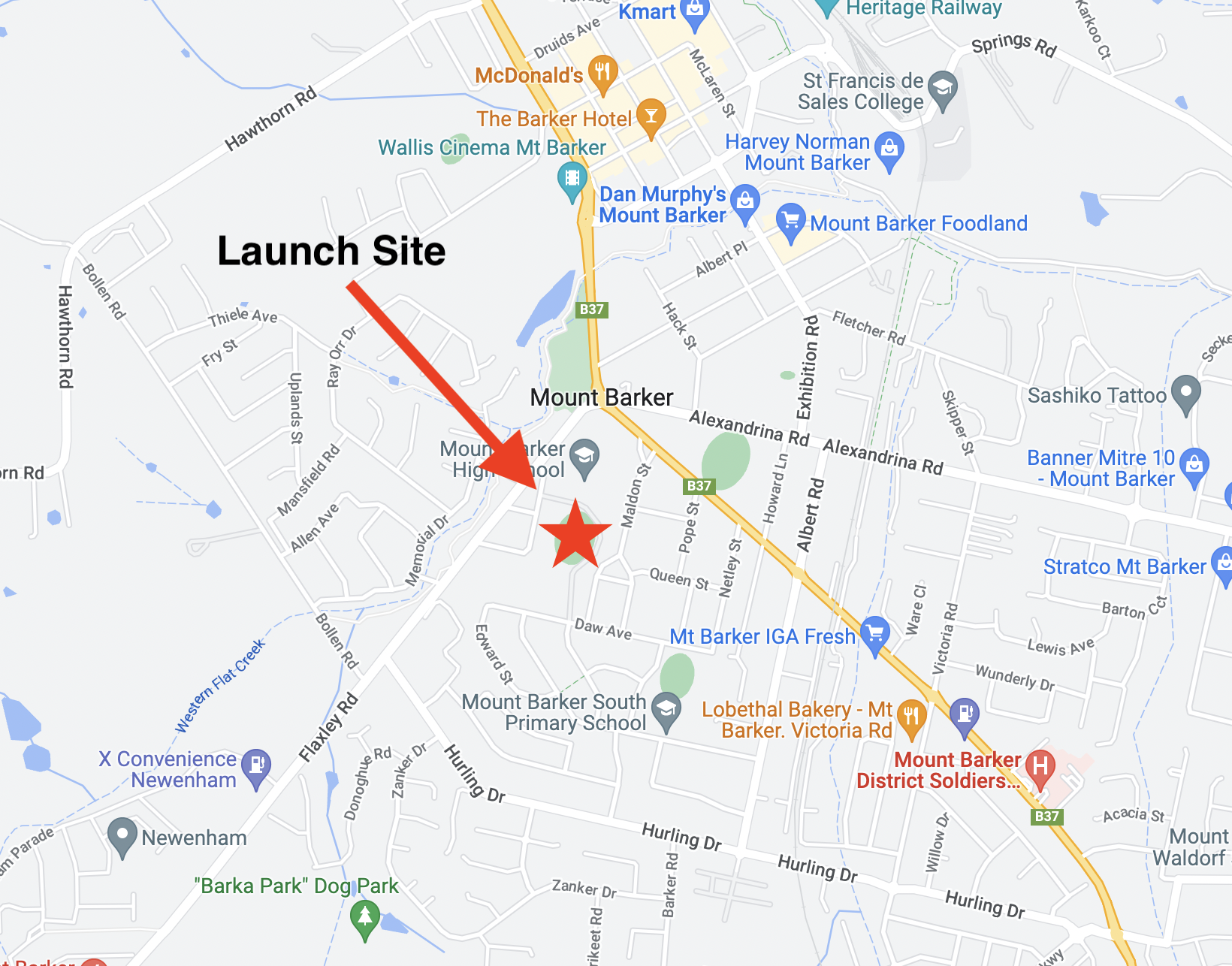
This launch is currently planned to be performed from the Mt Barker High School Oval with the launch team arriving on site from around 9:15 AM. Note that access to the oval is via Stephenson street, and parking near the oval is extremely limited.
FM SSTV Imagery – 145.100 MHz
This launch will most likely be flying a FM SSTV transmitter operating on 145.100 MHz FM. It will run approximately 200mW transmit power. The transmitter will have 1 minute gaps between image transmissions to avoid overheating the transmitter. This payload last flew on Horus 60 with good results.
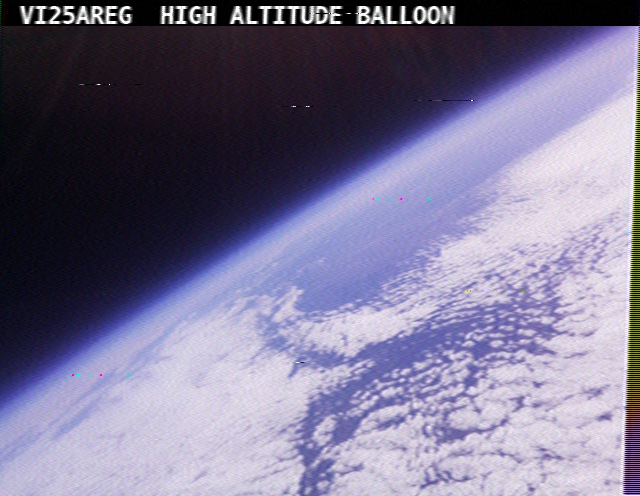
SSTV Image from Horus 60
The payload will be transmitting images using the PD120 SSTV mode throughout the flight, and can be decoded using any SSTV software capable of decoding this mode (pretty much all of them!). This mode is what was commonly broadcast from the International Space Station.
Examples of suitable software you can use to decode the SSTV pictures include:
- MMSSTV (Windows),
- BlackCat SSTV (OSX),
- QSSTV (Linux),
- Robot36 (Android), and
- SSTVPad (iOS).
Any FM receiver (including handhelds) should be capable of receiving this payload, though a Yagi antenna may be necessary for reliable reception at the edges of the transmitter footprint.
Wenet Imagery – 443.500 MHz – High Power Payload!
Imagery on this flight will be transmitted via the Wenet downlink system, which uses 96 kbit/s Frequency-Shift-Keying to send HD snapshots.
This flight be running with 20x more power than our usual Wenet payloads, so should be much easier to receive by small stations! If you have a RTLSDR and a 70cm antenna, have a go at receiving some of our HD-quality images!
Wenet can now be received on almost any modern computer, and even some newer android devices, using the new WebWenet software! This operates entirely within a web browser. Information on how to get setup to use this is available here: https://www.youtube.com/watch?v=Euo4BGB6wUU
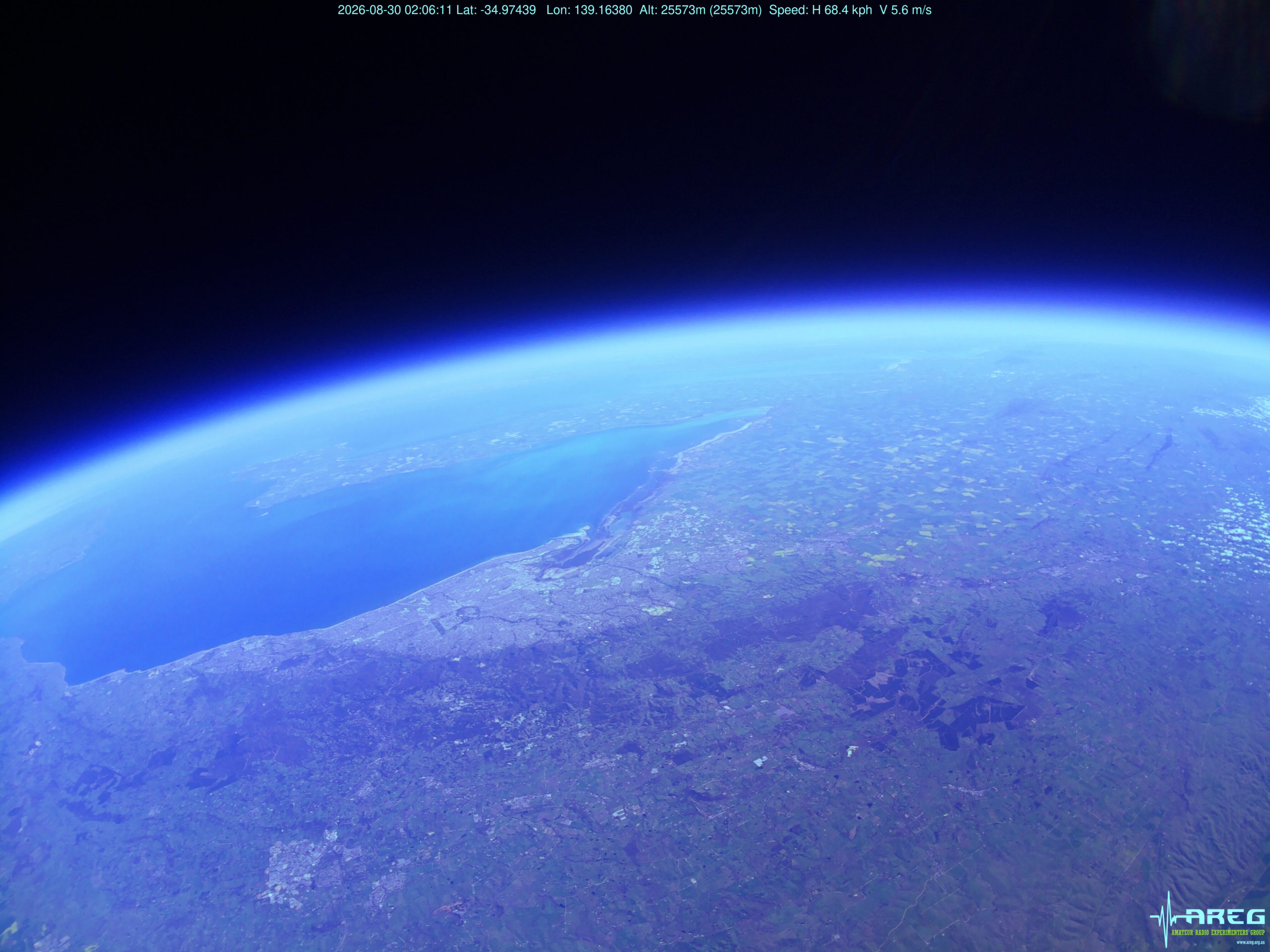
Wenet image of Adelaide from Horus 74
Click this link to start up a browser-based receiver:
Wenet Web Receiver – 443.5 MHz
Windows users will need to install the ‘WinUSB’ driver, with information how to do this available here.
We encourage new listeners to try out the WebWenet software for decoding signals on this flight – however you can also still receive the signal using the Linux-based decoder, with details on this available here:
https://github.com/projecthorus/wenet/wiki/Wenet-RX-Instructions-(Linux-using-Docker)
During the flight, the live imagery will be available at this link: http://ssdv.habhub.org/
Primary Telemetry – Horus Binary v3 – 434.200 MHz – “HORUS”
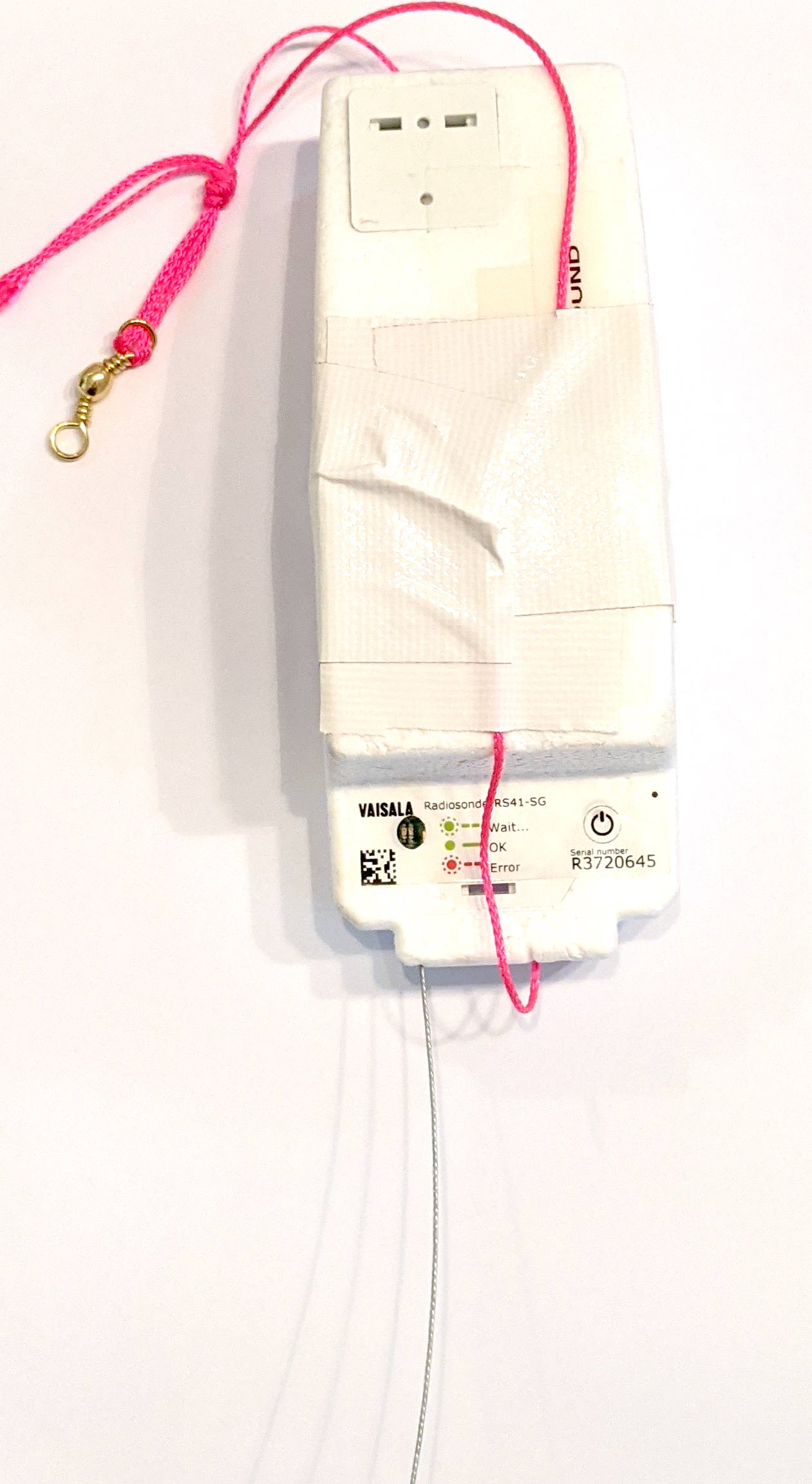 The primary tracking telemetry will be transmitted on 434.200 MHz using the Horus Binary v3 4FSK data mode.
To receive telemetry, you’ll need either a SSB-capable 70cm receiver (think IC-7100/705/9700, FT-817, etc), or a SDR (e.g. RTLSDR or AirSpy), and some kind of 70cm antenna. Horus Binary is very robust, so it doesn’t take much antenna to receive this telemetry – a small vertical will work just fine!
Our decoding software is available for a range of platforms:
- Windows / Mac – Horus-GUI – If you’re running Windows or a newer Mac, you can use our ‘Horus-GUI’ telemetry decoder software! Make sure you are on v0.6.0 or newer to decode the Horus Binary v3 telemetry. We have a detailed guide on setting this up, which is available by clicking here!
- Windows / Mac / Linux / Android / iPhone – WebHorus – On almost any platform (including many mobile phones!) you can also decode the Horus Binary telemetry in a web browser using either audio input, or a RTLSDR (Android / Chrome only) by clicking this link!
- Raspberry Pi / Linux – If you have a spare RTLSDR and a Raspberry Pi (or other linux machine), you can set up a dedicated Horus Binary receiving station by following this guide.
Amateurs in the Adelaide and Central SA region are encouraged to get involved with the flight through receiving and uploading flight telemetry from our 70cm band tracking beacons. Every piece of telemetry data is valuable to the flight tracking and recovery teams so if you can help join the distributed receiver network to collect that data you will be making an important contribution to the project!
Backup Telemetry – Horus Binary 434.210 MHz – VK5ARG
A backup tracking payload will be transmitting on 434.210 MHz also using the Horus Binary 4FSK data mode, and can be received in the same way as the primary tracking payload, with information above. For this payload you will need to use a USB ‘dial’ frequency of 434.209 MHz.
Click this link to start up a browser-based receiver: